Alloy Navigator 2026 Fall Release is Here
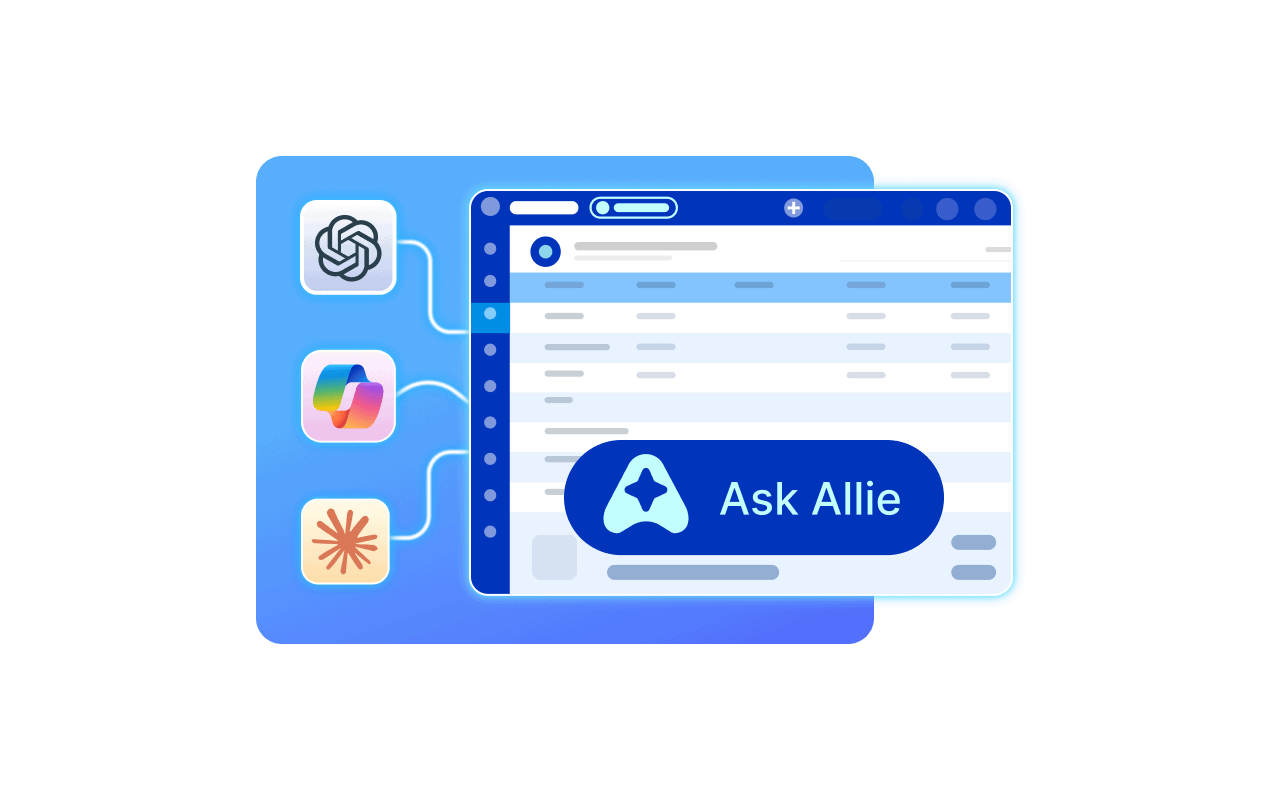
The Fall 2026 release (version 2026.2) of Alloy Navigator Enterprise and Express puts AI to work. Meet Allie, connect compatible AI tools, and manage workflows in your browser to deliver better IT support.


The Fall 2026 release (version 2026.2) of Alloy Navigator Enterprise and Express puts AI to work. Meet Allie, connect compatible AI tools, and manage workflows in your browser to deliver better IT support.
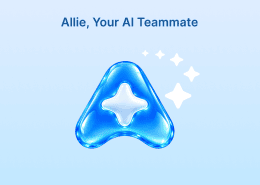
Meet Allie, the new AI assistant built into Alloy Navigator!
Allie understands the context of your IT operations and helps you find answers, uncover insights, and get things done. Just ask in plain language.
What can Allie do for you?
Allie can also search websites you specify and use information from systems connected through the Model Context Protocol (MCP) to investigate problems, compare solutions, and recommend next steps, combining your team’s internal knowledge with external sources.
Less time searching, analyzing, and updating records. More time solving problems!
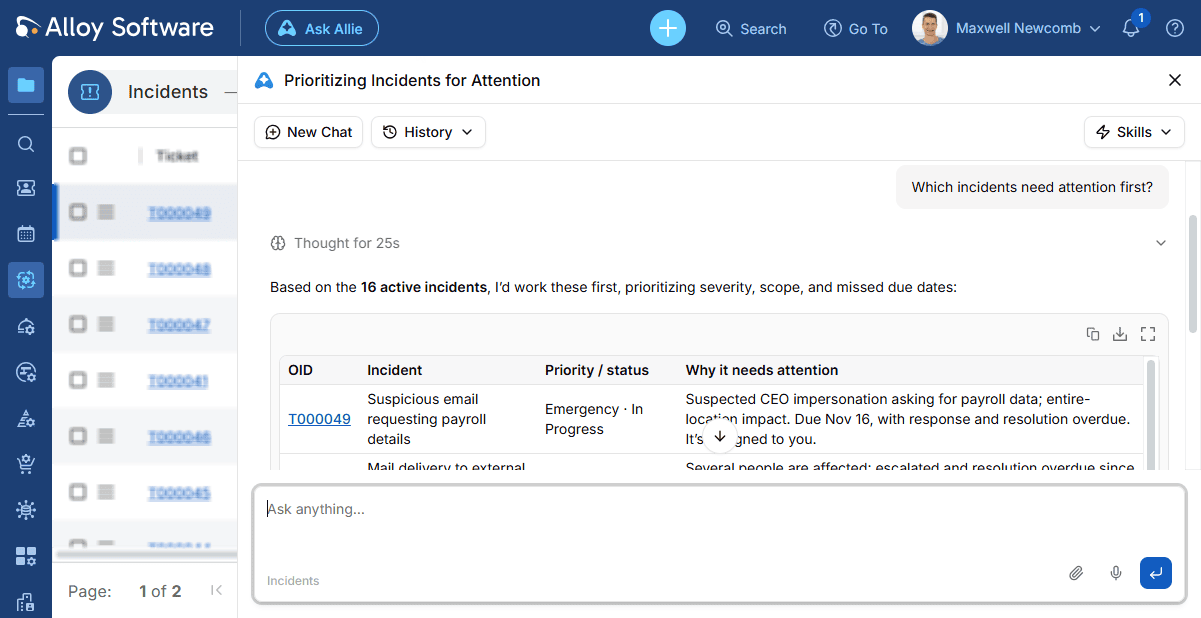
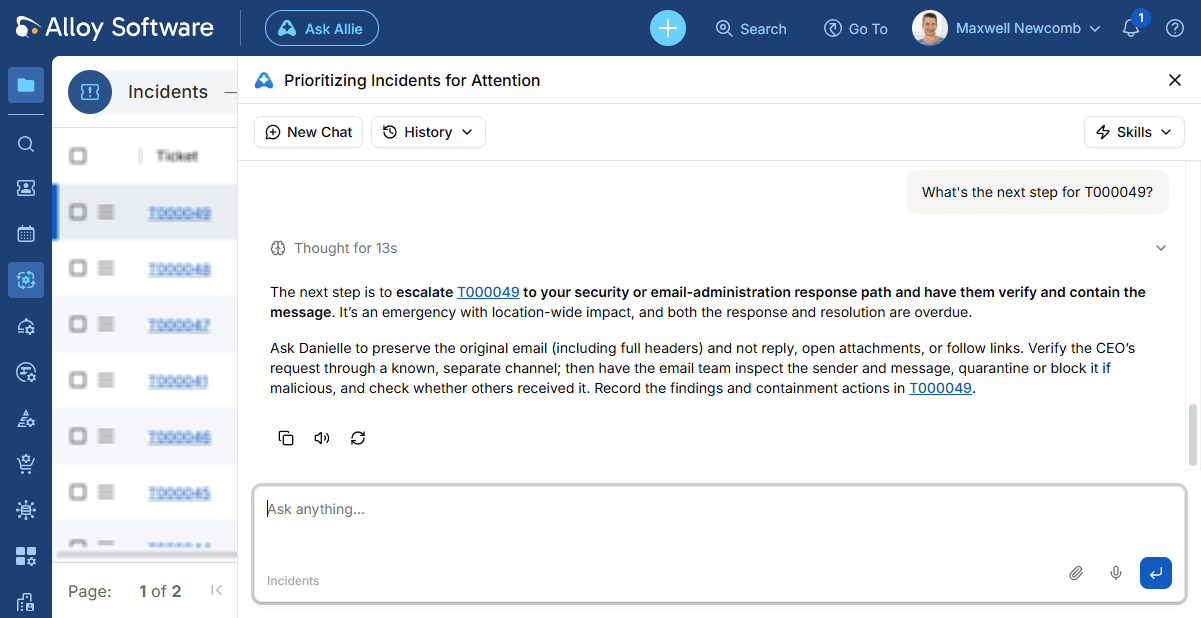
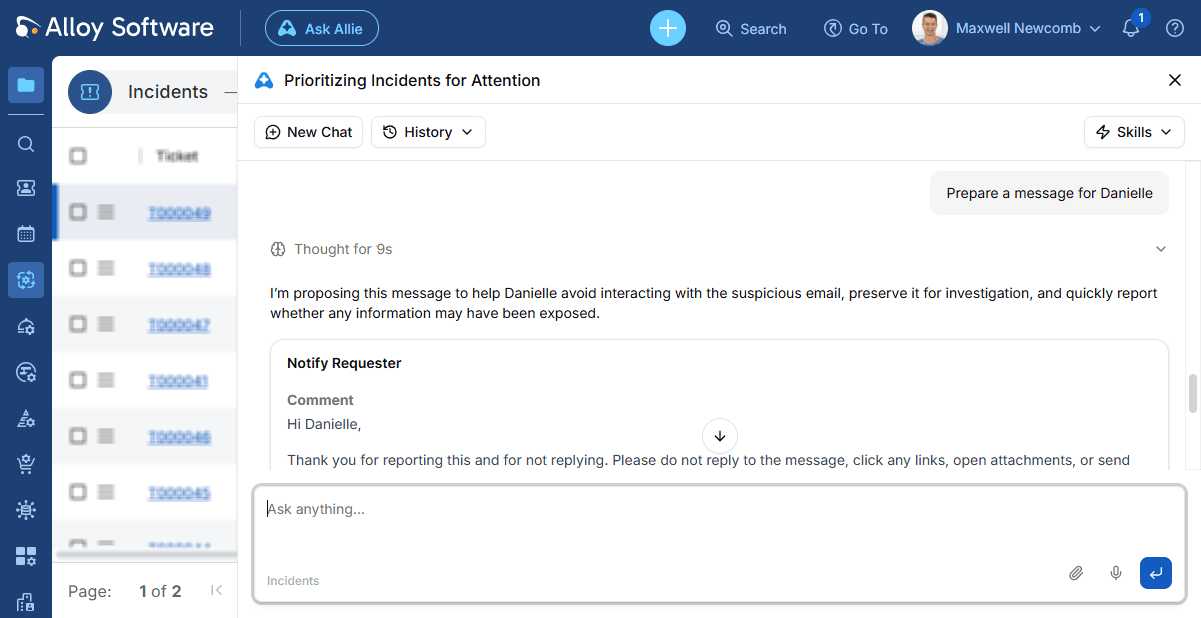
Learn how Allie can help with everyday IT tasks through practical examples in the introduction to Allie.
You don’t have to open Alloy Navigator to get IT work done.
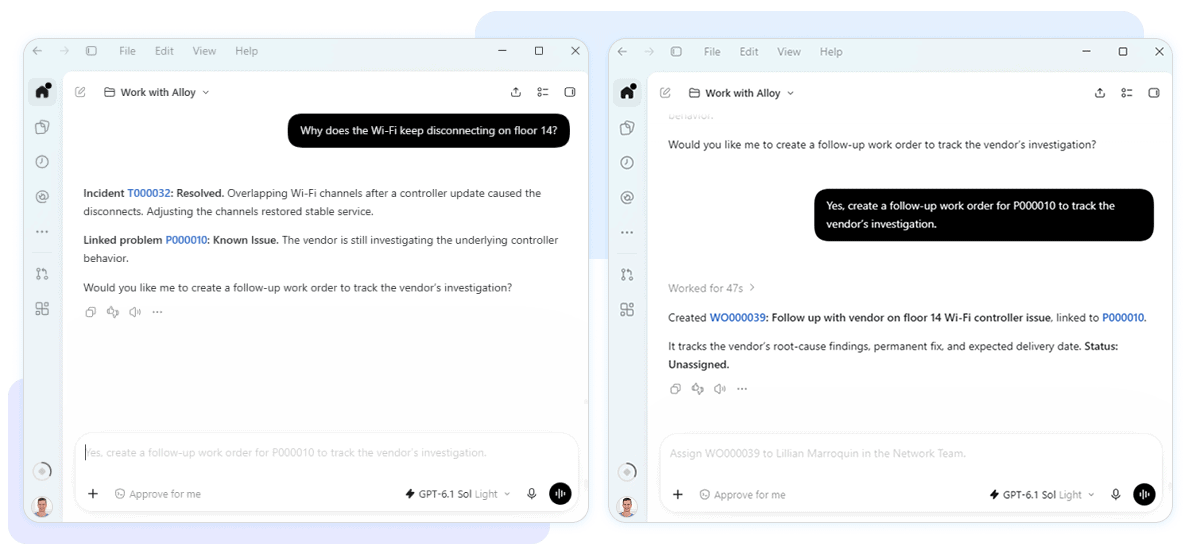
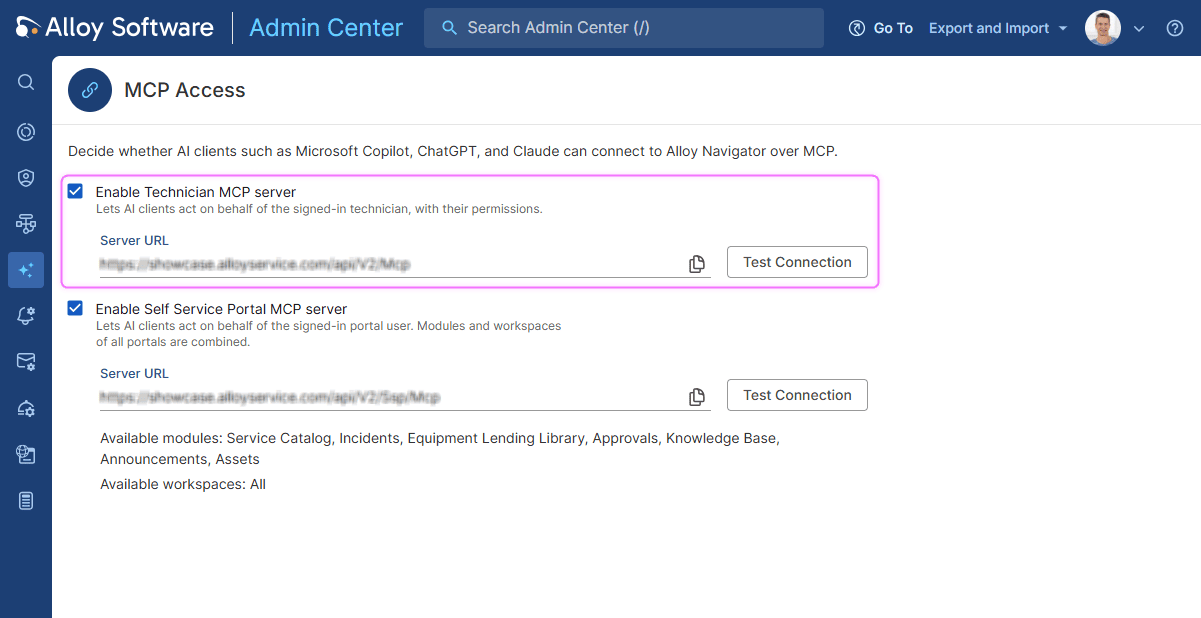
With the new Alloy Navigator MCP access, IT specialists can use compatible AI tools, including ChatGPT, Claude, and agents built with Microsoft Copilot Studio to access IT data and perform supported actions.
Ask your AI assistant to find a ticket, add a note, assign work, or mark an issue as resolved. The changes are made in Alloy Navigator while you stay in the conversation.
You can also investigate recurring problems, analyze your team’s workload, and find relevant information about assets and services.
Follow us on LinkedIn for the latest product insights, feature previews, and more exclusive updates.
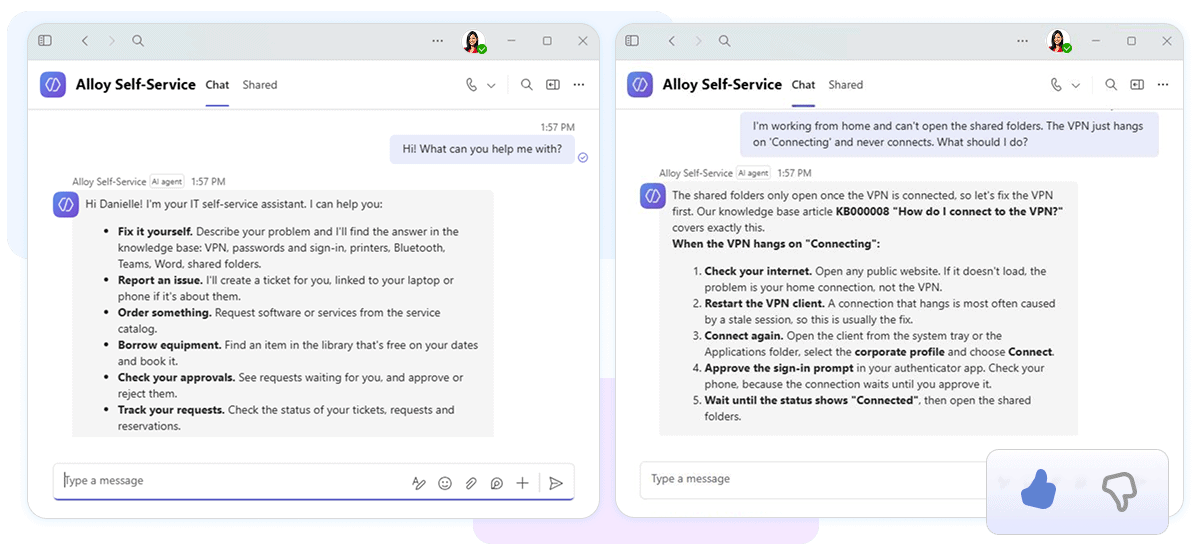
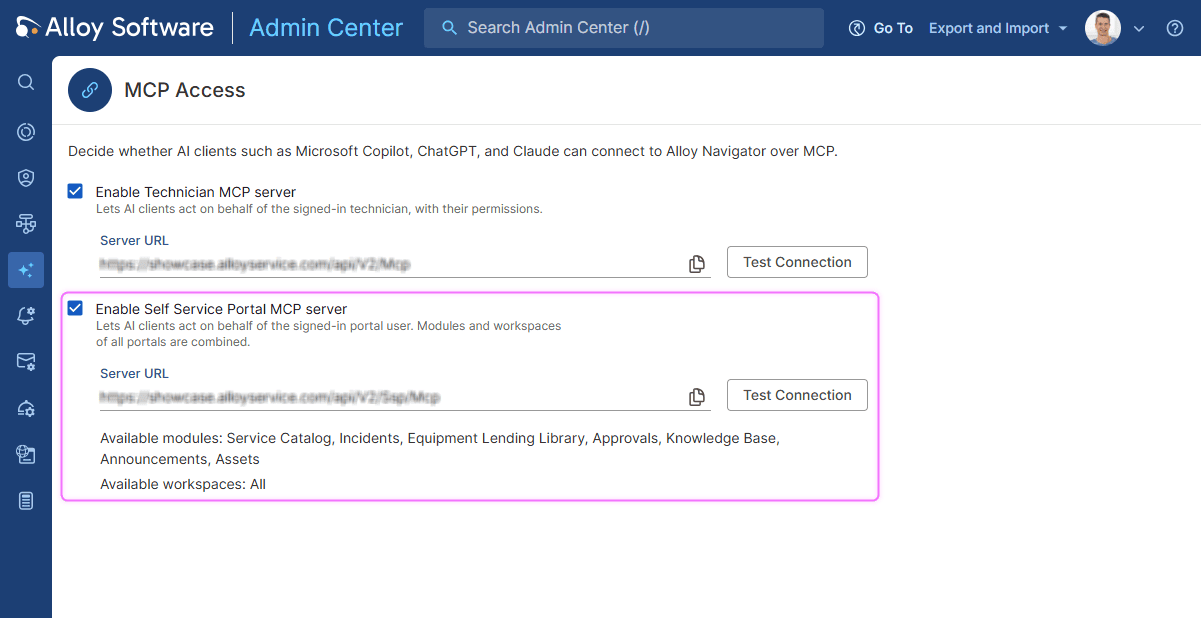
Employees can now find answers, get support, and request services through AI tools your organization already uses, without opening the Self-Service Portal.
For example, you can use Microsoft Copilot Studio to create an AI agent in Microsoft Teams and connect it to Alloy Navigator through the new MCP server for end users. Employees can then chat with the agent in Teams:
The MCP server also works with other compatible AI assistants, including ChatGPT and Claude.
Employees get convenient access to support in familiar tools, while IT teams spend less time handling routine requests.
Workflow administration is getting easier!
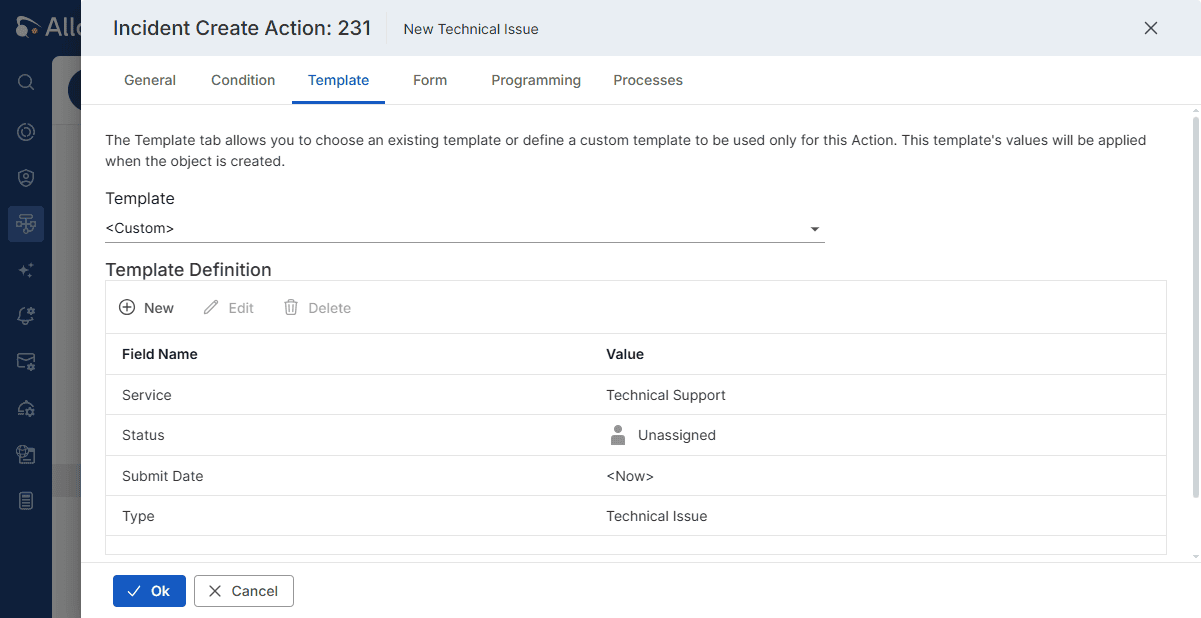
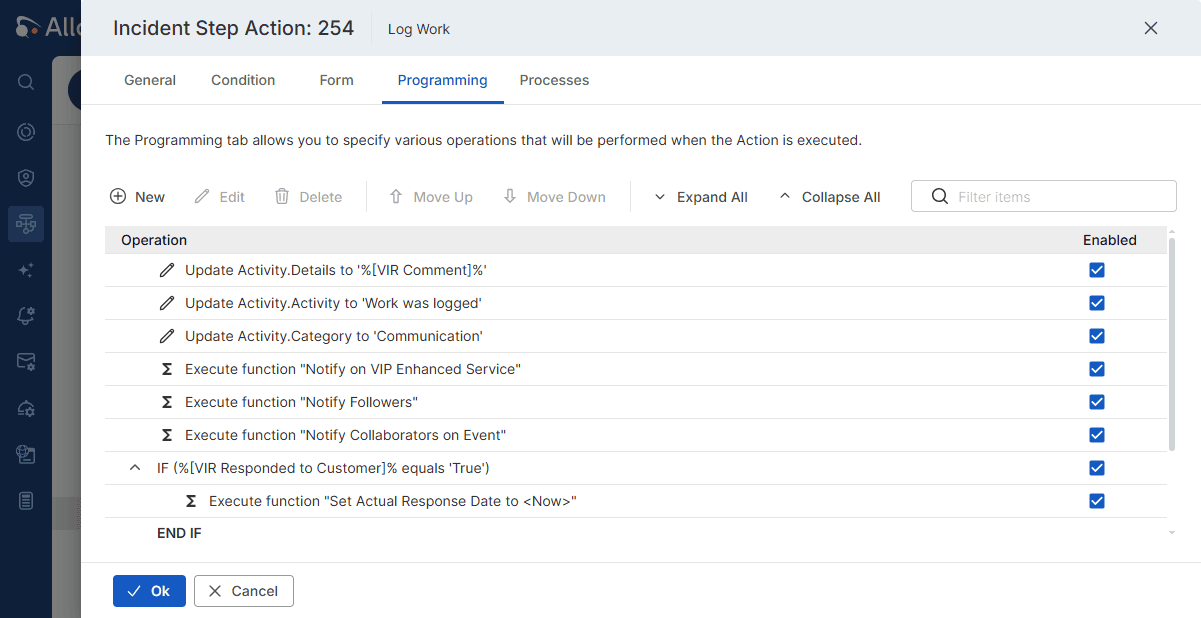
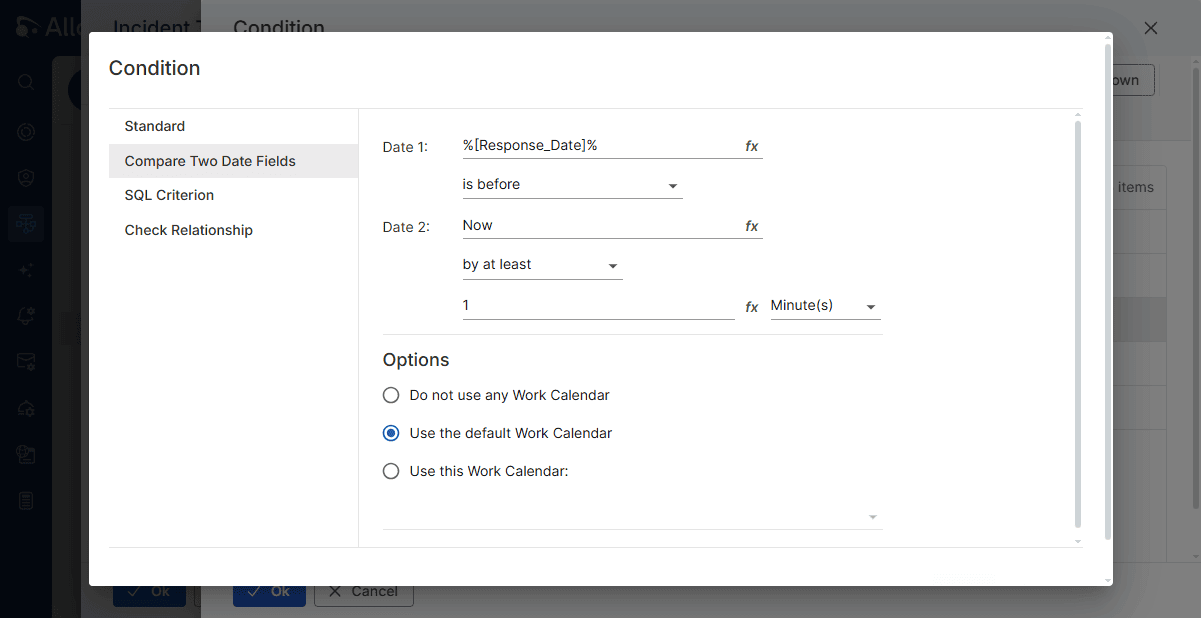
You can now create, update, and manage workflows in the web-based Admin Center, without installing or opening a separate desktop application.
In Alloy Navigator Enterprise, configure workflow actions, forms, triggers, and reusable components. In Alloy Navigator Express, manage actions, templates, business policies, notifications, and Self-Service Portal forms.
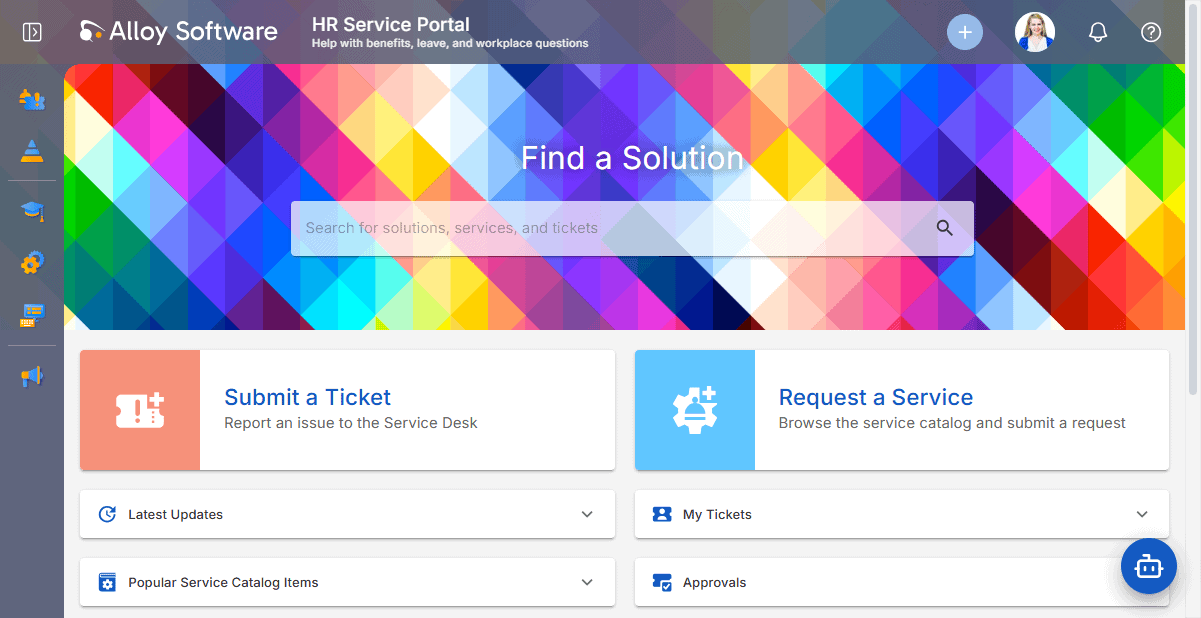
Different departments need different services. Now you can give each one a portal tailored to its needs.
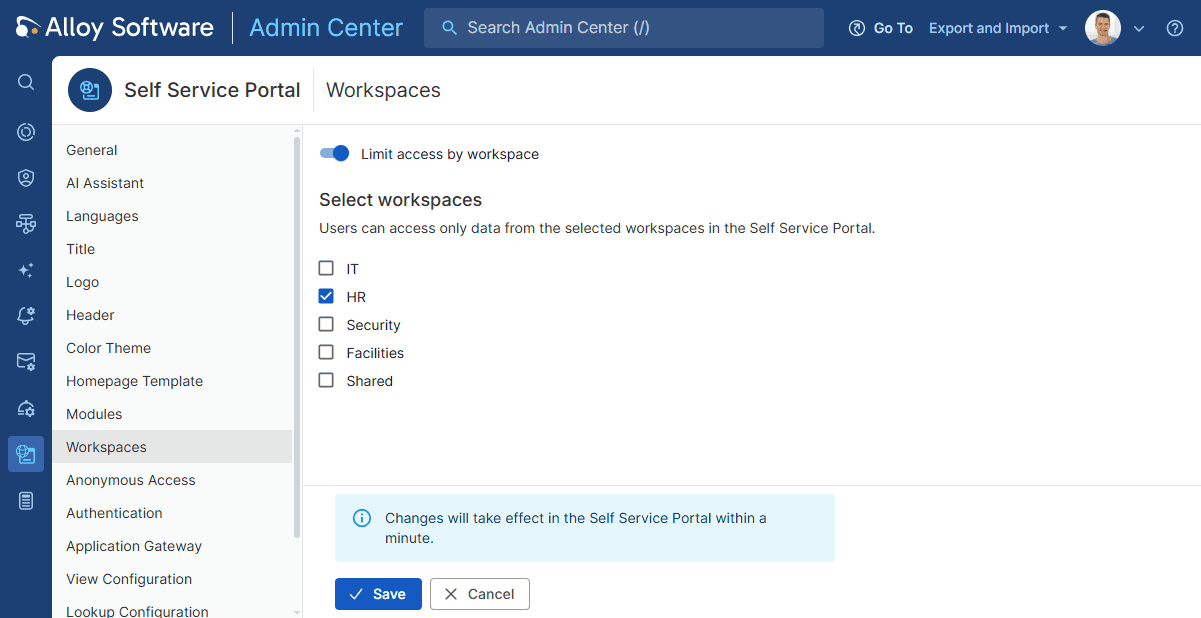
In Alloy Navigator Enterprise, you can now tailor each Self-Service Portal to a department by assigning one or more workspaces.
Each portal shows relevant services, knowledge base articles, announcements, and equipment, so employees can quickly find what they need without sorting through unrelated content.
It’s a more focused self-service experience for everyone.
The release also makes everyday work easier with a clearer interface, better performance, and fixes that improve reliability.
Check out the full release notes for all the details:
We’d love to hear what you think! Share your feedback and ideas on LinkedIn.
Take a video tour of the Fall 2026 release.
Happy navigating!


















Considering our ITSM solution?
Talk to our sales team to find out if we’re a match


