AlloyScan 26.10 Update: Remote Restarts and More Flexible Analytics


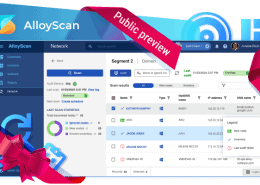
AlloyScan 26.10 brings remote computer restart, more flexible dashboard Analytics, and customizable system notification emails. Take a look at what’s new.
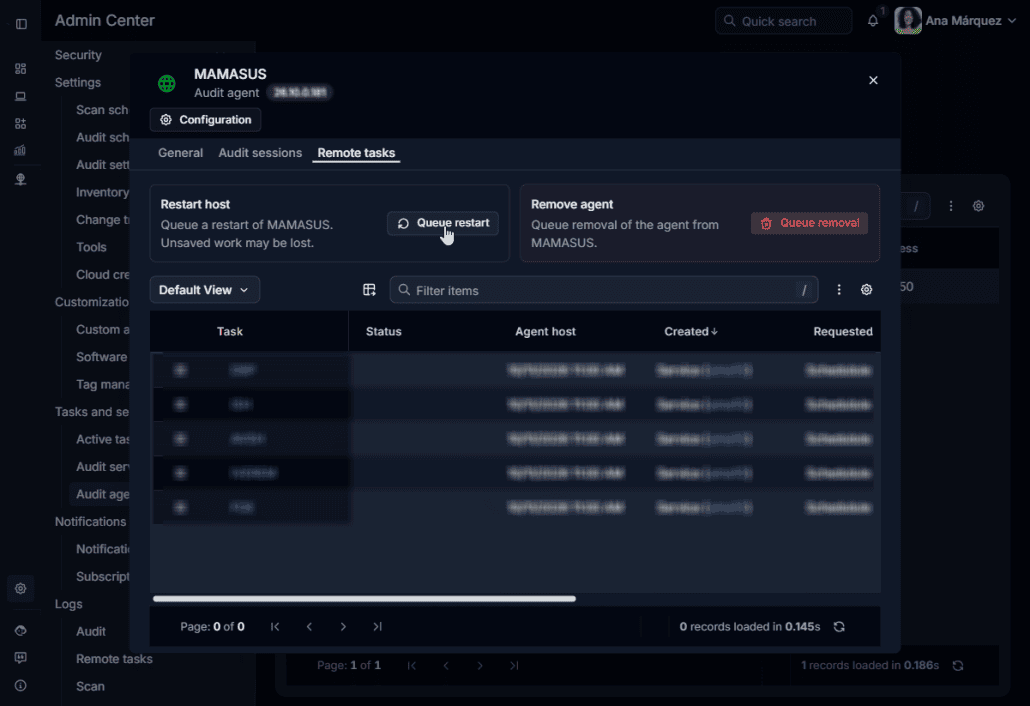
You can now restart remote computers through their Audit Agents without opening a separate remote access session. The new Remote tasks tab brings remote actions and their history together, making requests easier to manage and track.
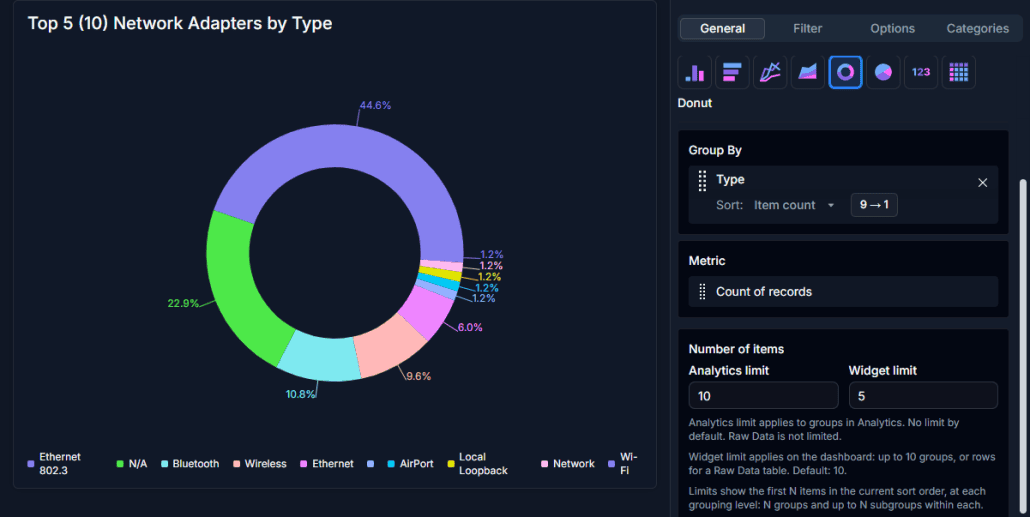
New sorting options help you find specific groups or see the largest ones first. Separate display limits let you highlight results on your dashboard, such as the top five device manufacturers, while keeping the full breakdown in Analytics.
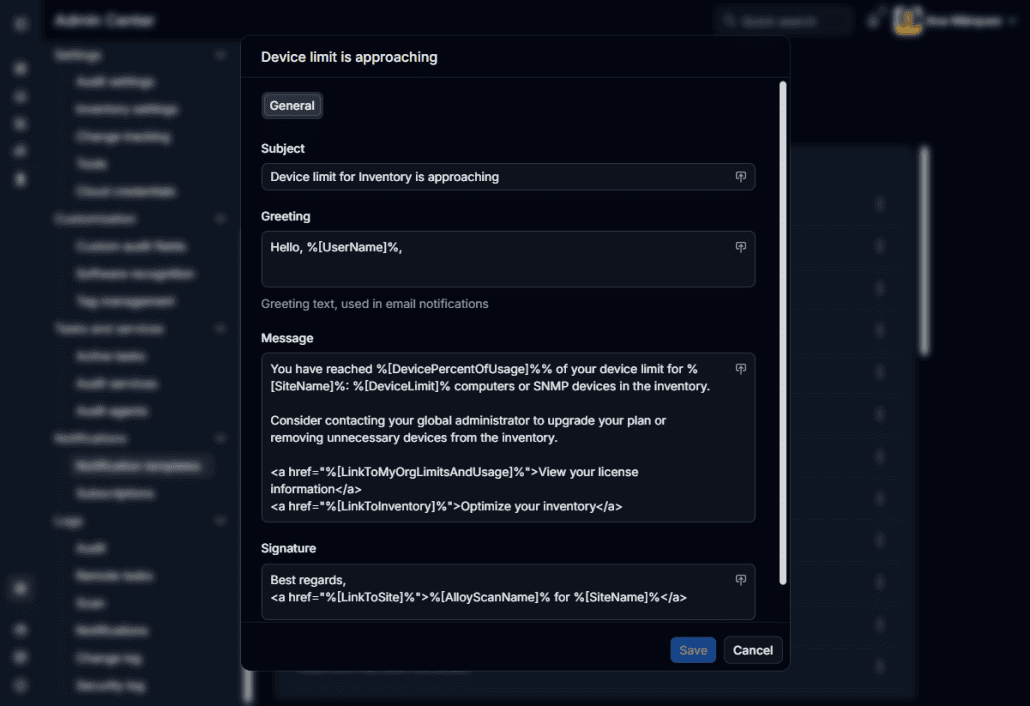
Emails about license expiration and usage limits now have editable templates, so administrators can add wording and instructions relevant to their organization. These notifications are also logged, making them easier to trace.
AlloyScan 26.10 also includes additional reliability and usability improvements. For the complete list of changes, see the Release Notes.
Follow us on LinkedIn for the latest product insights, feature previews, and more exclusive updates.
























Considering our ITSM solution?
Talk to our sales team to find out if we’re a match


