AlloyScan 26.11 Update: Site Health Widget and Intune



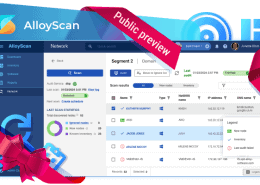
AlloyScan 26.11 brings a redesigned Site health widget, Microsoft Intune integration, and easier ways to set up and use data views. Take a look at what’s new.
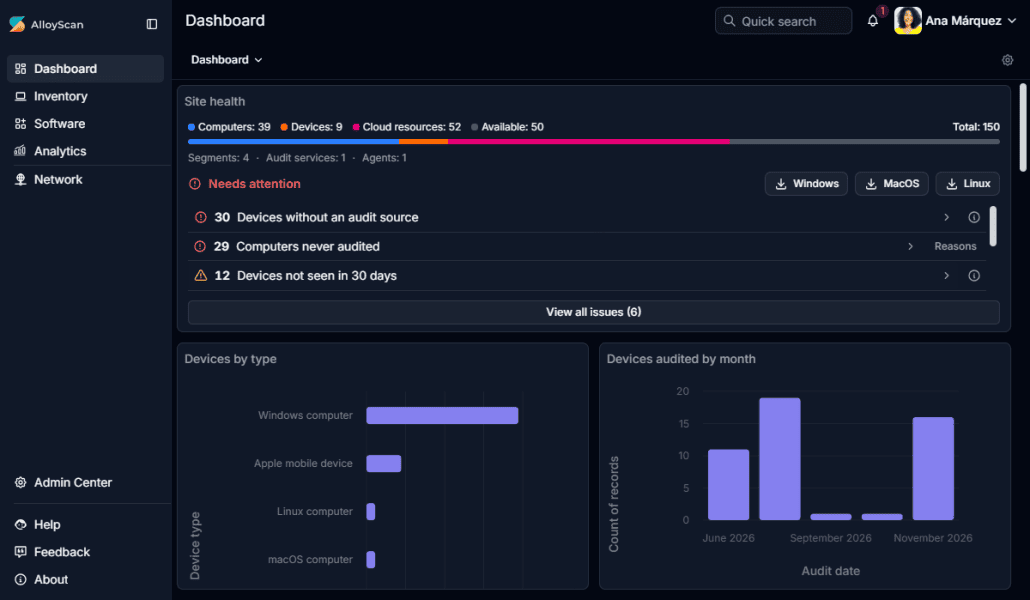
The updated Site health widget flags problems that can leave your inventory incomplete or out of date, such as failed audits and devices without an audit source. You can follow links from the widget to investigate. The color-coded bar also shows how much room is left under your device limit.
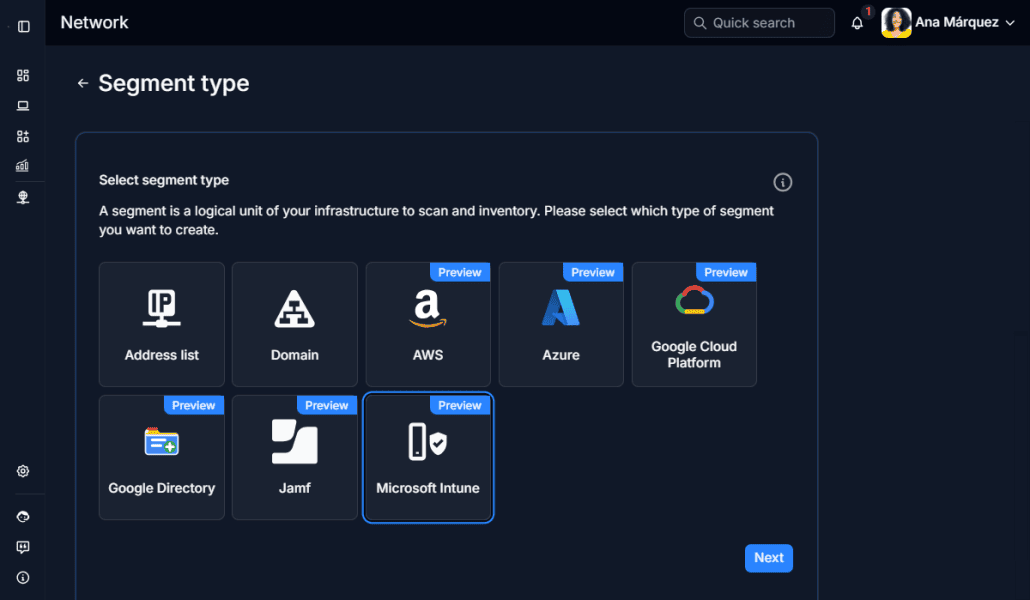
The new Microsoft Intune integration is available in preview. It brings managed iPhones, iPads, and Android devices into your Inventory so you can track them alongside your other IT assets.
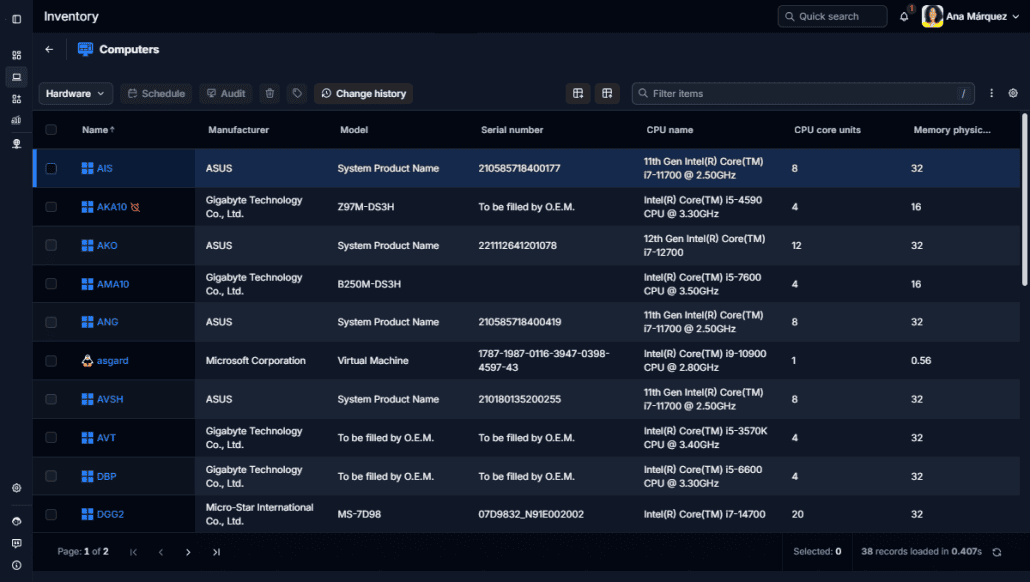
Start with one of the new ready-made Inventory views to review hardware, check audit status, or look up network details. Clearer sorting and grouping make it easier to focus on the information you need, even in large tables.
AlloyScan 26.11 also includes additional reliability and usability improvements. For the complete list of changes, see the Release Notes.
Follow us on LinkedIn for the latest product insights, feature previews, and more exclusive updates.



































Considering our ITSM solution?
Talk to our sales team to find out if we’re a match


