AI-Assisted Documentation Search Goes Conversational


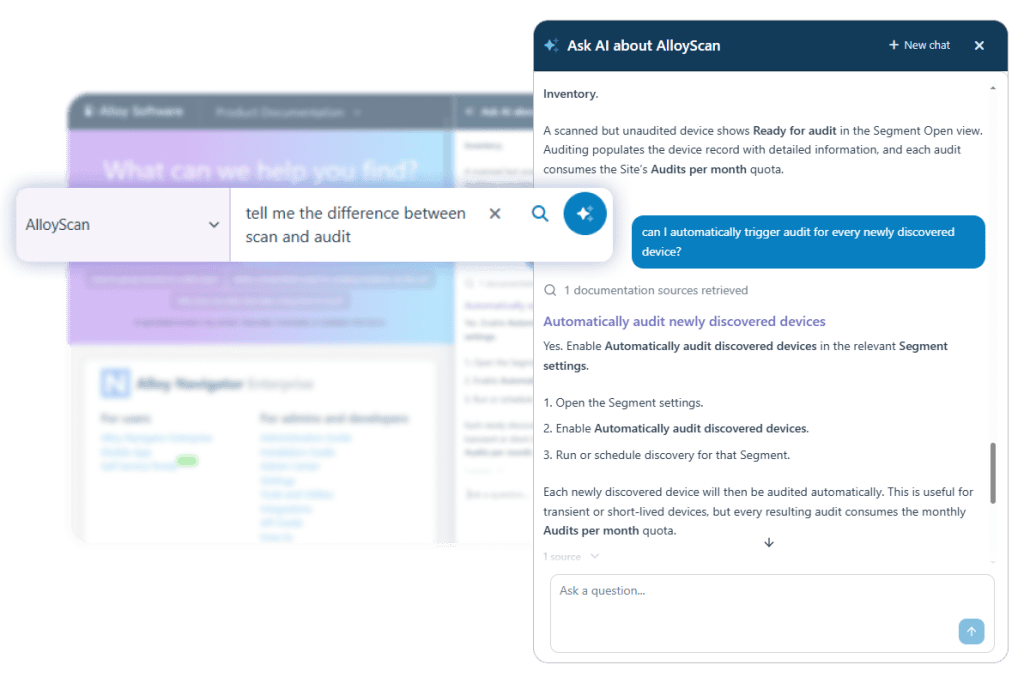
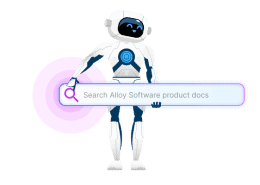
Conversational AI has arrived in Alloy Software documentation, making it easier to find the exact answers you need. Ask a question, follow up naturally, and refine the response until you reach the right instructions or product details, without starting over or digging through pages. The redesigned experience keeps the conversation in context and lets you go as deep as you need.
We introduced AI-assisted documentation search to help you find product information without guessing keywords or opening multiple articles. Earlier this year, we upgraded the search and improved how answers are structured. We also promised to add chat support, and now it’s here.
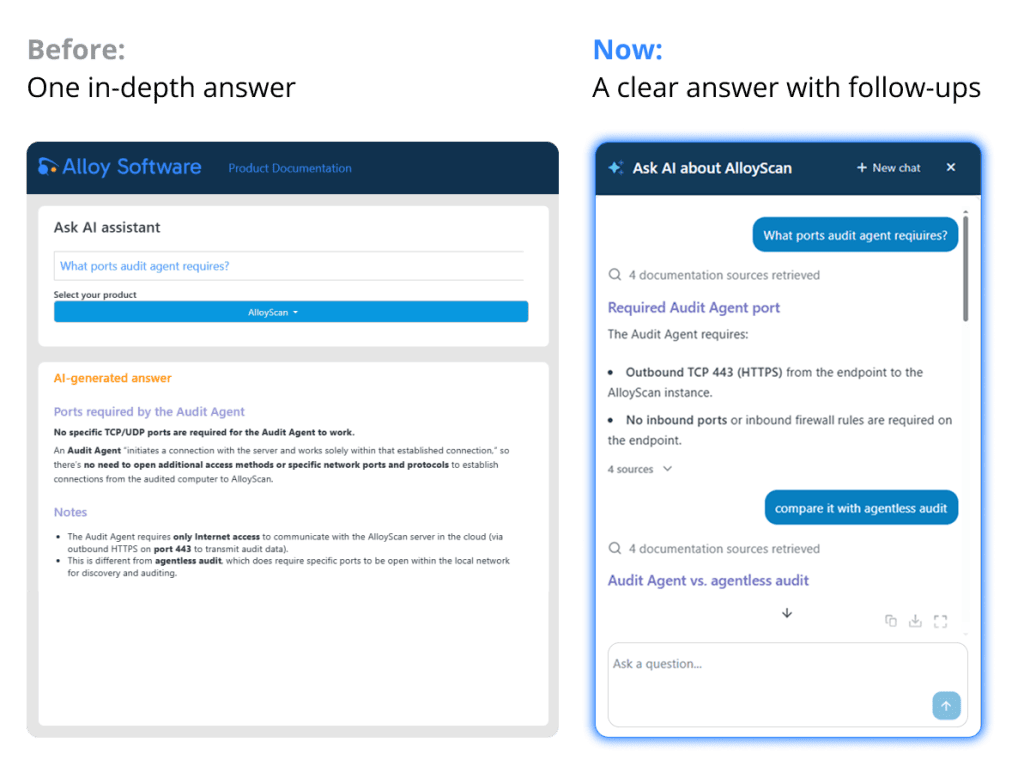
Previously, each question produced a single answer. Now, you can continue the conversation to:
Follow us on LinkedIn for the latest product insights, feature previews, and more exclusive updates.
Instead of presenting everything in one in-depth response, the AI starts with a clear, focused answer. Follow up to request step-by-step instructions, clarify details, explore alternatives, or go deeper.
The AI keeps the conversation in context, so you can ask questions such as “Are there other methods?” or “What should I do next?” without restating the original topic.
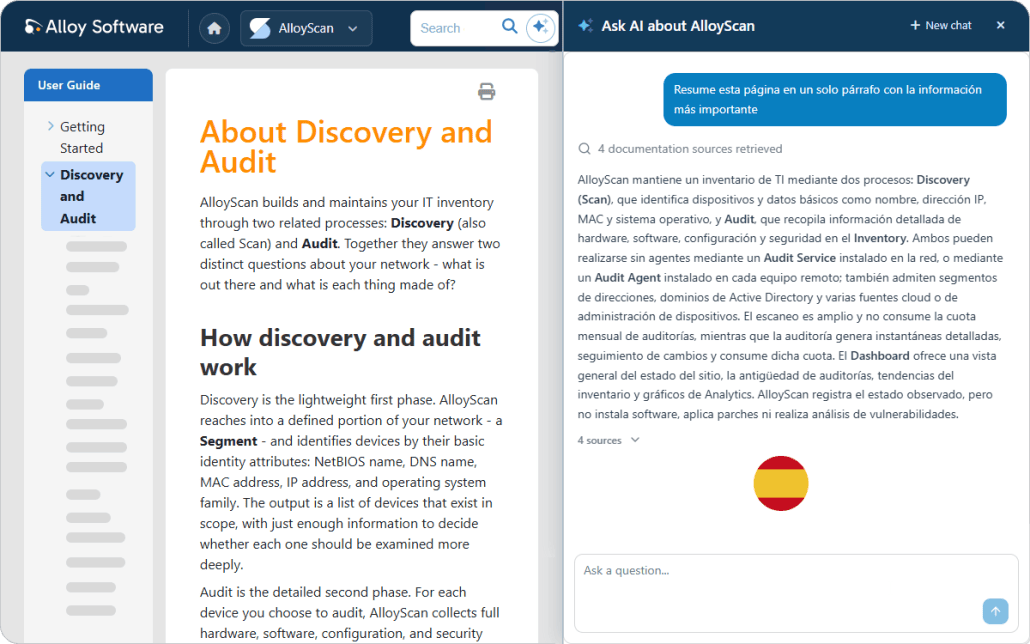
When you start a chat from an open documentation page, the AI includes that page as additional context along with the documentation for the selected Alloy Software product.
For example, ask: “Summarize this page in Spanish in one paragraph.” You can also ask the AI to explain a specific section or clarify the instructions.
You’re not limited to the current page. Switch to any other feature or topic within the selected product, and the AI will keep track of the conversation.
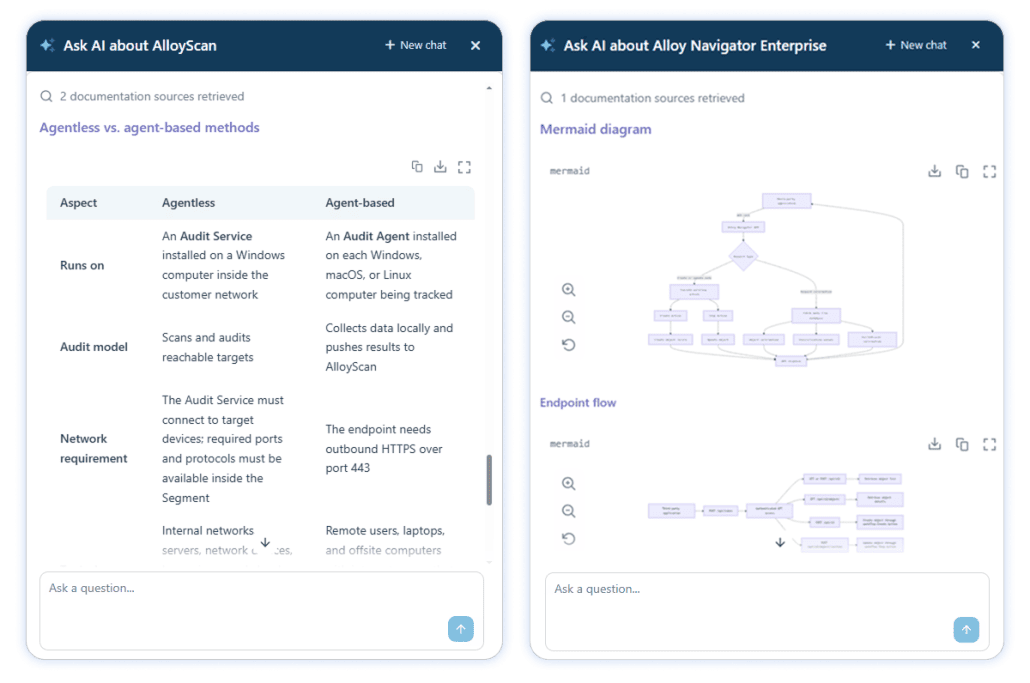
The AI can organize complex information into a table, visualize processes and relationships in a diagram, or present code in a clearly formatted snippet. It chooses the most effective format automatically, but you can also request a specific one.
View any table, diagram, or code snippet in full screen, copy it, or download it in a suitable format for use elsewhere.
Keyword search remains available when you want to find a specific article, feature, setting, or error message. Enter your keywords in the search field, and matching articles appear in a dropdown as you type.
You can use keyword search from the documentation home page or any open documentation page.
Visit Alloy Software Documentation, ask a question about any product in any language, and hit the magic button. Follow up to clarify the details and find exactly what you need.






















Considering our ITSM solution?
Talk to our sales team to find out if we’re a match


