AI isn’t the point. Better IT work is.
Alloy AI brings practical, permission-aware assistance into the work IT teams already manage: tickets, knowledge, changes, assets, inventory, users, and operational context.
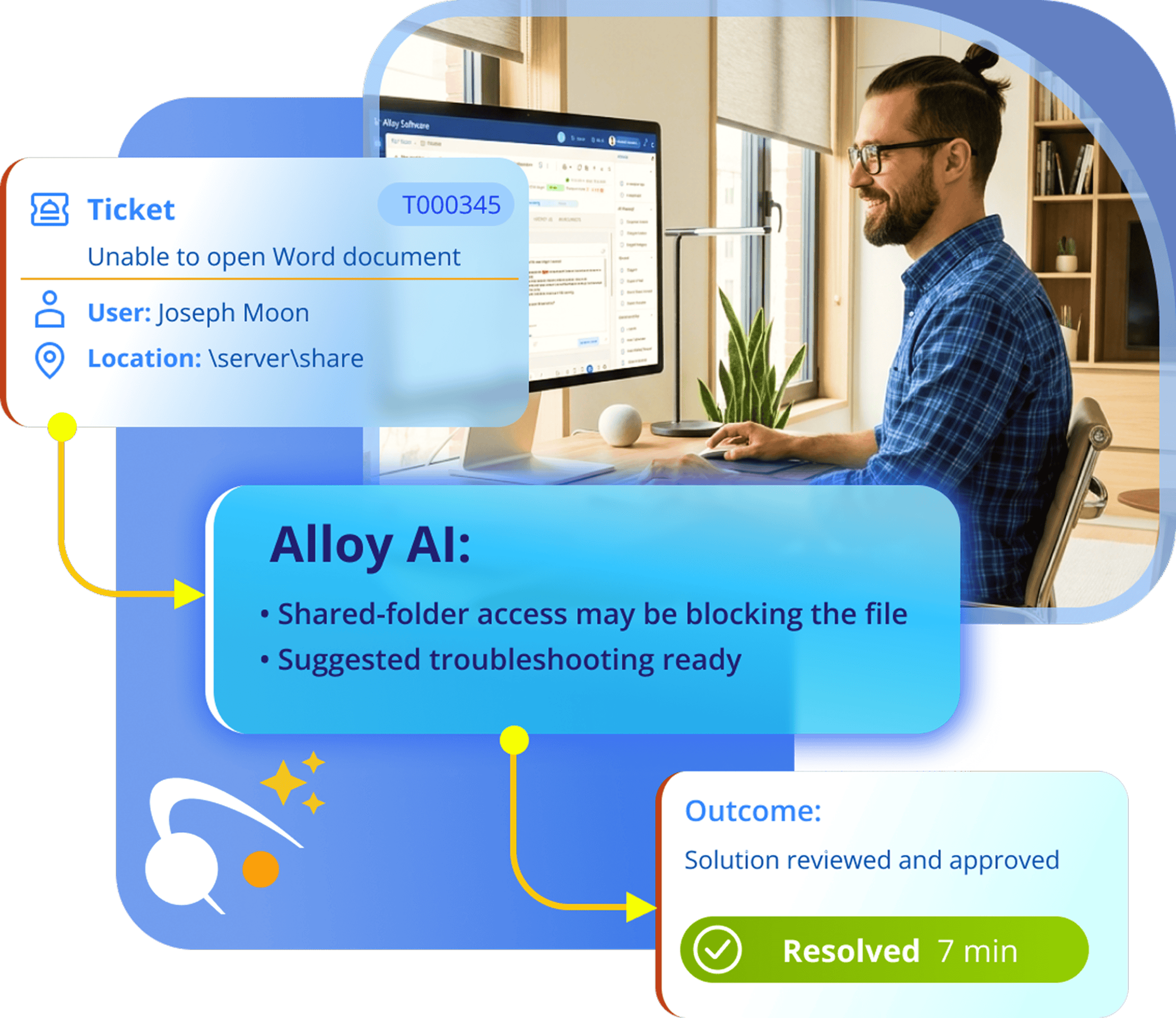

Alloy AI brings practical, permission-aware assistance into the work IT teams already manage: tickets, knowledge, changes, assets, inventory, users, and operational context.
From everyday assistance to advanced automation, the assistant understands the context of your work, connects information across Alloy Navigator, and helps your IT team determine what should happen next—or gets it done.
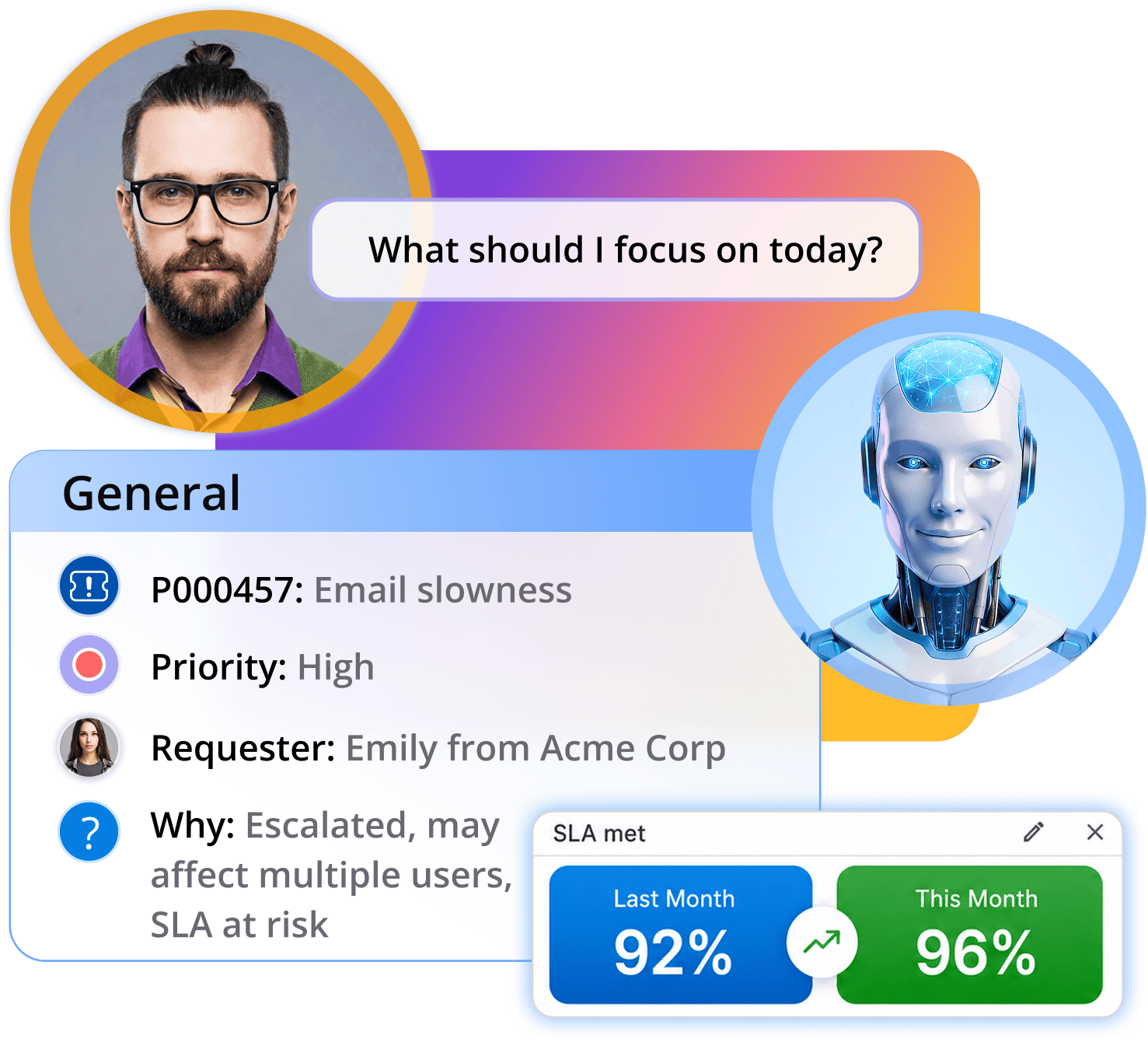

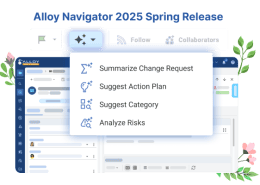
AI Actions buttons in the Actions panel let you summarize details and suggest next steps.

Upcoming
Covers asset search, inventory quality, software and hardware audits, lifecycle risks, ownership gaps, and asset-to-service-ticket relationships.

Tell more by improving your messages with AI. Translate, improve, summarize—and pick the option that best suits you.

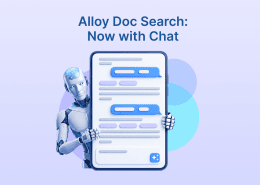
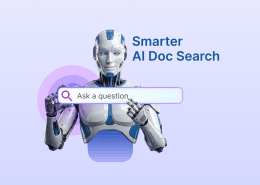
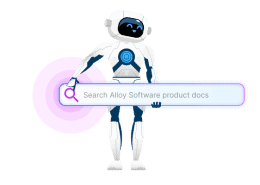
Explore documentation covering features across the Alloy Software platform, including the AI capabilities highlighted here. Ask AI questions, follow up naturally, and find the instructions and product details you need to get started faster and make the most of the products you use.
Know what’s holding up your IT team! Get a clear view of aging tickets without digging through activity logs. Ask Alloy AI which tickets are still open and why. It finds the relevant context and explains what each ticket is waiting on.
Give your next follow-up a clear starting point.
Coming in Alloy Navigator Fall 2026

Not our customer yet?
Connect to learn more about our all-in-one ITSM and ITAM solution.
Allow your end-users to resolve their requests without even talking to the IT team, improving satisfaction and freeing up time for your IT people.


Embed AI into the interface of your support portal, letting users rewrite their messages, find related KB articles, and more.

AI uses data according to the current user’s permissions and supports configurable prompts, settings, and OpenAI or Azure integration.

Define the assistant’s scope, customize the greeting and tone, configure and manage quick commands, adjust the system prompt, fine-tune AI skills, and more.