Alloy Navigator 2026 Spring Release is Here!

This major update introduces enhanced analytics and dashboards, expanded AI-powered assistance, and a wide range of usability improvements across the platform. Experience a smarter, more intuitive Alloy Navigator.

Table of contents

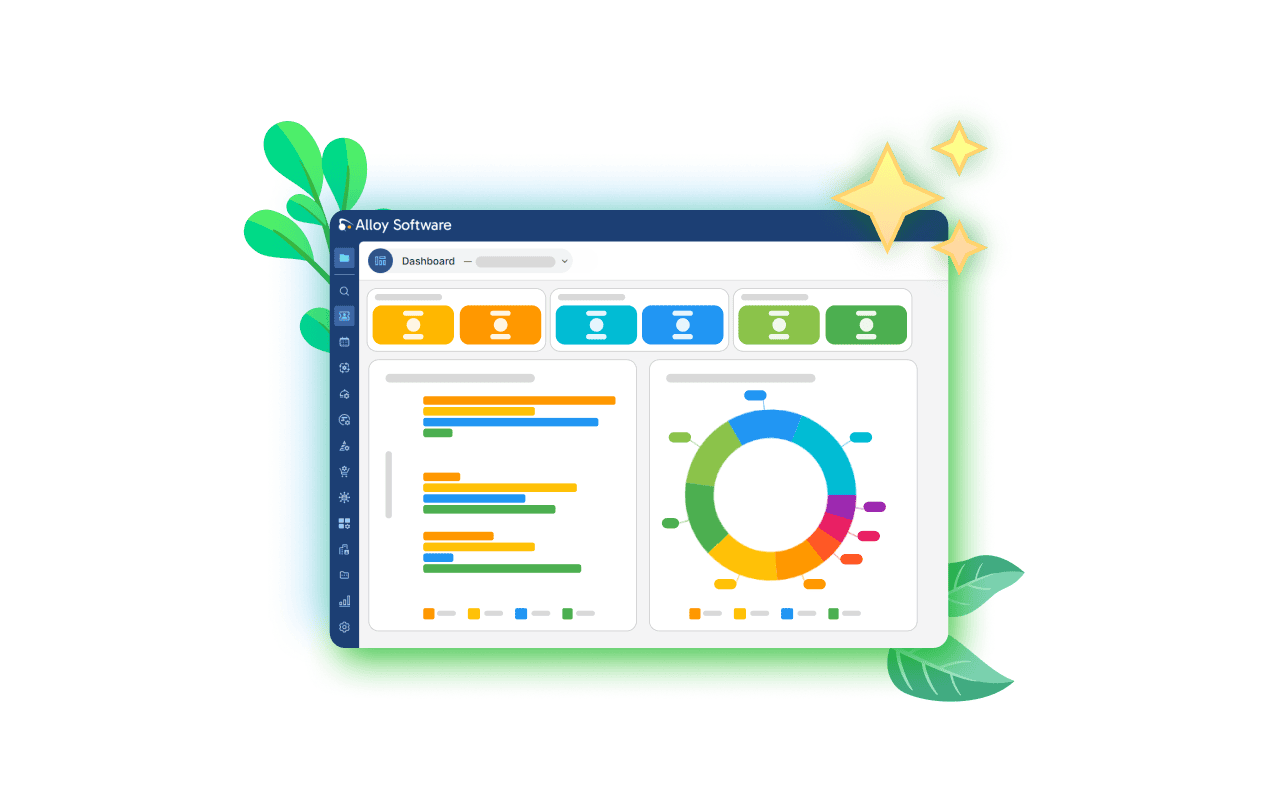
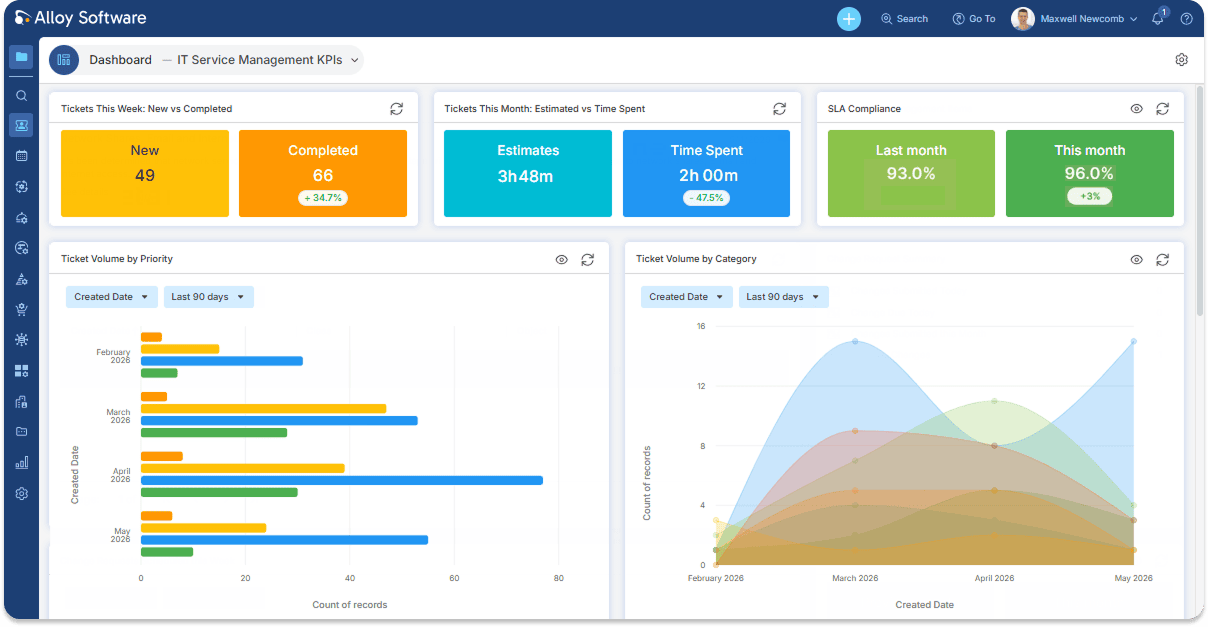
Dashboards, powered by Analytics

Interactive analytics are now at the heart of your dashboards. Add charts, KPI counters, data tables, or activity feeds directly from Analytics, then filter, drill down, and adjust views in real time. Export visuals or data to share insights with stakeholders, all without leaving your dashboard.

You’re in full control. No administrator setup, no waiting. Build and adjust widgets anytime, to match how your team works.

What you’ll love:

  • Analytics, front and center: Charts, counters, tables, and activity feeds are now live, interactive, and always up to date.
  • More powerful visuals: More chart types, deeper customization, and cleaner insights.
  • Your dashboard, your rules: Build and arrange widgets exactly the way you need
  • Make it yours: Customize colors, labels, and elements for clarity and consistency.
  • Export-ready: Share charts and tables with managers or stakeholders instantly, no extra tools required.

Expanded Analytics

The interactive analytics introduced in Fall 2025 set a new standard for ITSM/ITAM reporting. This release takes them even further with new chart types, deeper customization, smarter navigation, and over 100 ready-made charts.

Track any metric, compare performance across time periods, monitor real-time activity, – and share insights with a single link.

In this release:

  • Always know your numbers: Track KPIs at a glance with the new Counter widget and built-in trend indicators.
  • A real-time pulse on your IT environment: Monitor system activity and user actions with a fully configurable activity view.
  • Clear, customizable charts: Adjust colors, captions, and labels, so every chart is easy to understand.
  • Faster navigation: Analytics are now organized into categories and subcategories.
  • Instant sharing: Send any chart via direct link, no exports or screenshots needed.

Analytics are now more flexible and structured, and ready to answer any business questions.

More chart types, deeper customization, smarter navigation – analytics powerful enough to match every question your business asks.
Stay connected

Follow us on LinkedIn for the latest product insights, feature previews, and more exclusive updates.

Team Calendar with Outlook integration

The Team Calendar now combines Outlook availability with internal work, giving you a unified view of team schedules.

Busy or Tentative Outlook entries appear alongside work orders and project tasks, helping you plan more accurately and manage workloads with confidence.

What you’ll love:

  • Clear availability signals: Instantly see when team members are occupied
  • Unified scheduling: Combine Outlook and internal tasks in one view
  • Flexible display: Show Outlook, internal work, or both.
  • Improved filtering: Use groups across all views for faster planning.
  • Available in Express: The same experience is included in the Team Calendar

AI Assistant for Self-Service Portal

The AI Assistant is now smarter, more intuitive, and fully configurable. It delivers better results out of the box while giving administrators full control over behavior and workflows.

What your users will love:

  • More accurate answers: Powered by the latest AI models and improved response logic.
  • Multiple conversations: Handle different topics simultaneously without losing context.
  • Improved experience: A redesigned chat interface makes interactions faster and easier.
  • Continuous improvement: Rate responses to help improve accuracy over time.

What your team will love:

  • Full configurability: Control tone, scope, prompts, and workflows.
  • Structured requests: Ensure assistant-created tickets follow the correct format from the start.
  • Complete visibility: Use the AI Assistant Log to analyze conversations and improve knowledge coverage.
  • Up-to-date AI models: Take advantage of the latest advancements (review settings after upgrade).

Power your support process with a fully adaptable AI assistant that fits your workflow instead of forcing users to adjust to it.

More features to explore

  • Flexible sharing: Share views, boards, analytics, and dashboards with users and teams.
  • Field-to-field comparison: Quickly identify delays, mismatches, and inconsistencies.
  • Multi-mailbox support (Express): Process emails from multiple mailboxes with independent rules and templates.

Plus many additional enhancements, including usability improvements, updated

AI support, expanded Admin Center capabilities, and a refreshed look and feel.

Learn more

For the full list of updates, see the release notes:

We’d love your feedback. Share your thoughts on LinkedIn to help us improve Alloy Navigator.

Happy navigating!

See the features of Fall 2025 Release in action in our YouTube video.

More about Alloy products

Considering our ITSM solution?
Talk to our sales team to find out if we’re a match