AlloyScan 26.8 Update: More Dashboard Widgets and Actionable Notifications

AlloyScan August update with more dashboard widgets and actionable notifications

Table of contents

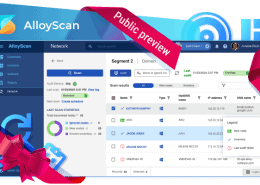
AlloyScan 26.8 is here. The latest release brings more dashboard widgets, better ways to organize analytics, and more actionable notifications.

Here are the details.

What’s new

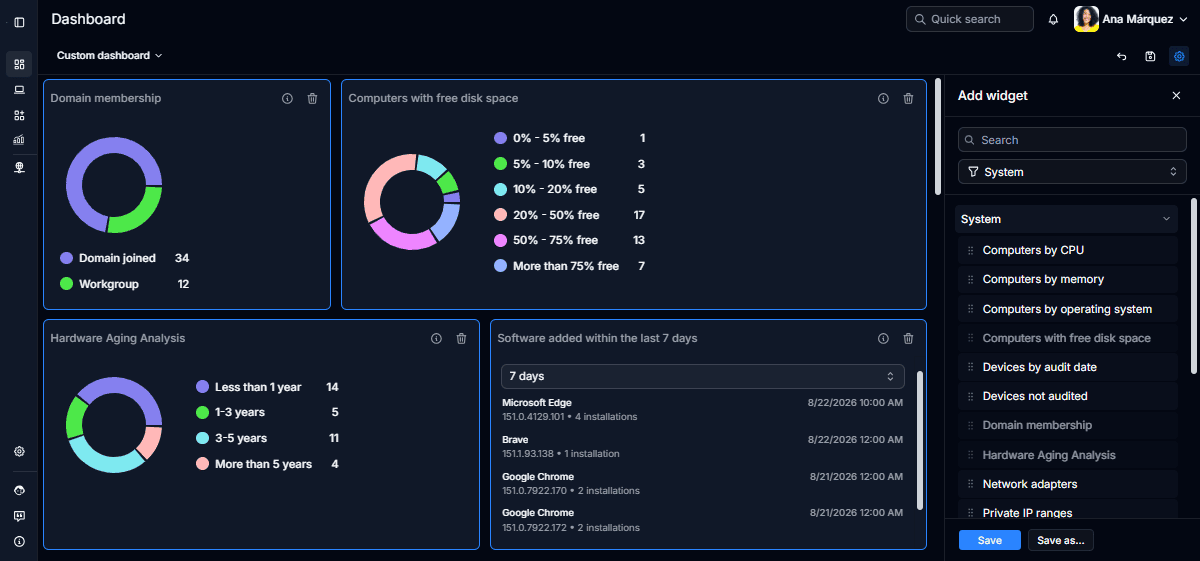
  • Purpose-built dashboard widgets. Explore 17 ready-to-use system widgets that apply specialized logic to present complex inventory data in clear, meaningful views, including Devices by audit date, Hardware aging analysis, Recently added software, and more.
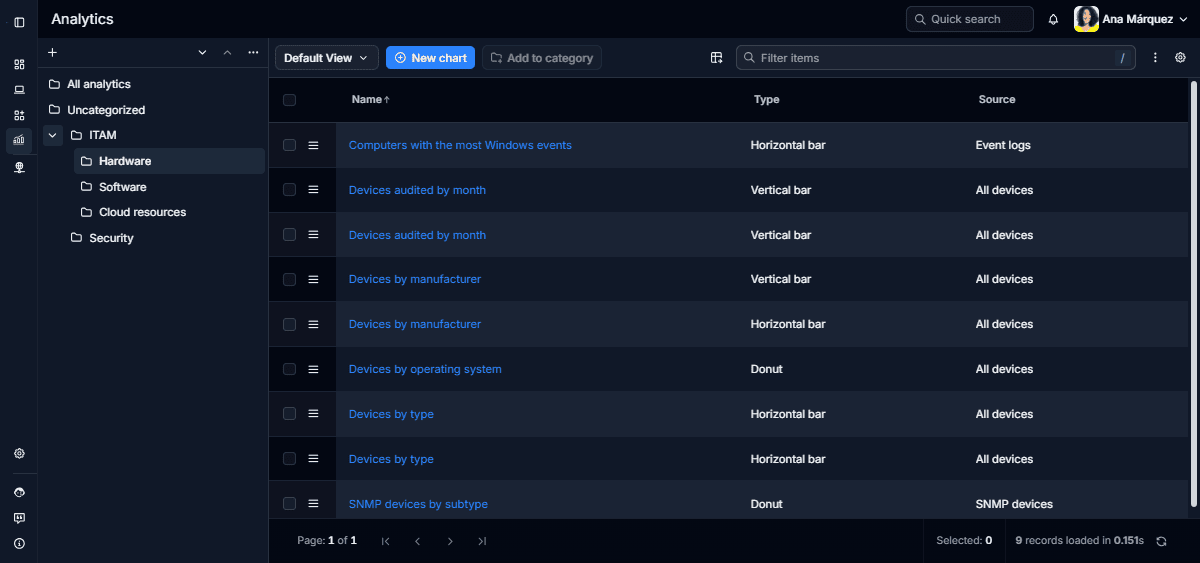
  • Easier-to-navigate Analytics. Group analytics into custom categories, arrange those categories in a hierarchy, and find what you need faster using the new navigation pane.
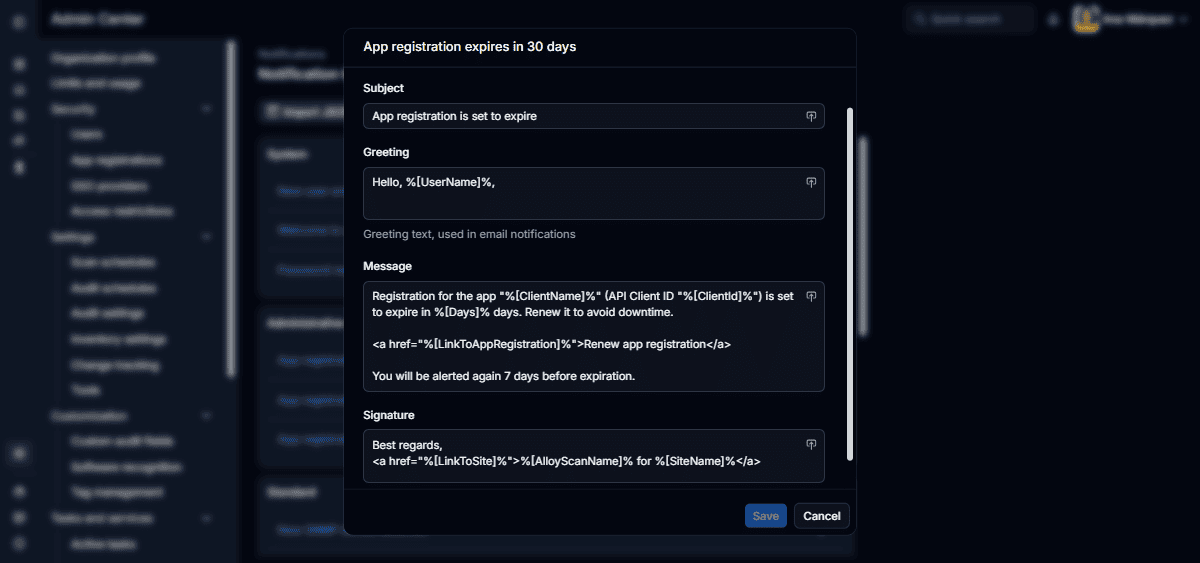
  • Notifications that lead to action. Get more context about what happened and follow direct links to relevant AlloyScan pages. Notification templates can also be tailored for in-app and email delivery.

The update also includes performance and reliability improvements, along with minor fixes.
More to explore

Explore the full list of updates in the Release Notes.

We’d love to hear your thoughts on AlloyScan! Share your feedback on LinkedIn and help shape the future of AlloyScan.

Stay connected

Follow us on LinkedIn for the latest product insights, feature previews, and more exclusive updates.
More about Alloy products

Considering our ITSM solution?
Talk to our sales team to find out if we’re a match