Alloy Software Network Inventory as a Lansweeper Alternative

Discover and audit computers, servers, switches, printers, and other network assets. Keep current hardware, software, and configuration details in one place, with cloud or on-premises deployment.

No separate licenses for monitors.
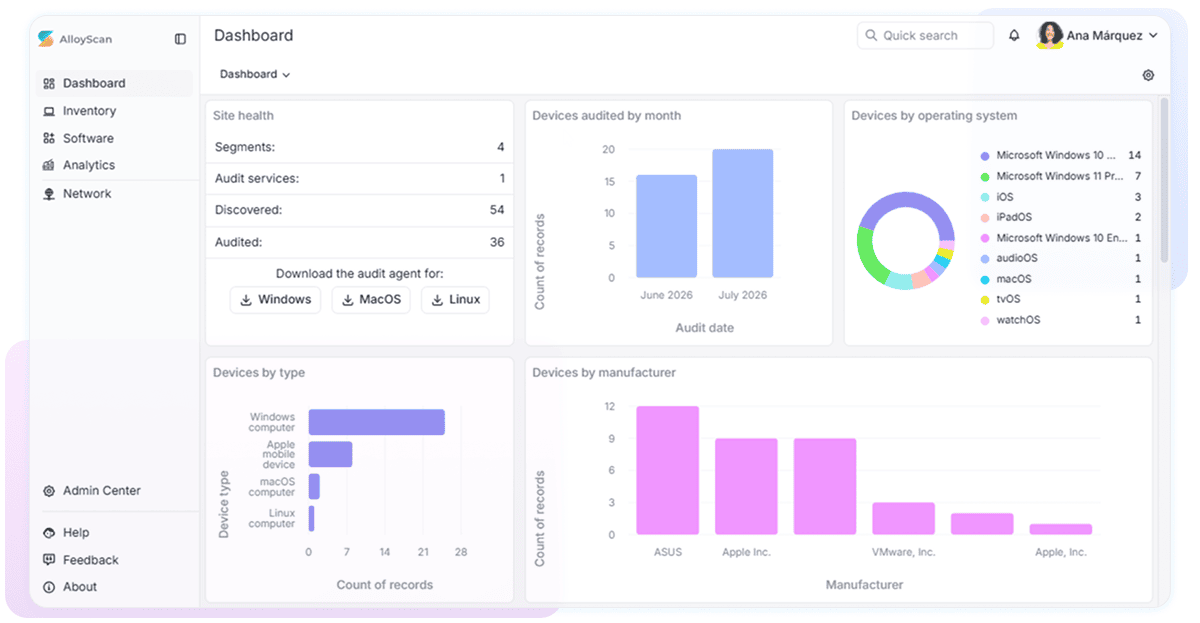
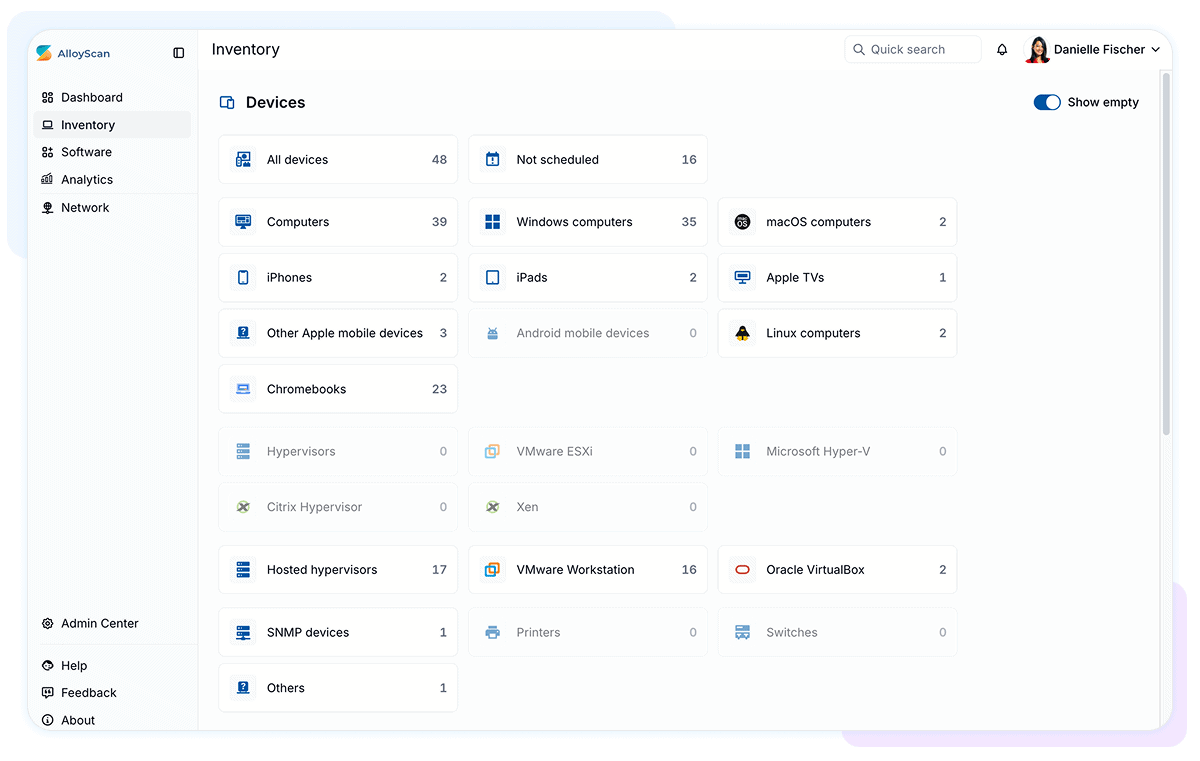
Alloy Software Network Inventory dashboard and administration center

Why IT teams are reviewing their options

Lansweeper has announced significant changes to its licensing in 2026. Several Lansweeper Classic modules—including Helpdesk, Knowledgebase, Deployment, and Custom Actions—are in maintenance mode. Monitors now count toward its licensed asset limit.

For long-term customers, these changes raise practical questions about functionality, deployment, and future cost.

What to expect from Alloy Software Network Inventory

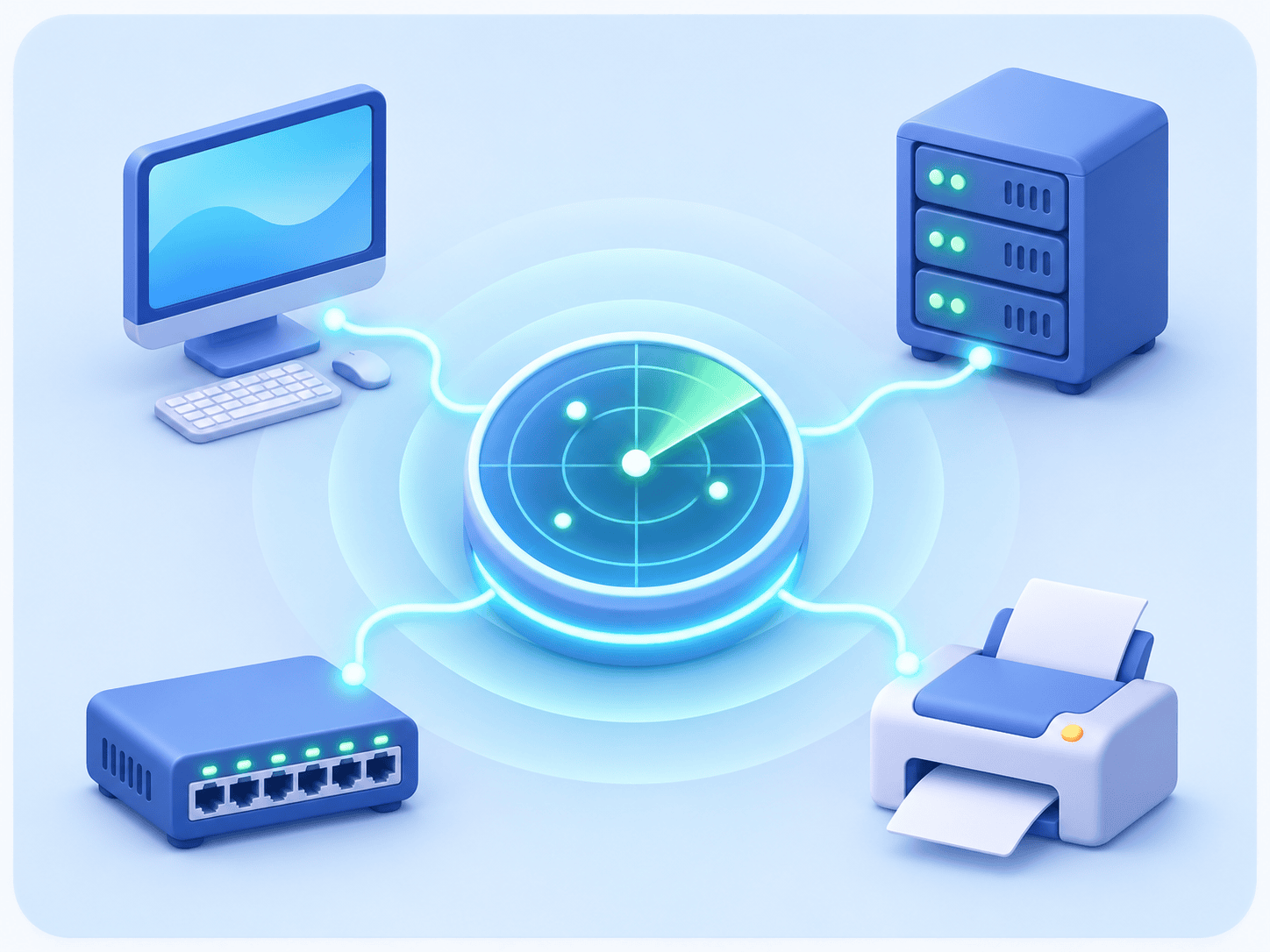
Network discovery radar connecting a computer, server, switch, and printer

Reliable discovery

Discover and audit computers, servers, switches, printers, hypervisors, and other devices across mixed IT environments.

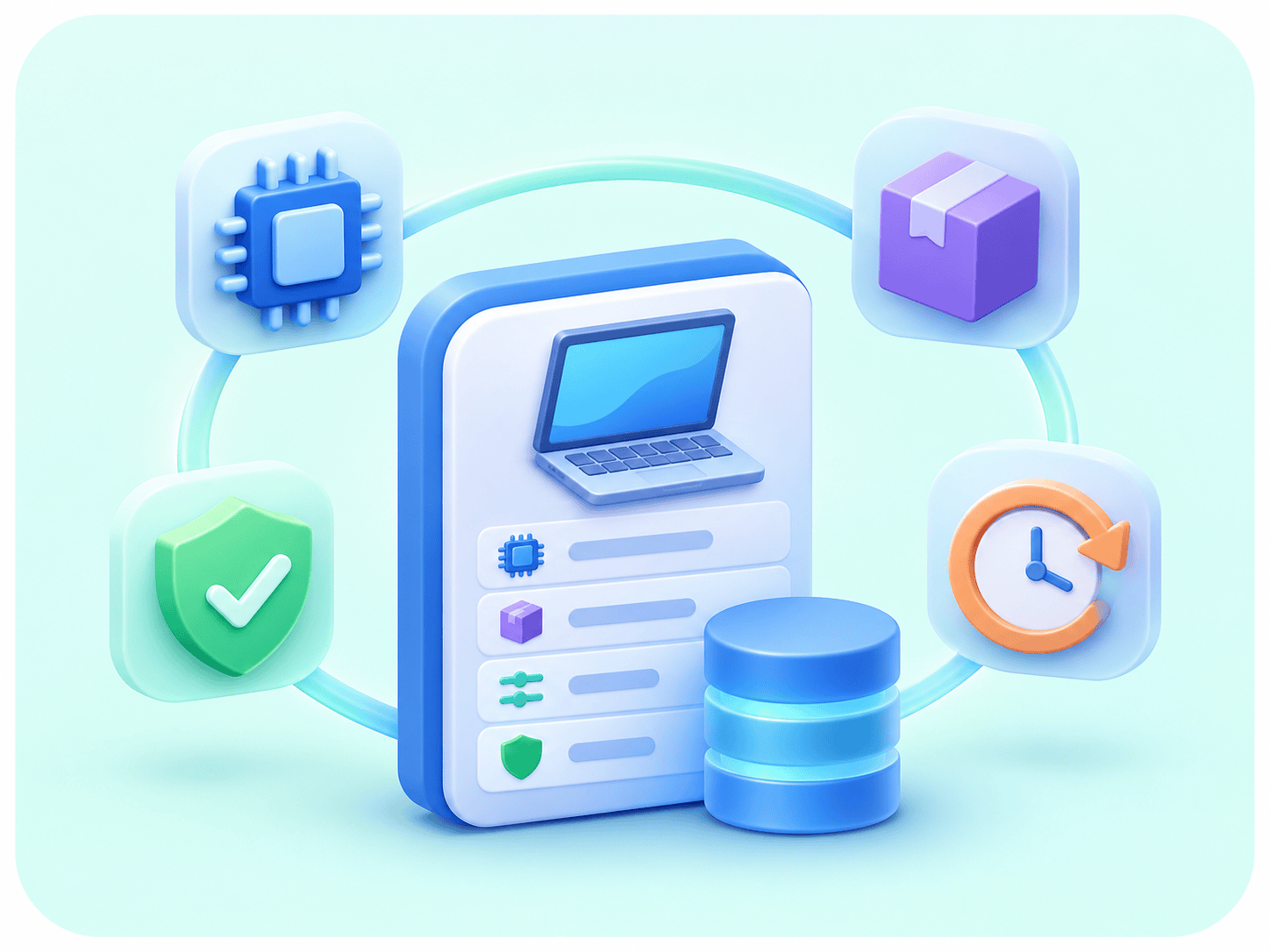
Unified hardware, software, security, and change-history inventory data

Useful inventory data

Collect detailed hardware, software, configuration, security, network, and peripheral information, with history showing what changed.

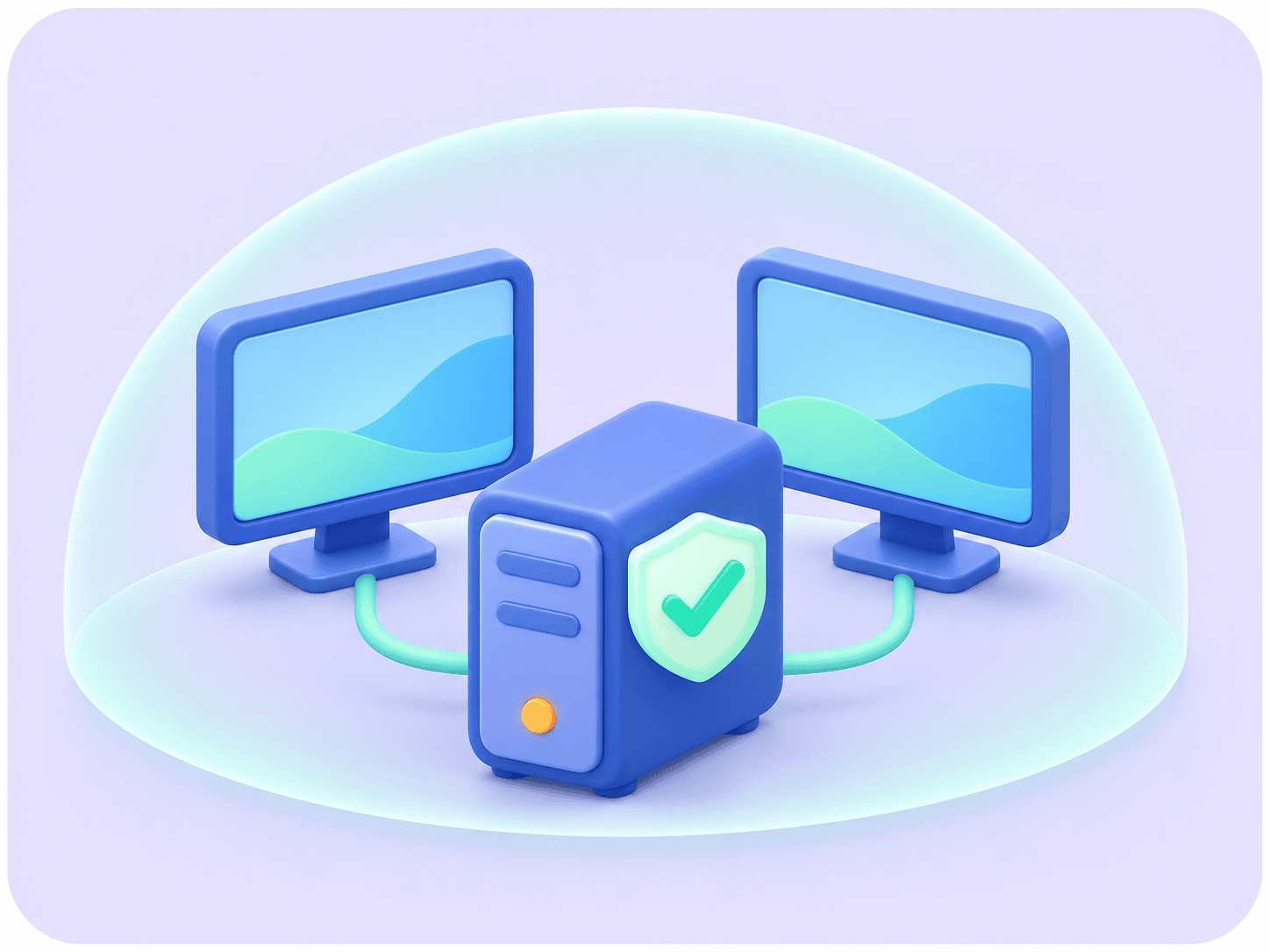
One audited computer node connected to two included monitors

Practical licensing

License audited nodes while retaining monitor information without consuming a separate node license for every connected monitor.

Alloy Software Network Inventory and Lansweeper at a glance

Capability Alloy Software Network Inventory Lansweeper
Network discovery Agentless discovery across local networks Agentless discovery through Classic or Network Discovery
Endpoint auditing Agentless and agent-based auditing for Windows, Linux, and macOS Agentless and agent-based inventory collection
Network devices Supports SNMP devices, including switches and printers Broad SNMP-based network inventory
Remote computers Supports inventory collection from computers outside the local network Agent-based collection is available
Deployment options Cloud or on-premises Platform, Classic on-premises, or hybrid
Monitor licensing Monitors collected through computer audits do not consume separate node licenses Every monitor counts toward the licensed asset limit
History and reporting Inventory history, reports, dashboards, alerts, and exports Historical data, reports, dashboards, and exports
Operational features Optional Service Desk and ITAM through Alloy Navigator Several Classic operational modules are in maintenance mode

Discover assets across mixed environments

Alloy Software Network Inventory helps you find and audit supported computers, servers, switches, printers, hypervisors, and other network devices without installing an agent on every endpoint.

Optional agent-based auditing extends inventory collection to remote Windows, Linux, and macOS computers. Agentless and agent-based results contribute to the same inventory.

Network discovery scan results ready for audit
Customizable network inventory view with audit dates and change history

Turn audit data into usable information

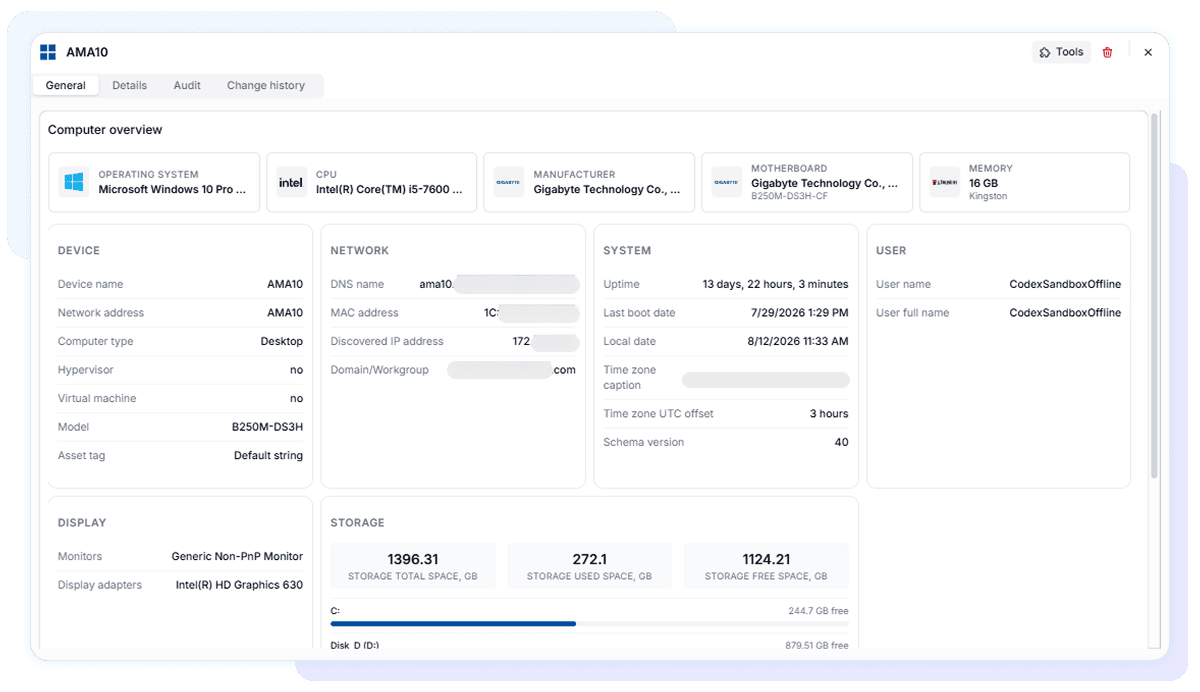
Review hardware, installed software, operating systems, services, user accounts, network configuration, security settings, and peripherals for each audited device.

Inventory history and change tracking help administrators identify configuration changes. Views, reports, dashboards, alerts, and exports make it easier to investigate issues and understand the environment.

Monitor visibility without separate node licenses

Lansweeper licenses every monitor as an individual asset. With Alloy Software Network Inventory, monitors collected during a computer audit remain visible within that computer’s inventory but do not consume separate node licenses.

Your team retains useful monitor information for support and hardware planning without multiplying the licensed node count.

Choose how much to replace

Replace network inventory

Use our network inventory solution for discovery and auditing while retaining your existing help desk, RMM, patch-management, or ITAM system.

Connect your existing stack

Make current inventory data available to other applications and established IT workflows through supported integrations and exports.

Extend into IT operations

Add Alloy Navigator when you also need Service Desk, ITAM, Knowledge Management, self-service, and workflow automation.

What about help desk and knowledge base?

Alloy Software Network Inventory focuses on discovery, auditing, and inventory. It is not positioned as a help desk, patch-management, or software-deployment product.

Organizations replacing broader Lansweeper Classic functionality can combine Network Inventory with Alloy Navigator for Service Desk, ITAM, Knowledge Management, self-service, workflows, and reporting.

Compare the solutions in your environment

Run both solutions against a representative network segment. Compare discovery coverage, audit detail, remote endpoint handling, reporting, administration, and licensed usage before planning a wider transition.

Representative network segment scan results

Frequently asked questions

Yes, for teams primarily using Lansweeper for discovery, inventory, reporting, and change tracking.

No. Monitors collected through computer audits do not consume separate Alloy Software Network Inventory node licenses.

Yes. Alloy Software offers both cloud and on-premises Network Inventory options.

No, Alloy’s solution focuses on discovering and auditing devices. Deployment and patching requirements should be addressed through the appropriate separate operational tools.

A Lansweeper alternative with people behind it

If support is one of the reasons you’re reconsidering Lansweeper, Alloy gives you direct access to a responsive, knowledgeable team.

Customers describe a team that listens, explains clearly, and works alongside them—even when the issue turns out to be on their side.

★★★★★

“Top service as always. Doesn’t matter who I talk too at Alloy, they’re always so helpful and patient with me. Thanks for your help this time Corey!”

★★★★★

“Alloy support technicians are always very polite and patient.”

★★★★★

“It is always a pleasure to work with such knowledgeable support.”

★★★★★

“Friendly support, and excellent follow through as always.”

Evaluate Network Inventory on your network

See how Alloy Software Network Inventory handles the devices your team manages every day.

Information about Lansweeper is based on publicly available vendor documentation as of November 2026 and may change.