IT Asset Discovery Tools: Things to Know in 2026
Everything you need to know to discover and manage your company’s IT assets.



Everything you need to know to discover and manage your company’s IT assets.
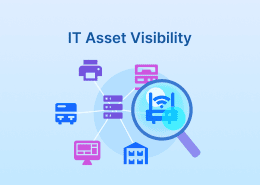
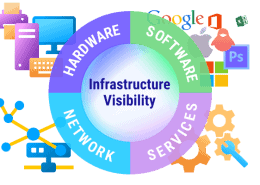
IT asset discovery is the process of automatically identifying, inventorying, and continuously updating information about all technology assets in an organization’s environment.
Such assets include devices, servers, endpoints, network infrastructure, network equipment, installed software, software licenses, cloud resources and sometimes IoT/OT systems.
Thanks to IT asset discovery, teams can maintain visibility, control, security, cybersecurity, and compliance.
IT asset discovery helps IT teams maintain full visibility and control over everything in their environment—especially in mixed, fast-changing networks (Windows/Linux/macOS, on-prem + cloud, remote endpoints).
Instead of relying on manual audits and spreadsheets, discovery tools streamline inventory collection. They automatically detect devices and software, uncover unmanaged endpoints, and help teams spot attack surface expansion and potential vulnerabilities before they become incidents.
Our core IT service management and IT asset management product Alloy Navigator approaches IT asset discovery from the POV of ITSM.
A part of the product is the Configuration Management Database, which stores information about the so-called Configuration Items (CIs), infrastructure components necessary for delivering an IT service. Configuration items include hardware and software components such as configurations, computers, hardware, networks, etc.
In this context, IT asset discovery is the process of automatically discovering CIs on the network. Our cloud network inventory tool AlloyScan delivers just that: it collects detailed asset information from across your network.
Alloy Navigator and AlloyScan work together to ensure that the information about IT assets that’s needed for service delivery is automatically collected and continuously maintained.
In 2026, AlloyScan stands out as one of the most capable and forward-looking IT asset discovery solutions available.
Designed as a cloud-native platform for comprehensive network scanning and inventory, AlloyScan gives IT teams a real-time, accurate, and continuously updated picture of their entire technology environment—from on-premises devices to remote endpoints and virtual infrastructure.


AlloyScan simplifies one of IT’s toughest challenges: keeping track of every asset connected to the network. It automatically discovers hardware such as servers, workstations (Windows, Linux, macOS), printers, switches and routers, as well as virtual machines and hypervisors, and collects detailed software and configuration information for each device. The platform places all this data into a searchable inventory, helping teams uncover shadow IT, ensure compliance, and support risk management.
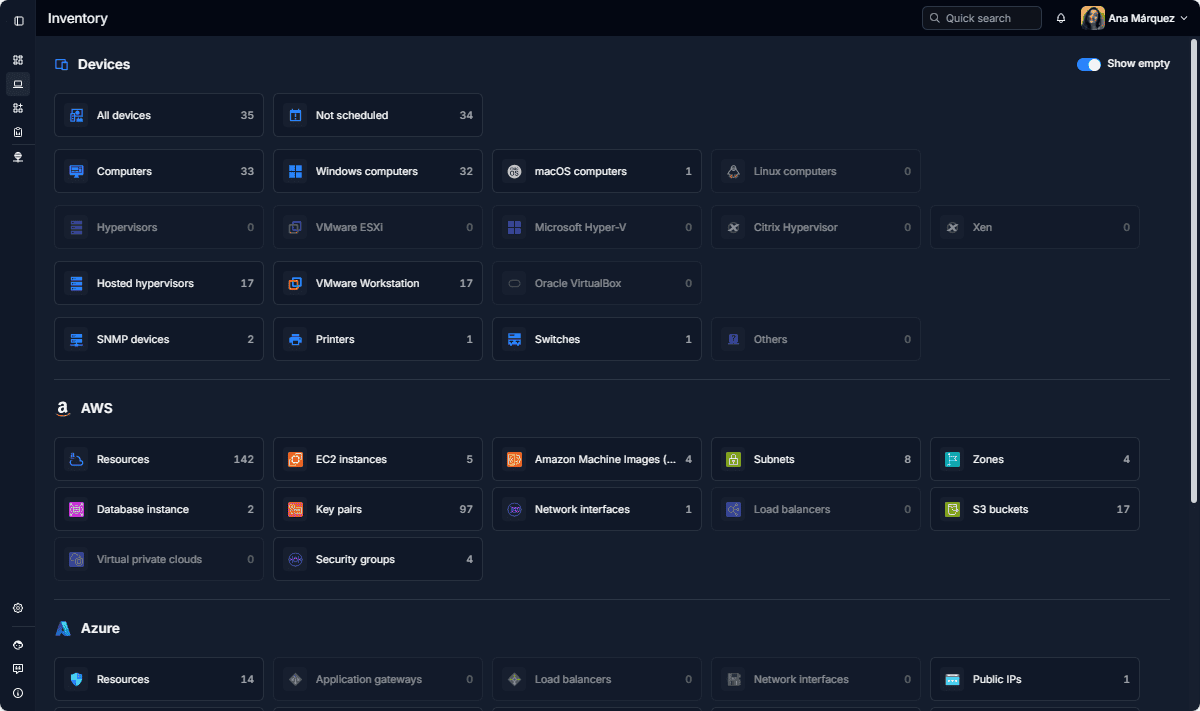

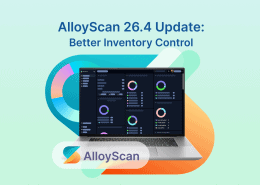
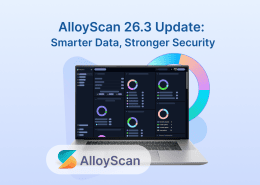
AlloyScan supports both agentless and agent-based discovery methods, giving organizations flexibility in how they gather data. It also offers powerful analytical tools, including dynamic reports, customizable alerts, and device grouping options that help surface important changes and trends. The intuitive dashboard makes it easy to visualize discovered assets and keep stakeholders informed about the state of the IT environment.
While AlloyScan is our top pick for 2026 thanks to its modern cloud-native discovery focus, other asset discovery software tools are strong contenders depending on your team’s size, environment, and priorities.
Short description:
SolarWinds Service Desk offers automated IT asset discovery as part of its IT service management solution. It automatically identifies networked hardware and software across environments, and links asset records directly to helpdesk and ITAM workflows.
Pros:
Cons:
Best for teams like:
IT service desk or ITSM teams that want foundational asset discovery tied to service management workflows.
Follow us on LinkedIn for the latest product insights, feature previews, and more exclusive updates.
Short description:
InvGate offers ITAM with discovery capabilities.
Pros:
Cons:
Best for teams like:
ITAM teams seeking integrated discovery with broader lifecycle and compliance tracking.
Short description:
Lansweeper’s core functionality revolves around sweeping networks to identify and inventory hardware and software assets. It “maintains an inventory of the hardware assets and software deployed on those assets” with support for multiple OS platforms.
Pros:
Cons:
Best for teams like:
IT operations and MSPs needing detailed, scalable network discovery and inventory reporting.
Short description:
BMC Helix Discovery is a robust enterprise solution designed for large, complex infrastructures and ITOM/ITSM integration.
Pros:
Suited for large environments with integration into broader IT management suites.
Cons:
Enterprise focus means higher implementation complexity and investment.
Best for teams like:
Large IT organizations that need deep discovery with extensive automation and integration capabilities.
Short description:
ManageEngine’s AssetExplorer is positioned as a full ITAM solution that includes network scanning and discovery to support hardware and software inventory. It helps gain full visibility and control over your IT assets.
Pros:
Cons:
Discovery depth and automation may be less compared to dedicated tools.
Best for teams like:
IT departments needing combined ITAM + discovery with an emphasis on compliance and lifecycle tracking.
Short description:
Listed among notable asset discovery/ITAM tools, SysAid offers basic inventory and linking of assets into helpdesk processes.
Pros:
Works well with service desk operations to tie assets to tickets.
Cons:
Discovery features are more basic compared to tools focused exclusively on scanning/inventory.
Best for teams like:
IT support/helpdesk teams that want discovery tied directly into ticketing workflows.
IT asset discovery is the foundation of modern IT operations, helping teams maintain accurate asset information, reduce attack surface, and improve cybersecurity. With automated discovery methods and continuously updated inventories, organizations can streamline IT management, optimize costs, and stay audit-ready. AlloyScan makes it easier to achieve this visibility at scale.