The Best IT Asset Management Software in 2026: How to Choose
What differentiates the vendors between each other, when the feature stack is similar?


What differentiates the vendors between each other, when the feature stack is similar?
IT asset management is an umbrella term for the practices and processes within a company that aim to ensure the most efficient operation of its IT assets.
The term IT asset refers to anything of value to the organization that is related to information technology or supports IT service delivery. Typical IT assets include laptops, smartphones, tablets, printers, routers, and switches. A slightly different category of IT assets is software assets, such as software licenses, virtual machines, etc.
The concept of IT asset management (ITAM) is interpreted in a variety of ways across the industry. Opinions also differ on the scope of assets included—some define ITAM as maintaining visibility over all organizational assets, whereas others limit it strictly to IT-related assets. Another area of divergence is whether network inventory should be considered part of ITAM or treated separately. Additionally, some companies market themselves as IT asset management solutions but focus solely on cloud software and license monitoring, without addressing hardware assets at all.
Do AI subscriptions and agents belong in the asset register? In practice, yes. An AI tool consumes licences or usage credits, holds company data, carries a renewal date and creates audit exposure. Those are exactly the characteristics that make something an IT asset. The difficulty is that AI arrived faster than most asset models could absorb it. This is the recurring pattern in ITAM: remote laptops became an asset class around 2020, SaaS subscriptions a few years later, AI tooling in 2026. A register that cannot take a new asset type without a vendor project will fall behind again.
At Alloy Software, our point of view is more formal. We define IT asset management as the discipline responsible for managing a company’s IT assets—resources that hold value for supporting IT processes. IT assets include tangible and intangible assets.
The core of an IT asset management solution is, then, the IT asset management module. Which includes asset tracking, software license management, and configuration management capabilities.
Moreover, we believe that having the following “additional” features helps the IT asset management process, and is therefore tightly related to ITAM:
The systems that have ITSM alongside ITAM are more useful than those that only have ITAM. When ITAM and ITSM are integrated, you can see clearly which assets are or might be affected by incidents and service requests.
All in all, we define an IT asset management tool as a tool that helps you automatically discover and track IT asset throughout their lifecycle and manages these assets in connection with the role they play in the IT service delivery in the organization.
How much of a typical IT environment is genuinely unmanaged? Arctic Wolf’s 2026 State of the Cybersecurity Attack Surface report, built on more than 800,000 monitored IT assets, found that 33% lack at least one critical security control: 18% sit outside enterprise patch or configuration management, 10% have no endpoint protection, and 17% are invisible to legacy vulnerability scanners. A further 19% have reached end of life and no longer receive vendor updates. These are not exotic edge cases. They are ordinary devices that were missing from one inventory and never captured in another.
Does finishing a migration project mean the the legacy environment is gone? Not reliably. In one environment described in the same Arctic Wolf report, a large-scale migration cut end-of-life assets by 41%, yet 8% of assets remained unsupported after the project had been internally confirmed as complete. The lesson for anyone evaluating ITAM solutions is specific: ask how a product independently verifies remediation rather than reflecting what someone marked as done. Self-reported completion and measured completion are different numbers, and only one of them survives an audit.
What does the wider incident data say about visibility? Palo Alto Networks’ 2026 Unit 42 Global Incident Response Report, drawn from more than 750 engagements, found that 87% of intrusions involved activity across multiple attack surfaces and roughly 35% touched cloud or SaaS assets. More than 90% of incidents were materially enabled by misconfigurations or gaps in security coverage. These findings do not point to an exotic threat. They point to environments with gaps in visibility and security coverage, which is the problem ITAM exists to solve.
What does delay actually cost on the hardware side? Microsoft prices commercial Extended Security Updates for Windows 10 at $61 per device for year one, doubling each subsequent year to a three-year total of $427 per device. The licences are cumulative, so enrolling late saves nothing, because you must also pay for the preceding years of coverage. Karen L. Parkhill, Executive Vice President and Chief Financial Officer at HP, told investors in May 2026 that “we have roughly 30% of the installed base still on Windows 10.” The table below applies that share to an inventory of 1,000 devices.
| Windows 10 Extended Security Updates | Per device | 300 devices (30% of a 1,000-device inventory) |
|---|---|---|
| Year 1 | $61 | $18,300 |
| Year 1, devices managed via Intune or Autopatch | $45 | $13,500 |
| Year 2 | $122 | $36,600 |
| Year 3 | $244 | $73,200 |
| Three-year total | $427 | $128,100 |
Calculated from Microsoft’s published per-device ESU pricing, applied to 300 devices. Devices managed through Intune or Autopatch qualify for a 25% first-year discount. Figures exclude replacement hardware and labour.
Is replacement the obvious alternative? It became noticeably more expensive during 2026. TrendForce reported conventional DRAM contract prices rising 58 to 63% quarter over quarter in the second quarter of 2026, with NAND flash contract prices up 70 to 75%, after an even sharper first quarter. Those increases put additional upward pressure on device prices. The result is a genuine squeeze: the cost of staying doubles annually while the cost of leaving also rose. The only lever left is reducing how many devices need a paid extension at all, and that is an inventory question rather than a procurement one.
How should you decide device by device? Run this sequence before you commit budget to either extensions or replacements:
Now, let’s study the market and see what solutions are best suited to solve the problems outlined above.
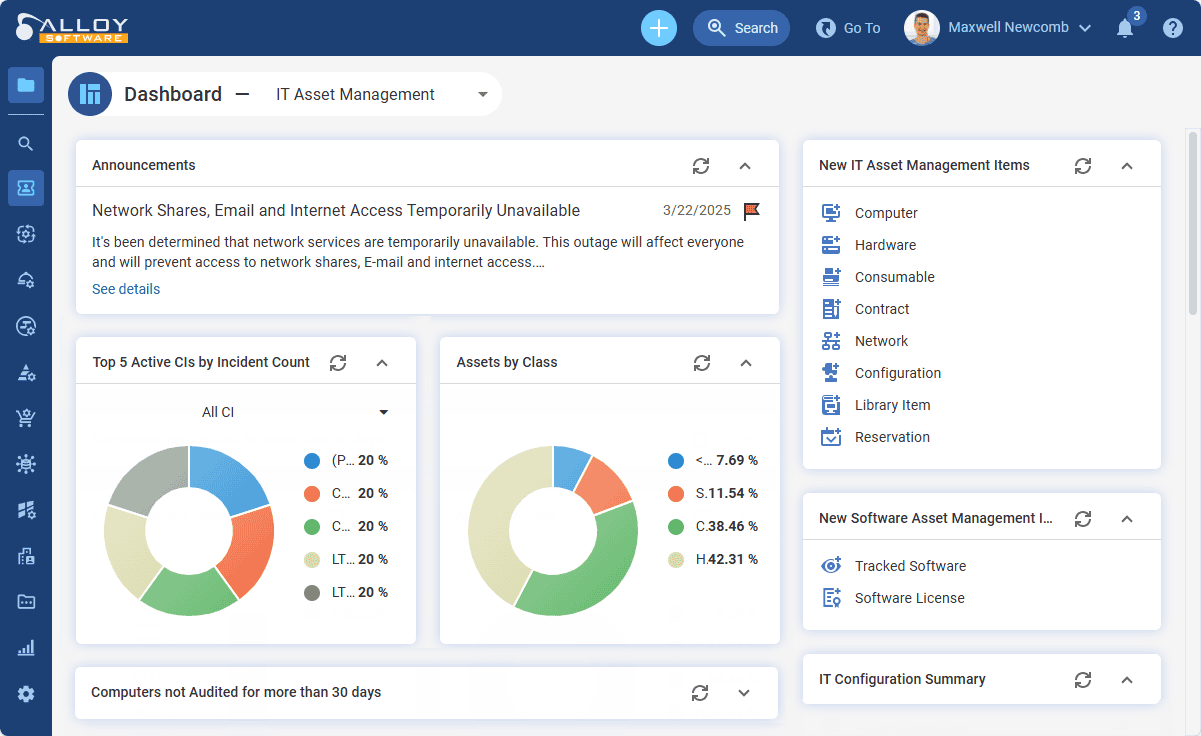
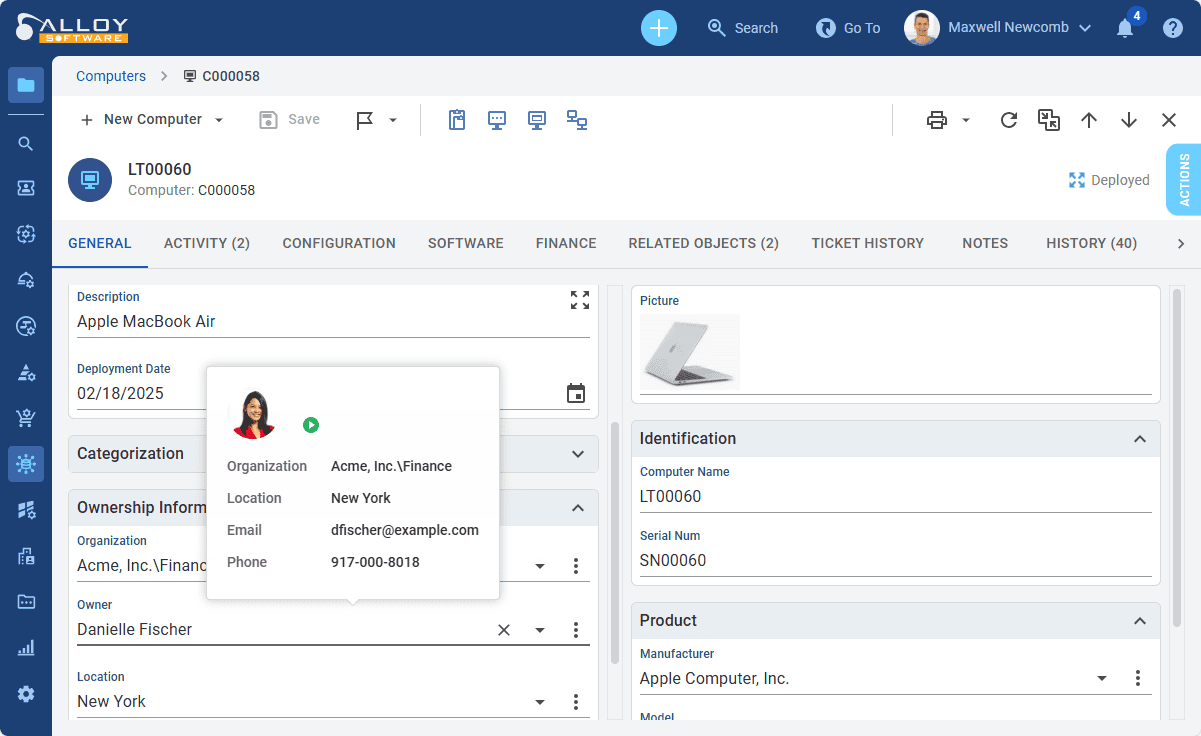
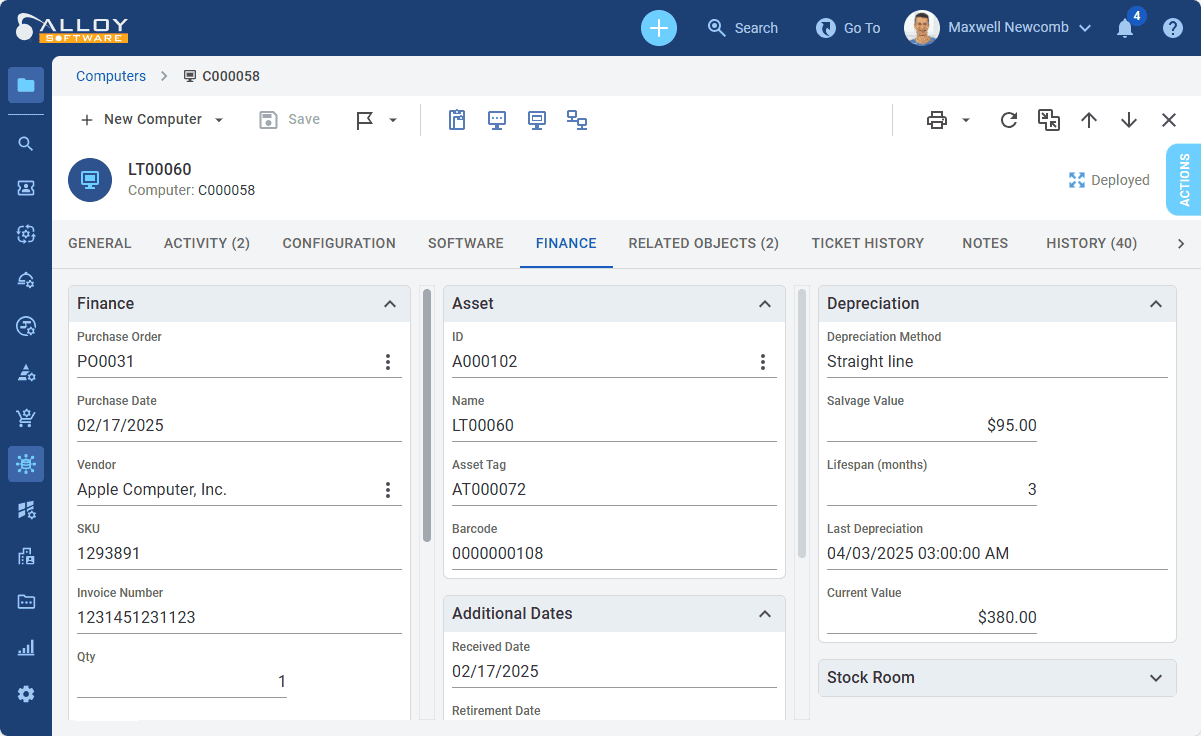
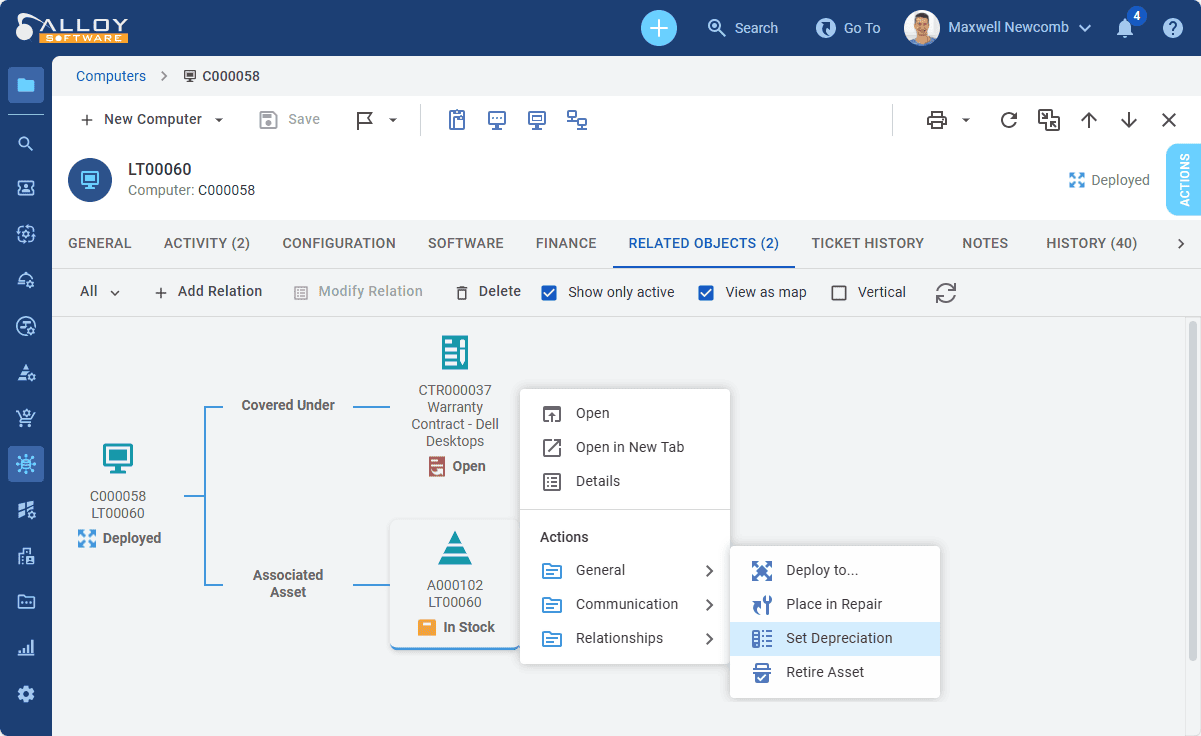
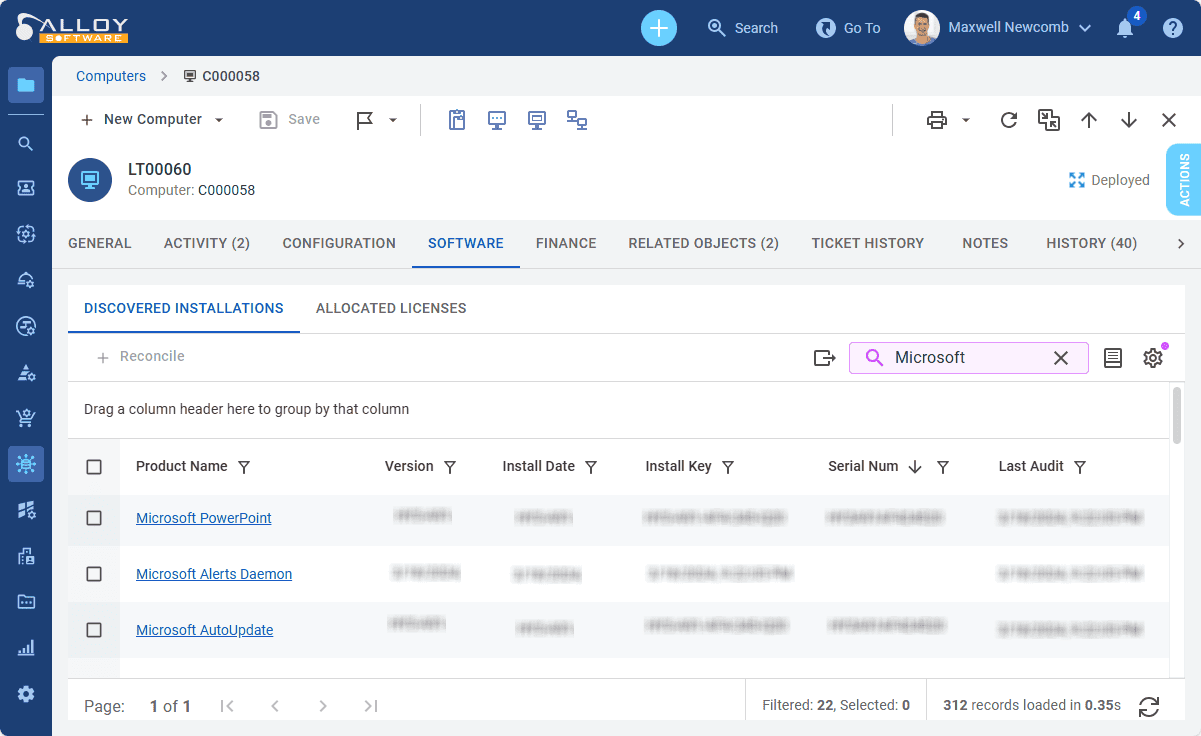
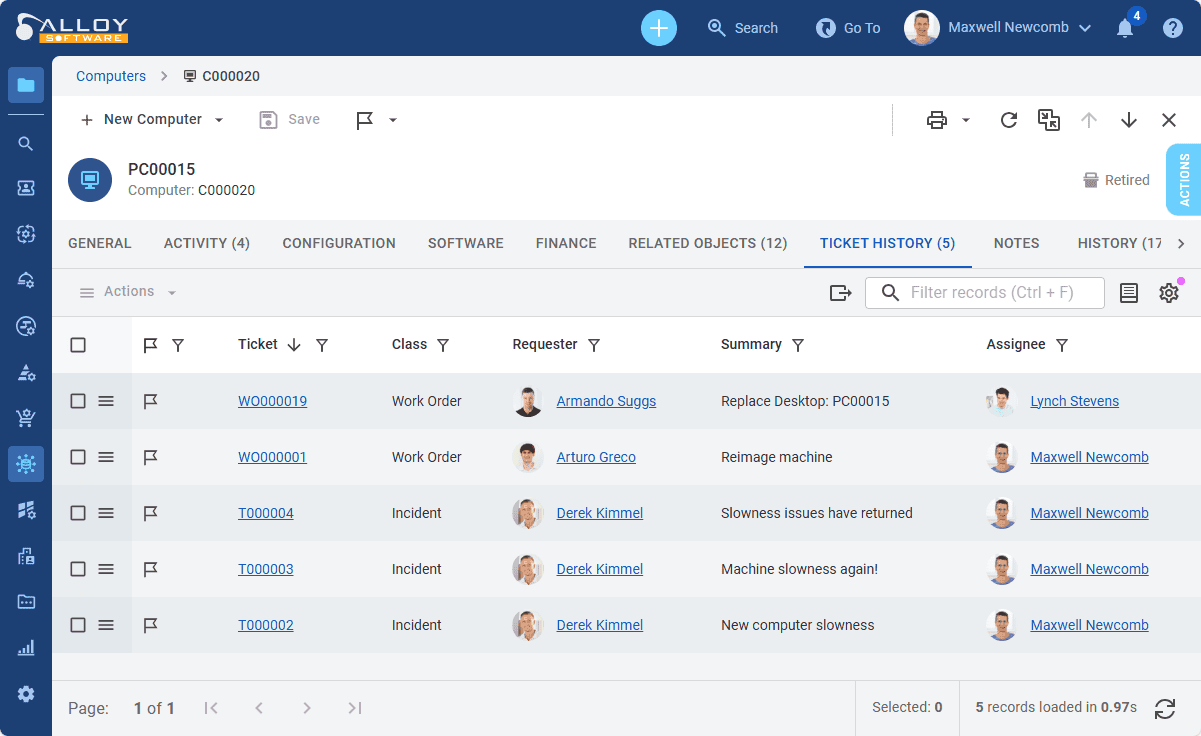
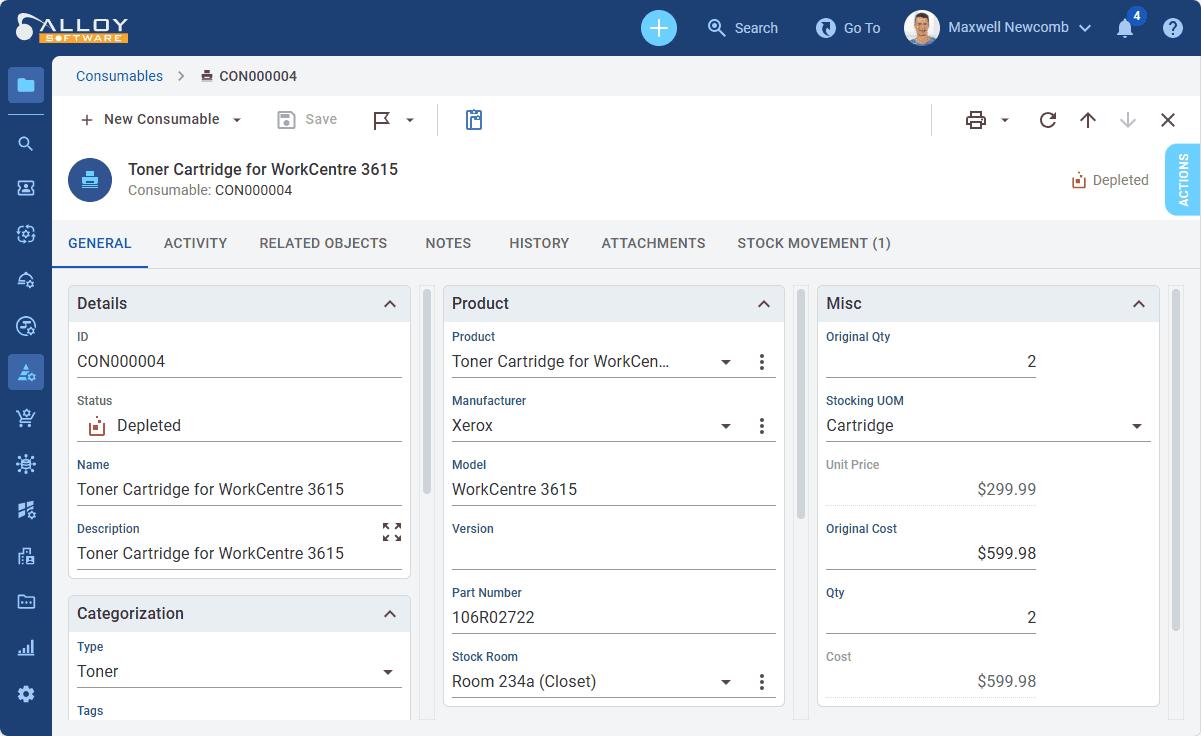
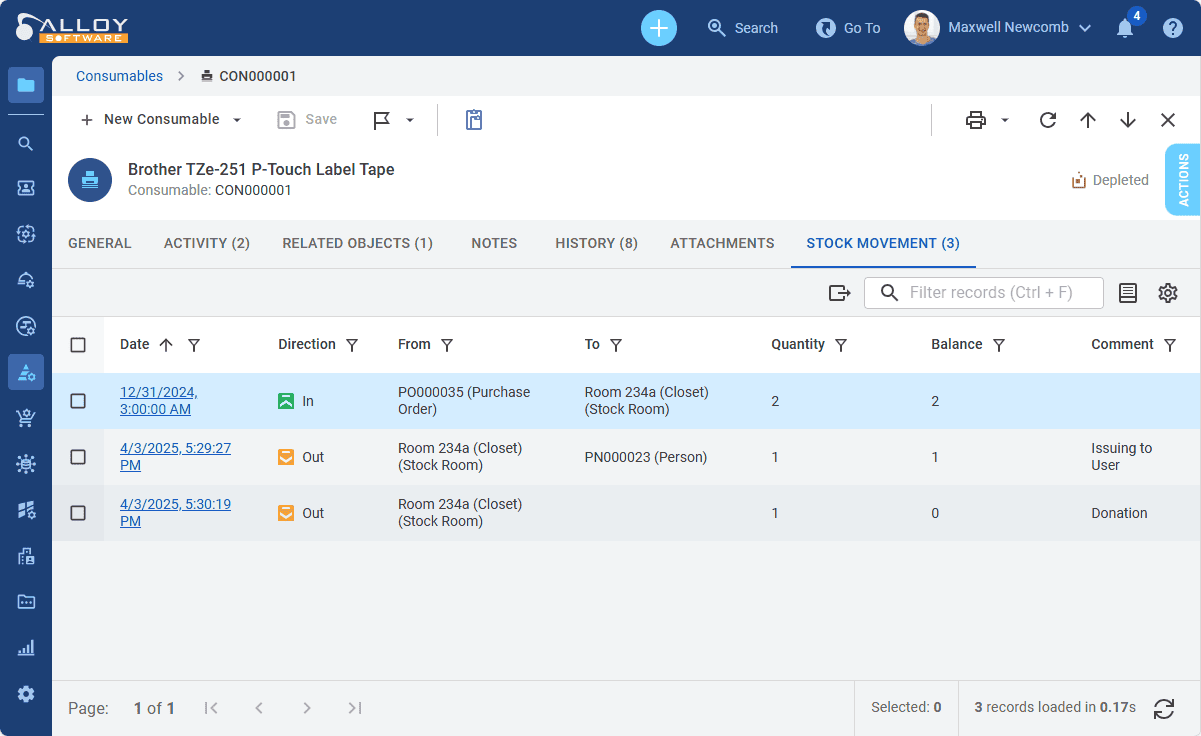
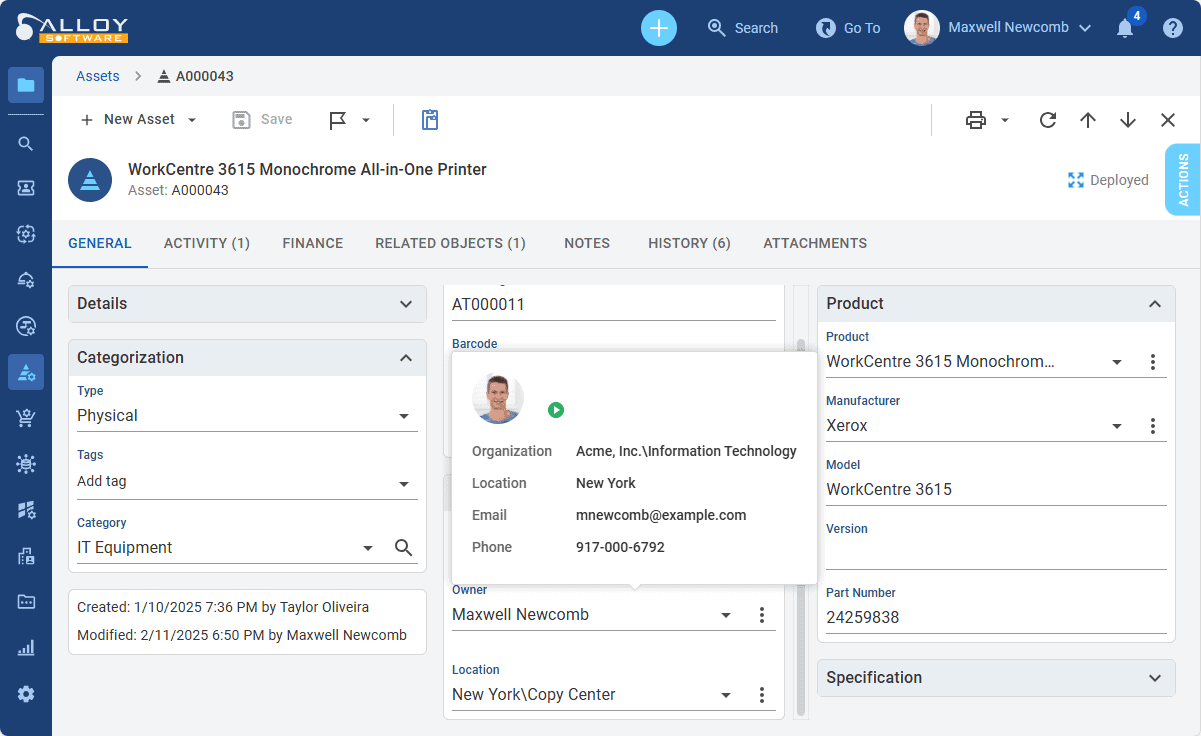
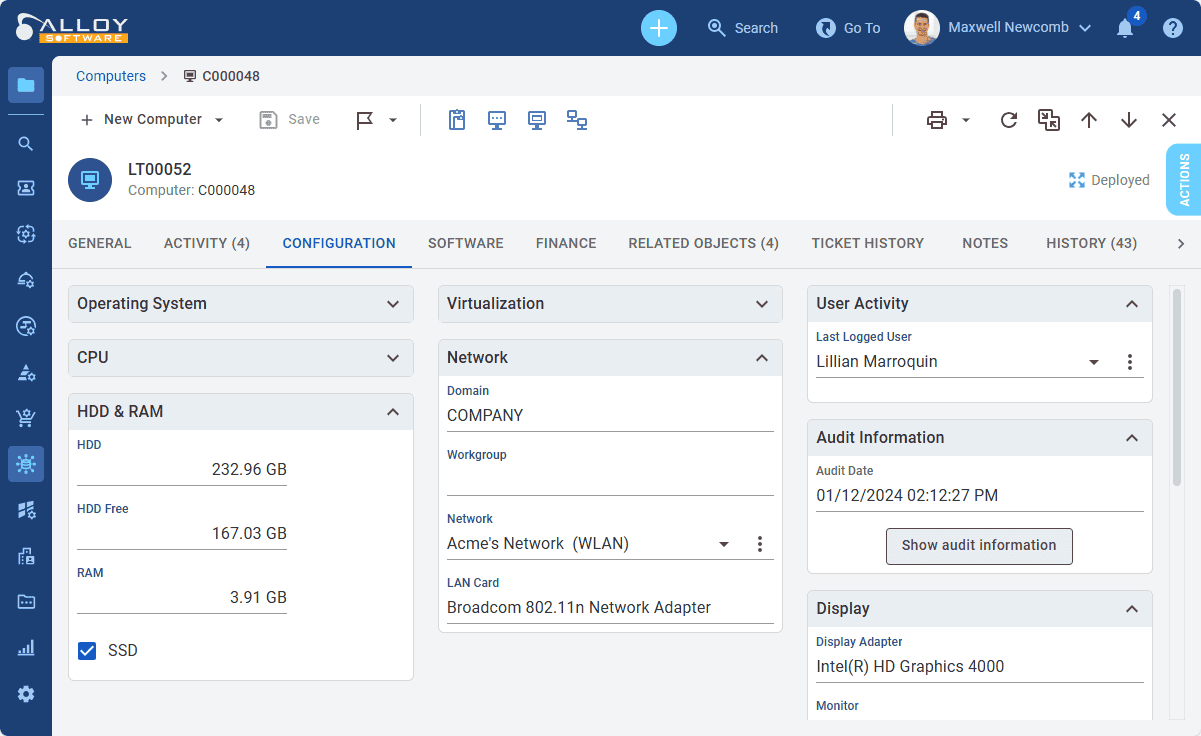
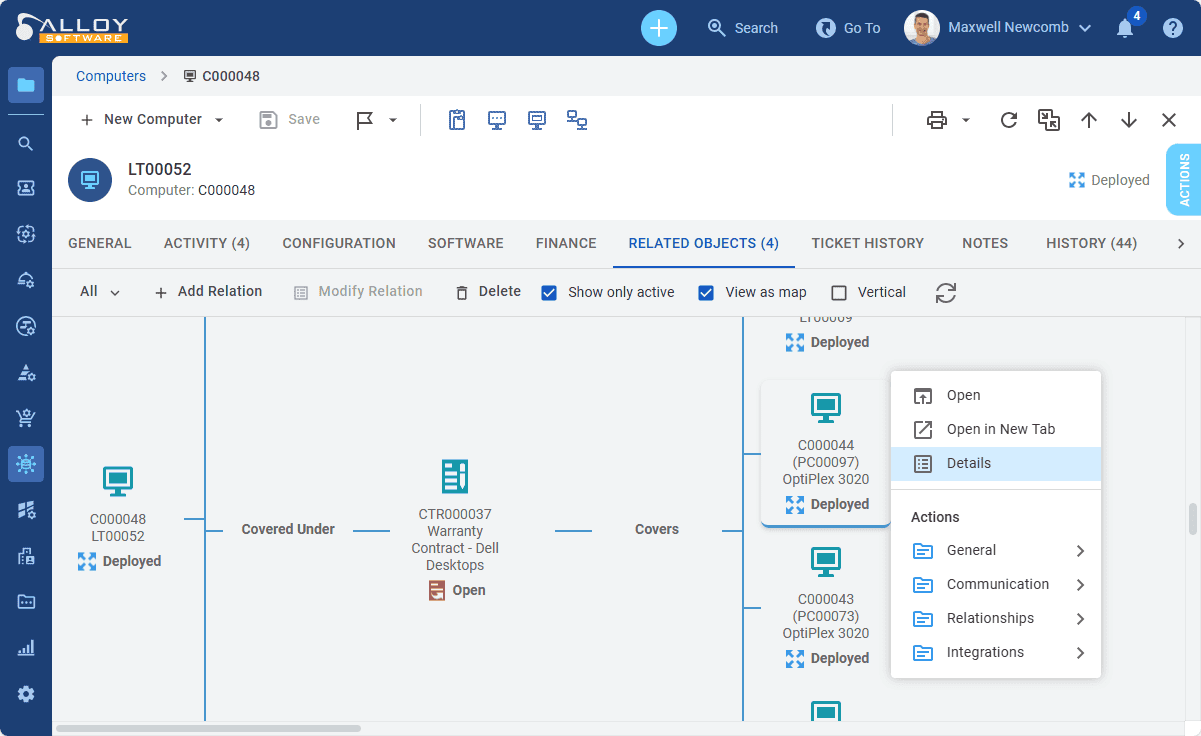
Alloy Software, a private company headquartered in New Jersey, USA, was founded in 2002. Initially known for its network inventory product, the company has since evolved into a comprehensive provider of IT Service Management (ITSM) and IT Asset Management (ITAM) solutions.
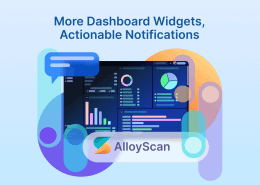
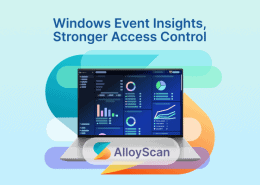
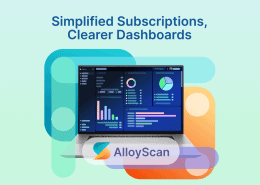
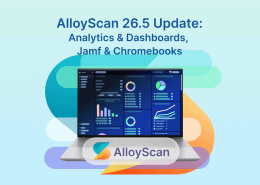
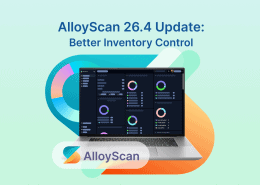
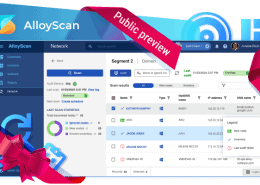
Which Alloy product does what? Alloy Navigator is our ITSM and ITAM platform (screenshots above). AlloyScan is our cloud-native network inventory and asset discovery product (screenshots below). It automatically audits hardware, software, and cloud resources and feeds up-to-date data into the Navigator CMDB.
AlloyScan is now our primary discovery solution and follows a regular release cadence, with version 26.7 released in August 2026.
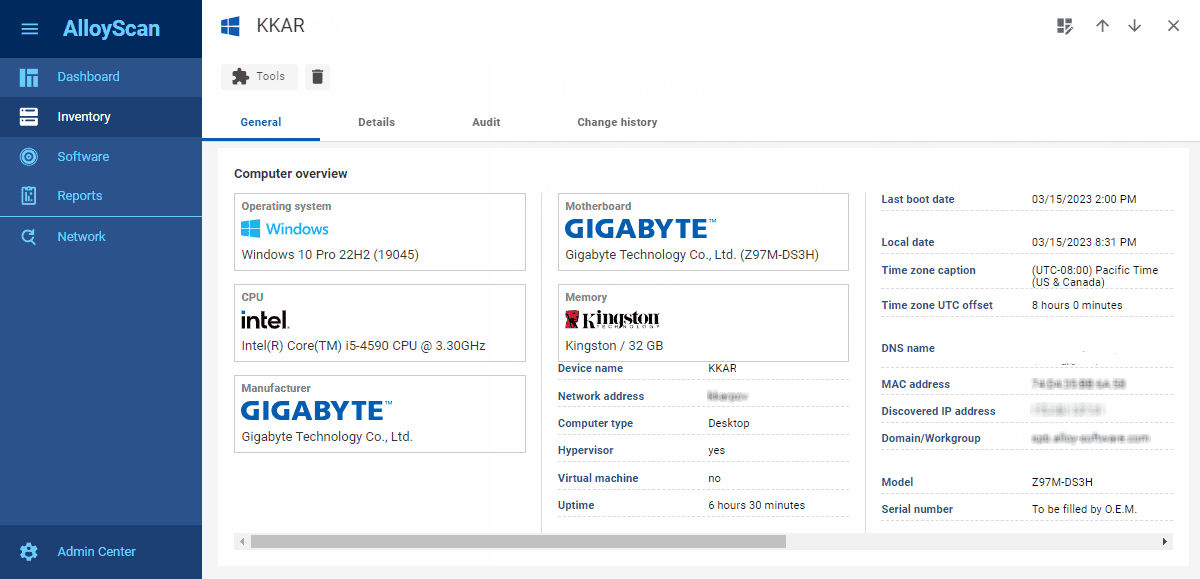
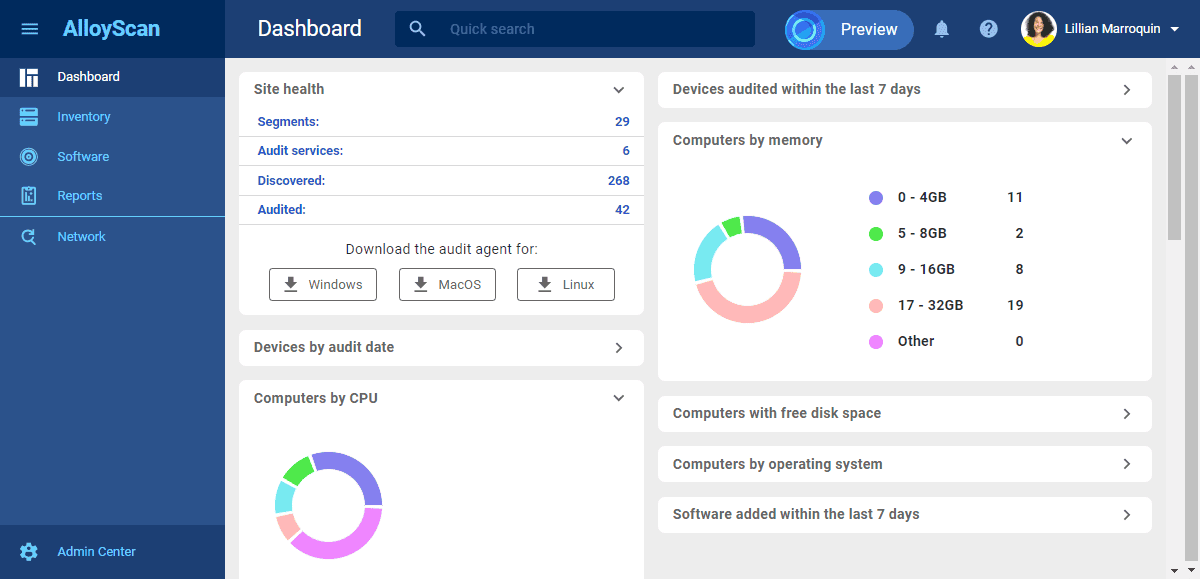
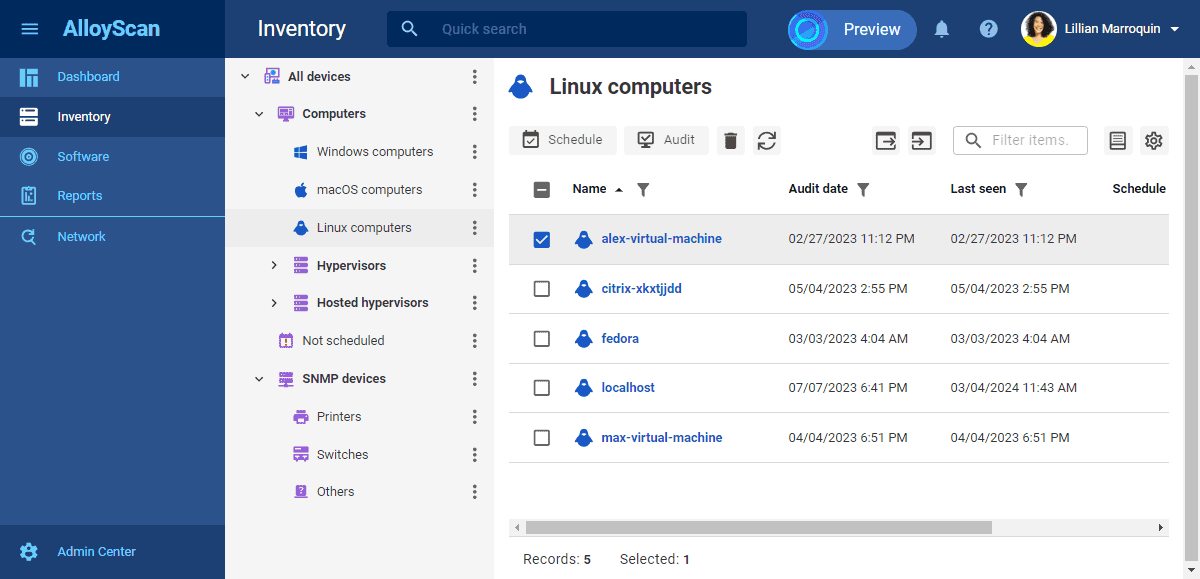
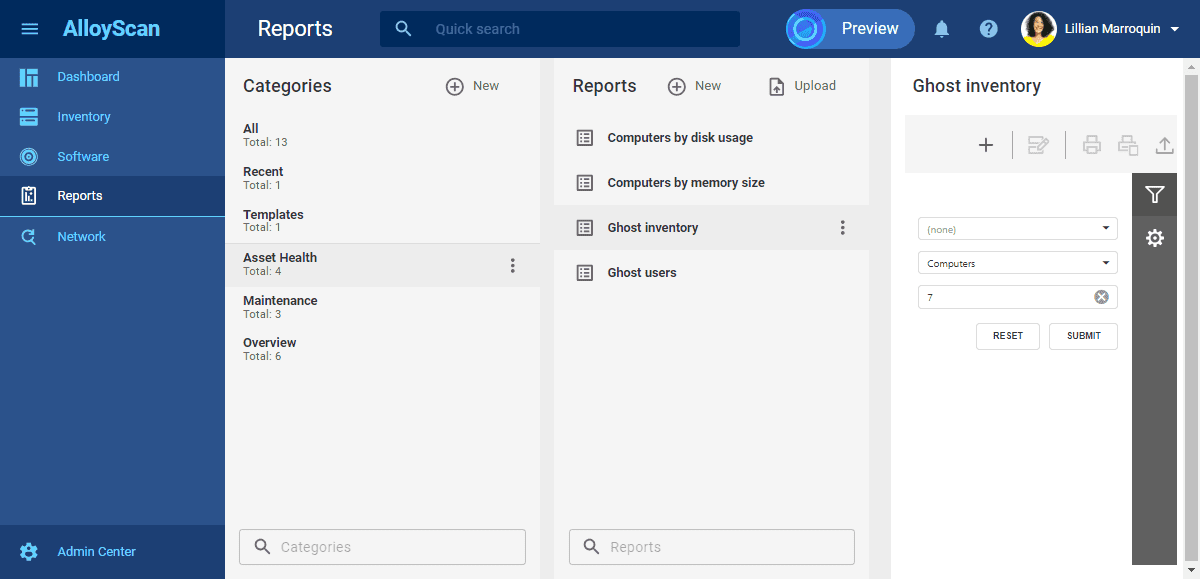
A standout feature of our offerings is a highly flexible workflow management engine, which allows seamless connections between various infrastructure components—ranging from incident tickets to physical assets like batteries in a warehouse.
This adaptability ensures the platform grows alongside an organization’s evolving needs.
Does Alloy Navigator work with third-party discovery tools? Yes. It is designed to integrate with any network inventory tool, though the deepest integration comes from AlloyScan, where inventory data flows straight into CMDB, ITSM and ITAM workflows without an additional integration layer. With more than two decades in the market, Alloy Software has built a reputation for scalable, customisable IT infrastructure solutions. That longevity matters for a practical reason: the customers who stay longest tend to be the ones whose processes changed after purchase and whose existing systems could adapt to those changes without requiring a migration.
Alloy Software offers complete flexibility in terms of hosting. You can deploy our solutions on-premises on your servers, get them delivered as SaaS, or installed on your Azure or AWS cloud. The on-prem version is especially popular among our clients who operate in heavily regulated industries or deal with sensitive asset data.
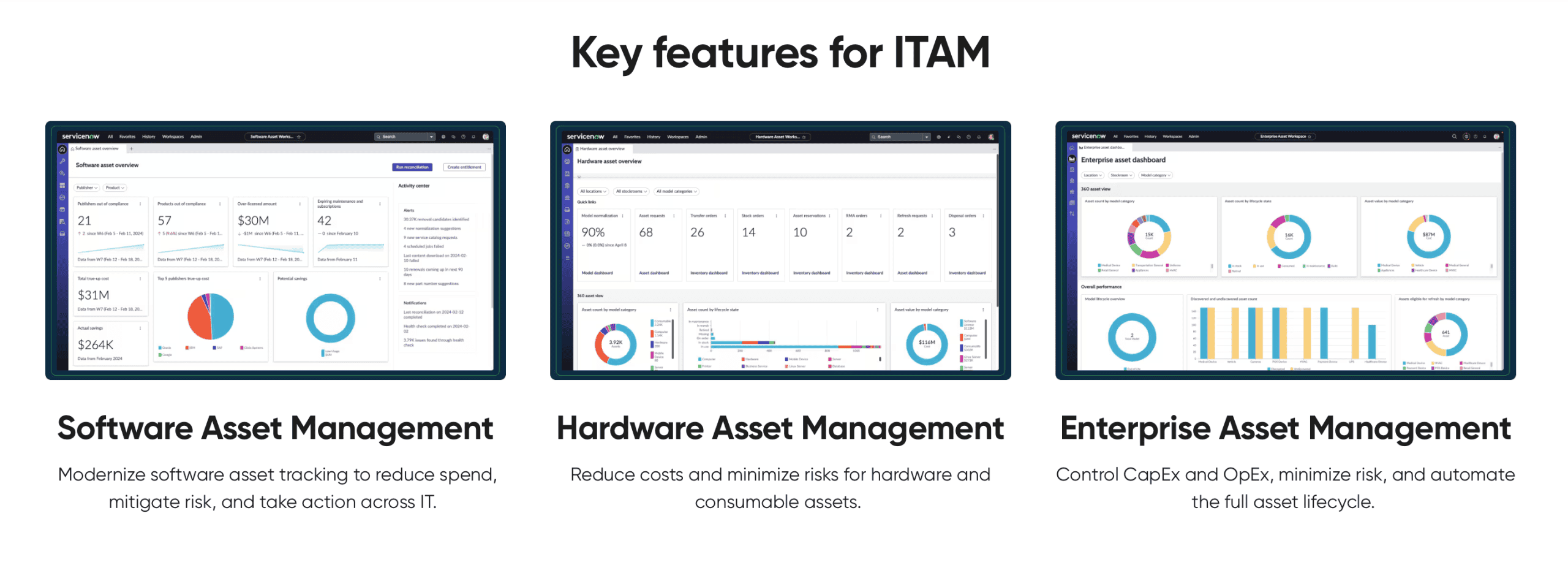
ServiceNow, a publicly traded company headquartered in Santa Clara, California, is a global leader in digital workflow automation.
Its flagship ServiceNow platform is the foundation for all ServiceNow solutions, including IT asset management. ServiceNow IT Asset Management prioritizes asset lifecycle management, and a view on IT asset management from the perspective of their unified Now platform.
ServiceNow is known as a household name in the industry and works with global companies with giant IT budgets.
It’s widely understood that ServiceNow’s solution is positioned at a higher price point, primarily catering to large enterprise clients.
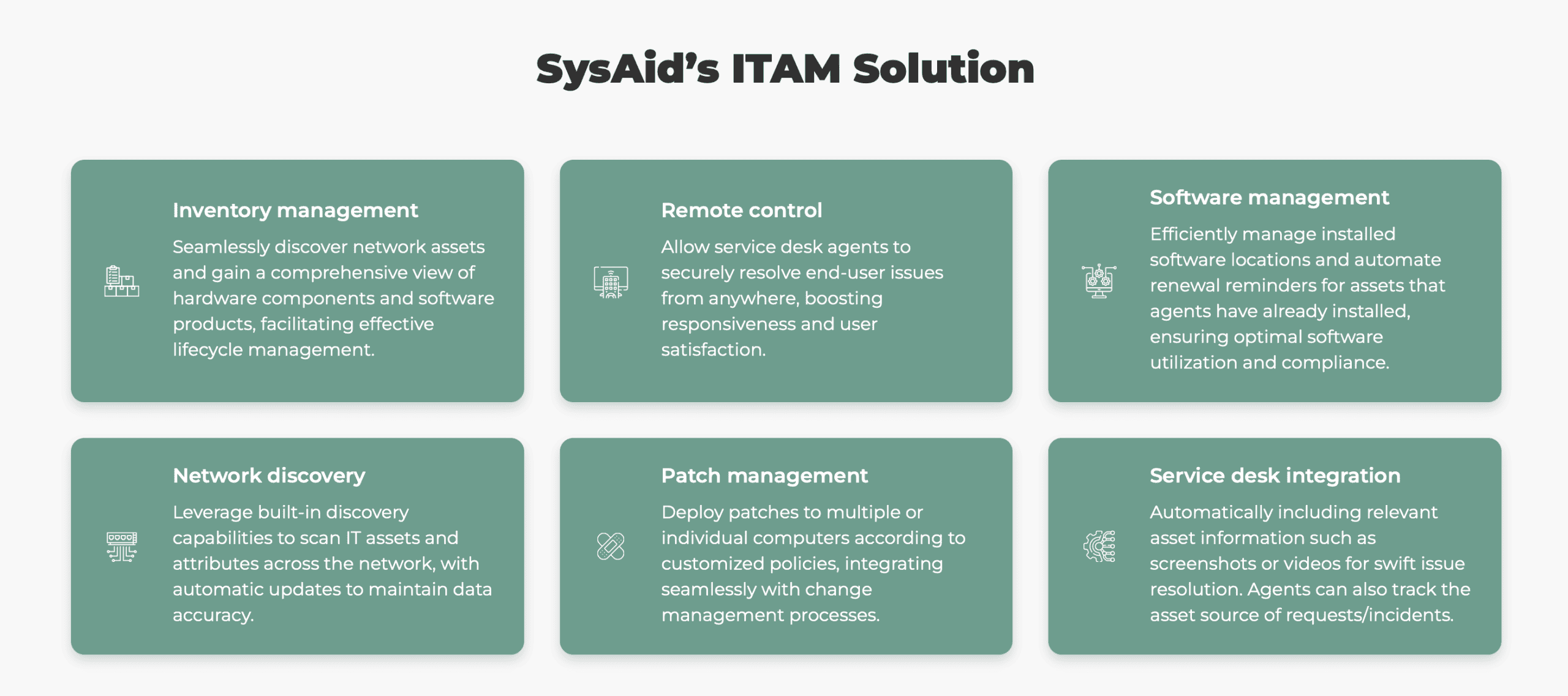
Founded in 2002 and based in Israel, SysAid is a privately held company that provides ITSM solutions with a strong emphasis on simplicity and automation.
SysAid prioritizes integration of IT asset management with the help desk capabilities, and the opportunity to use ITAM capabilities for help desk tasks.
Notably, SysAid claims that their solution not only discovers and monitors assets but also handles patch management and remote control. Apparently, SysAid relies on a native integration with Lansweeper to provide network discovery features.
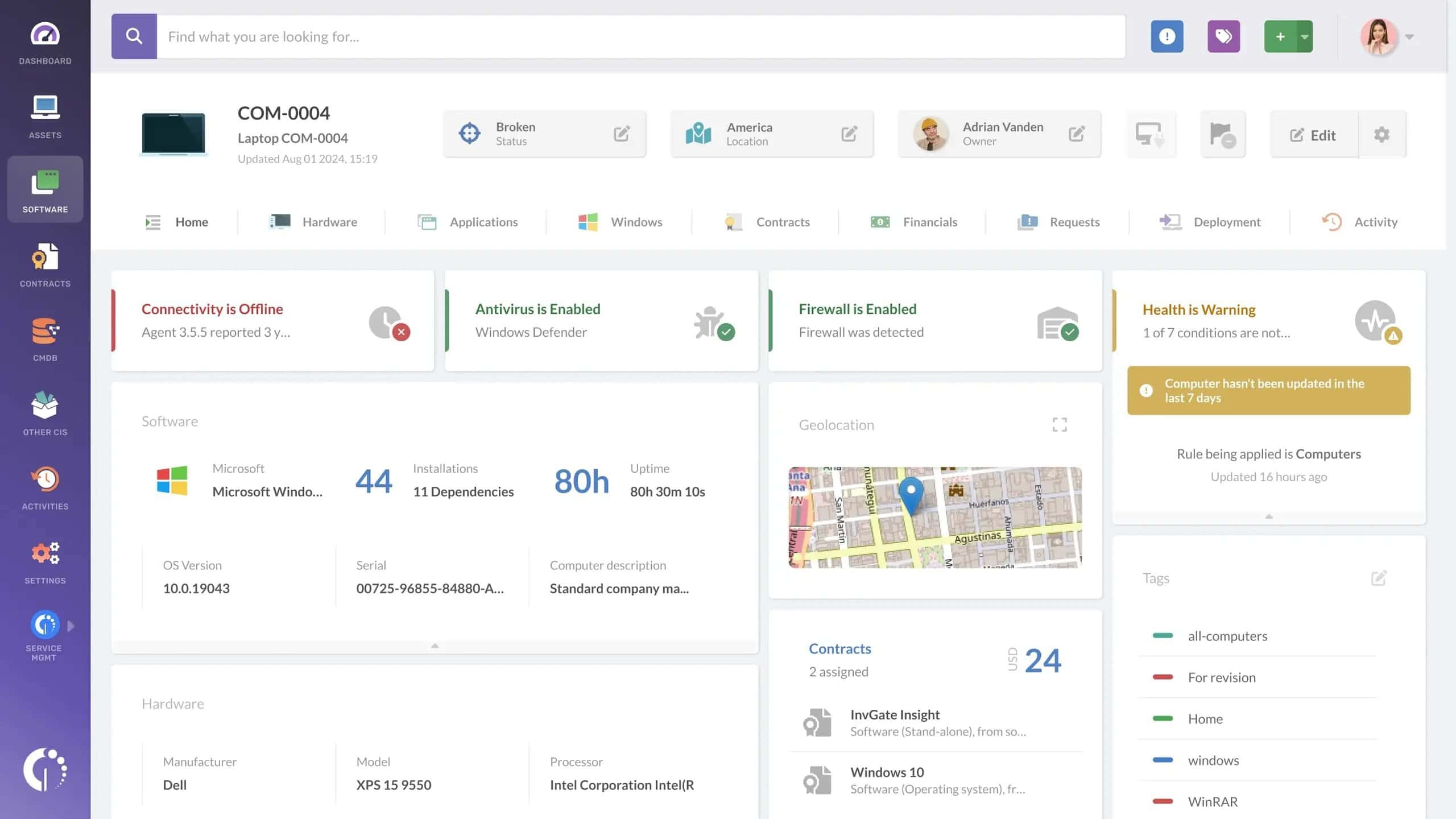
InvGate is a privately held ITSM and ITAM company founded in 2009 and headquartered in Argentina. With a strong focus on usability and affordability, InvGate delivers powerful solutions for service management (InvGate Service Desk) and asset management (InvGate Assets).
Its ITAM offering includes a variety of features: asset inventory, network discovery, software metering, and asset-based threat management. The company is constantly evolving and introducing new capabilities and use cases.
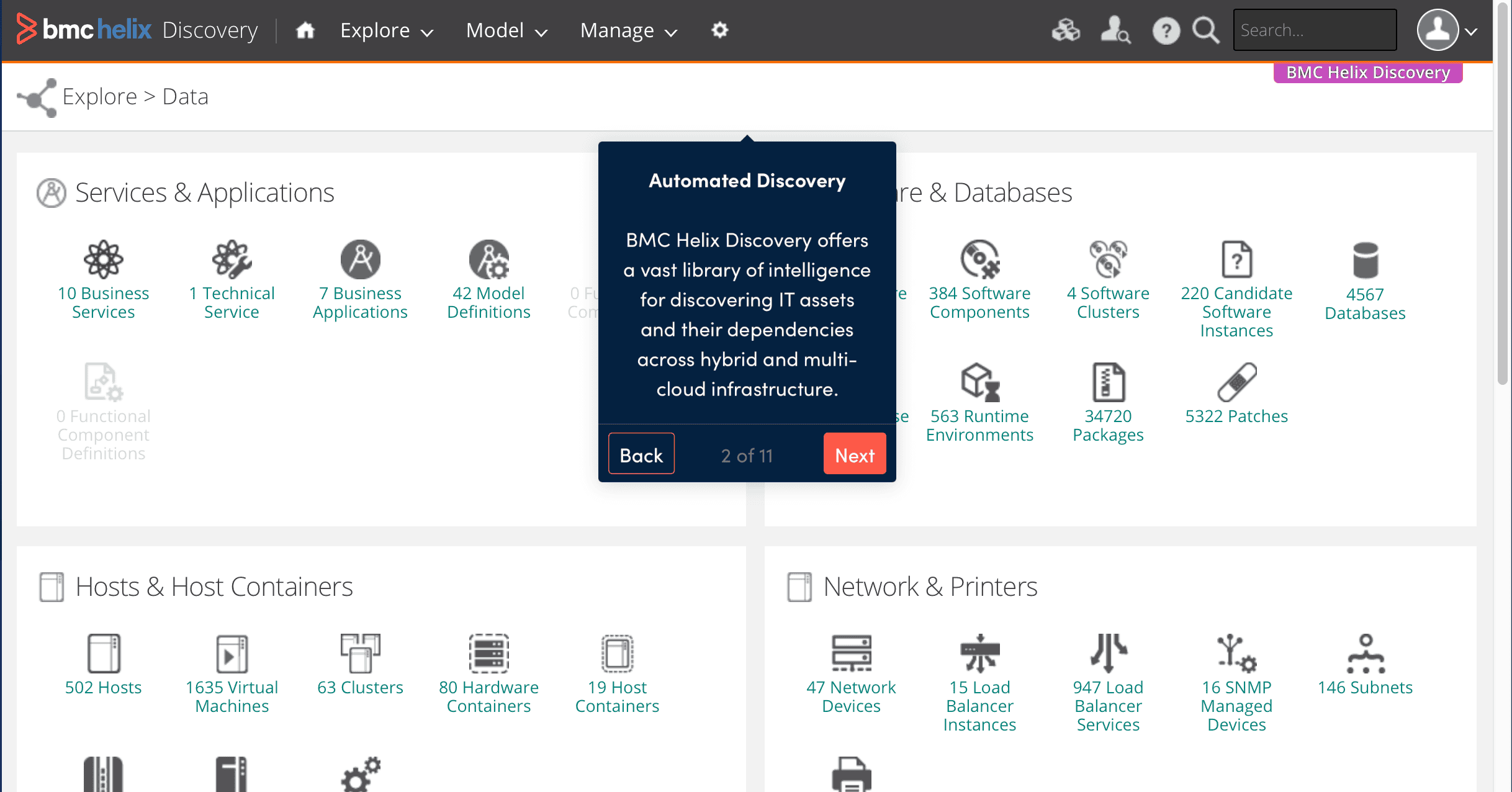
BMC Software, founded in 1980 and headquartered in Houston, Texas, is a global leader in enterprise IT solutions. Once a public company, it is now privately owned. BMC offers a robust suite of tools ranging from mainframe transformation to workflow automation. BMC Helix offers an all-in-one IT service management solution, including integrated IT asset management.
BMC Helix Discovery integrates discovery, compliance, and lifecycle tracking.
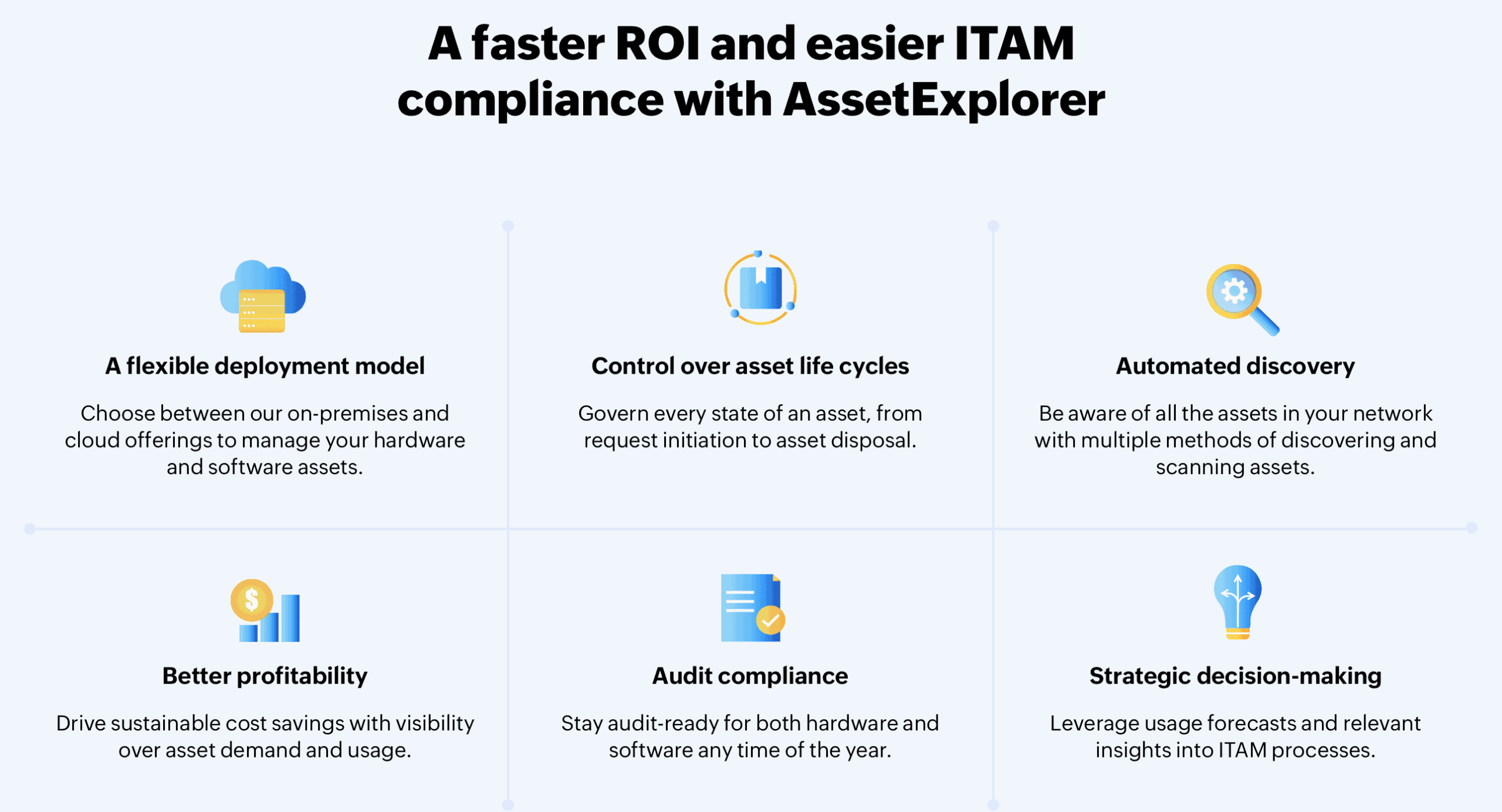
ManageEngine, a division of Zoho Corporation, is an Indian-based company known for offering comprehensive IT management tools. It has a diverse portfolio of software solutions: identity and access management, endpoint management and security, security information and event management, and much more. Asset Explorer is its flagship IT asset management product, available in the cloud and on premises.
Its ITAM functionality includes the standard feature set: asset discovery, software license management, and lifecycle tracking.
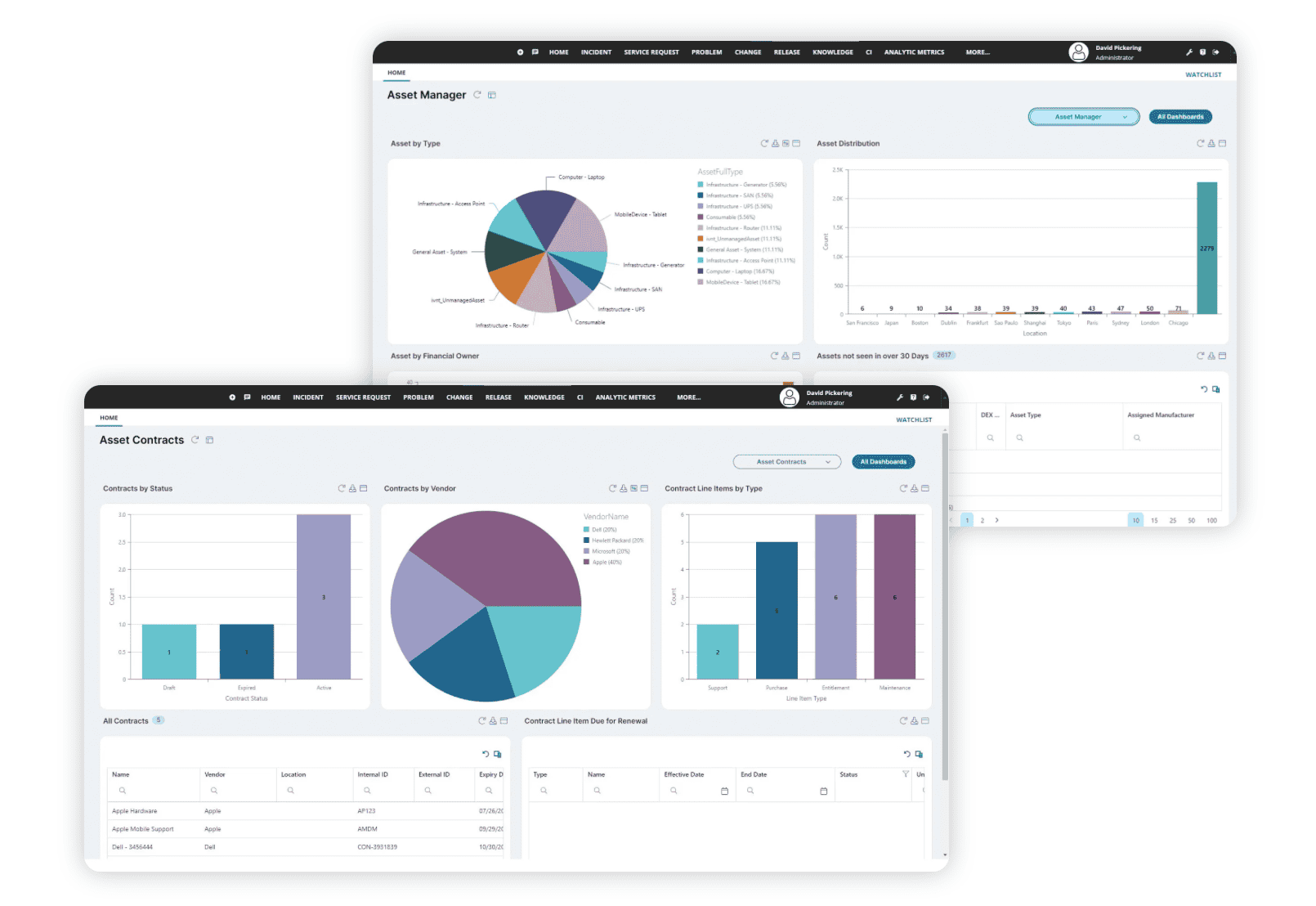
Ivanti, headquartered in Utah, USA, was formed in 2017 through the merger of several IT management companies, including LANDESK and HEAT Software. It is privately held and offers a comprehensive portfolio of ITSM, ITAM, UEM (Unified Endpoint Management), and cybersecurity solutions.
Ivanti Neurons for ITAM covers asset discovery, license optimization, and lifecycle management. Moreover, they also offer vendor management features to provide you with insights about your vendor contracts.
Ivanti is known for unifying IT operations and security across devices and environments. Due to the company’s expertise in security, you can expect to get additional features aimed at minimizing risk and threats.
Selecting the right solution to integrate with your existing, often complex, technology stack is no simple task. As any organizational change, it requires a strategic approach that aligns with the unique needs and objectives of your business.
Read our blog article on change resistance and the ways to deal with it.
Consider the following key factors when evaluating ITAM solutions:
Assess the deployment options that best suit your organizational requirements. Modern ITAM solutions typically offer:
Your choice should depend on factors like data sensitivity, regulatory compliance, and internal IT infrastructure.
Organizations in heavily regulated industries might prefer on-premises solutions, while more agile companies might opt for cloud-based platforms.
Whether you prefer a cloud-based or on-premises deployment, each option offers its own benefits.
With Alloy Software, you can choose any deployment model that best fits your organization’s needs: our software can be deployed on-premises on your servers, delivered as SaaS by Alloy Software, or installed on your Azure or AWS cloud. Regardless of the deployment method, you’ll have access to the full range of ITSM features, including Incident Management, Email Ticketing, Service Catalog, Self-Service Portal, Mobile App, Change Management, and more.
Read our article on the differences between cloud and on-premises deployment models.
An effective ITAM solution should seamlessly integrate with your existing IT ecosystem. Key integration points include:
The more native and deep the integrations, the more value you’ll extract from your ITAM investment.
In Alloy Navigator, the following native integrations allow users to connect and use the external services directly within our software product, with minimal setup required:
Custom integration opportunities include database-level integrations, integrations through PowerShell scripts, and the Alloy Rest API.
Your chosen ITAM software should not just accommodate your current asset fleet but also scale effortlessly as your organization grows. A truly robust ITAM solution adapts to your organization’s evolving needs without requiring complete system replacement.
How do you test whether a platform will still fit in three years? Ask the vendor to prove it live rather than describe it. The asset classes that broke inventories over the past six years (remote laptops, SaaS subscriptions, AI tooling) all arrived without warning, and the platforms that coped were those where a new asset type is a configuration task rather than a development project. Run this during the demo, not after signature:
With our infinitely flexible workflow automation engine, we can confidently say that Alloy Navigator is a solution that accommodates both your current and potential future business needs. As our CTO Ivan Samoylov puts it,
“…one thing that is very hard to explain to customers is that our solution sets them up for future. Simple things are simple to implement, complex things are more complex, but still possible.”
Which pricing model best fits your organisation? Two models dominate the market. Per-agent pricing charges for the people using the system; per-asset pricing charges for the things being tracked. Consider the common mid-market pattern: a handful of technicians looking after several hundred to a few thousand endpoints. For those teams, per-agent pricing may not reflect how they actually use the system. A quick check: divide your asset count by your number of technicians. Above roughly 100 assets per technician, per-agent pricing can become disproportionately expensive relative to the number of assets being managed.
What does that difference look like in actual costs? Take a team of seven technicians managing 1,200 assets. On a typical mid-tier per-agent plan at $49 per agent per month with 100 assets included, plus extra capacity sold at $125 per month per 500 assets, the annual bill lands near $8,600. A standalone per-asset discovery tool covering the same 1,200 assets costs closer to $3,000, and pairing it with an entry-level help desk at $19 per agent per month brings the combined total to roughly $4,600. The gap represents the additional cost of having a unified system of record.
| Your shape | Per-agent ITSM + asset capacity | Standalone per-asset discovery | Discovery + separate help desk |
|---|---|---|---|
| 3 technicians, 400 assets | ~$3,300 | ~$1,600 | ~$2,300 |
| 7 technicians, 1,200 assets | ~$8,600 | ~$3,000 | ~$4,600 |
| 20 technicians, 3,000 assets | ~$20,800 | ~$6,100 | ~$10,700 |
Modelled from published 2026 list prices across the mid-market segment; vendor names omitted deliberately, since the point is the pricing structure rather than any one product. Figures are annual, exclude implementation and assume list pricing without negotiated discounts.
So is the lowest-cost option the right one? Not automatically. The two-tool approach can save money, but you may lose the direct connection between a ticket and the asset it concerns. When an auditor asks which device ran which software version and who touched it, that link is the answer, and reconstructing it across two databases is slow and error-prone. The honest question is not which line item is smallest, but whether a unified system of records is worth the difference at your scale. For a three-person IT team tracking laptops, often not. For a regulated organization preparing for an audit, usually yes.
Why do so many ITAM purchases stall on price? In our sales team’s experience, the objection is rarely that a quote is too high in absolute terms. It is that the buyer formed a budget expectation before researching the market and found that actual market pricing was different. The fix is unglamorous: build a budget range from your own numbers before you shortlist, not after the first demo. Our ITSM ROI calculator is one way to establish an initial budget estimate.
Consider not just the upfront licensing costs, but the total cost of ownership. With the growing reliance on cloud resources, vendors’ pricing structures get more and more sophisticated. Apart from the more traditional regular yearly “subscription” fees and training fess, consider the following check list to make an informed buying decision:
Evaluate the vendor’s:
Which analyst reports are worth checking in 2026? Gartner published a Magic Quadrant for IT Service Management Platforms on 27 July 2026, its first in roughly four years, covering sixteen vendors. It is a useful map of the enterprise and upper mid-market end of the category. It is a map of a market, not of your requirements. Gartner itself states that it does not endorse vendors and does not advise selecting on ratings alone. Use it to understand the landscape, then judge shortlisted products against the criteria above.
A vendor with a proven history and commitment to continuous improvement will be a more reliable long-term partner.
At Alloy Software, we take pride in our support quality, praised equally by our customers and by industry reports.
“Alloy’s team has been incredibly quick to respond to our needs,” shares Audrey Bonnotte, IT project manager at Dietsmann. “They go beyond just providing answers—they actively help us implement solutions, which has been crucial to our success.”
Our article on the choice between buying and building software will provide additional insights on how to purchase IT solutions.
IT asset management is still the discipline that keeps technology investments tracked, optimised and aligned with wider organisational goals, and the benefits are unchanged: lower licence costs, fewer lost or stolen devices, longer and longer useful lives for IT assets. What changed in 2026 is the cost of poor asset visibility and management. Extension fees for unsupported operating systems double annually, replacement hardware got more expensive, and three EU regimes now assume you can produce an accurate inventory on demand rather than after a two-week scramble.
If you take one thing from this guide, make it the arithmetic rather than the feature list. Count your assets, count your technicians, divide one by the other, and let that decide which pricing model you should be paying. Test how easily the system can be adapted during the demo instead of relying on promised future capabilities. And re-run discovery after go-live: in the Arctic Wolf data, 8% of assets remained unsupported even after the project had been marked complete.
Software asset management (SAM) is a sub-division of IT asset management, responsible for managing intangible IT resources, mostly licenses. SAM tracks license compliance, i. e. expiration dates, renewal conditions, appropriate usage, and similar. In large companies which use hundreds of different vendor solutions, SAM is automated: renewal reminders, shadow usage blockers, etc. A huge part of SAM is about preparing for and going through vendor audits.
Hardware asset management, as the name implies, helps businesses keep track of their tangible assets, such as computers, smartphones, tablets, printers, routers, switches, etc.
IT asset tracking is a process within ITAM. In the IT asset tracking process, we create and maintain a database of IT assets. The “Assets” section in the Navigator database is essentially the IT asset database.
CMDB is a different database—specifically, a database of configuration items (CIs),
where information about hardware, software, services, and their relationships is stored. In the Navigator, CMDB includes Configurations, Computers, Hardware, Networks, etc.
CMDB is a key component of ITSM (IT service management), where IT services are managed.
CI (Configuration Item) is a complex concept, but it refers to a component necessary for service delivery (and one that should not be overlooked).
For example, a laptop is both an IT asset and a CI, while a software license is only an IT asset but not a CI.
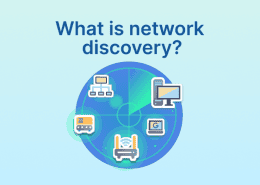
Network Inventory is a tool that enables automatic population of the CMDB. Discovery and Audit are parts of the CMDB population process. Discovery is the detection of potential CIs (on the network). Audit is collection of more detailed information about them and their relationships.