
Approval Workflow Software for IT Teams
With Alloy, automate multi-stage IT approvals, route requests to the right people, and let unlimited approvers respond at no extra cost.
Trusted by industry leaders







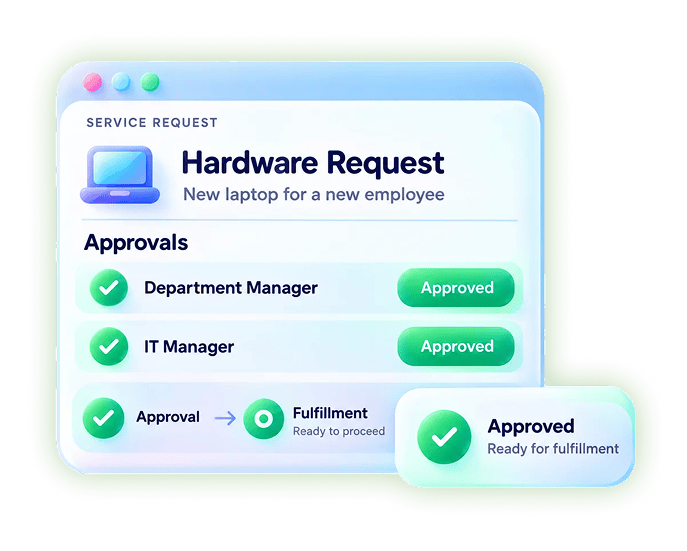
In any organization, some decisions need a green light before work can begin or move forward. Major purchases, important changes, and service requests may need approval from several people. Even documents and knowledge base articles may need a careful review before they’re ready to be published.
Whether you need a quick sign-off from one person or a series of approvals from different teams, Alloy helps you automate the process, get requests to the right people, and avoid unnecessary delays.
Workflows
Flexible approval workflows
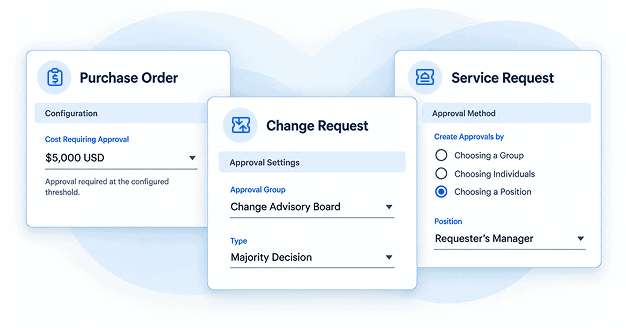
Set up approval workflows that fit your organization’s policies and requirements. Alloy lets you customize how approvals work for purchase orders, change requests, service requests, equipment requests, knowledge base articles, documents, and more.
Re-approval
Request approval as many times as needed
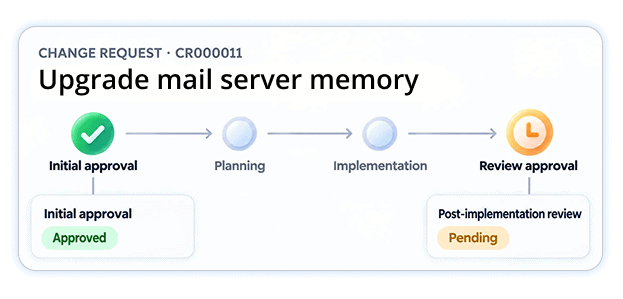
Some requests need more than one round of approvals as they move through different stages. For example, a change request may need initial approval before planning begins and another approval after implementation to review the results.
With Alloy, you can set up different approval processes to start automatically at the right stage, making sure the right people are involved whenever their approval is needed.
Start your trial with Alloy Software today


Approvers
Free access for approvers
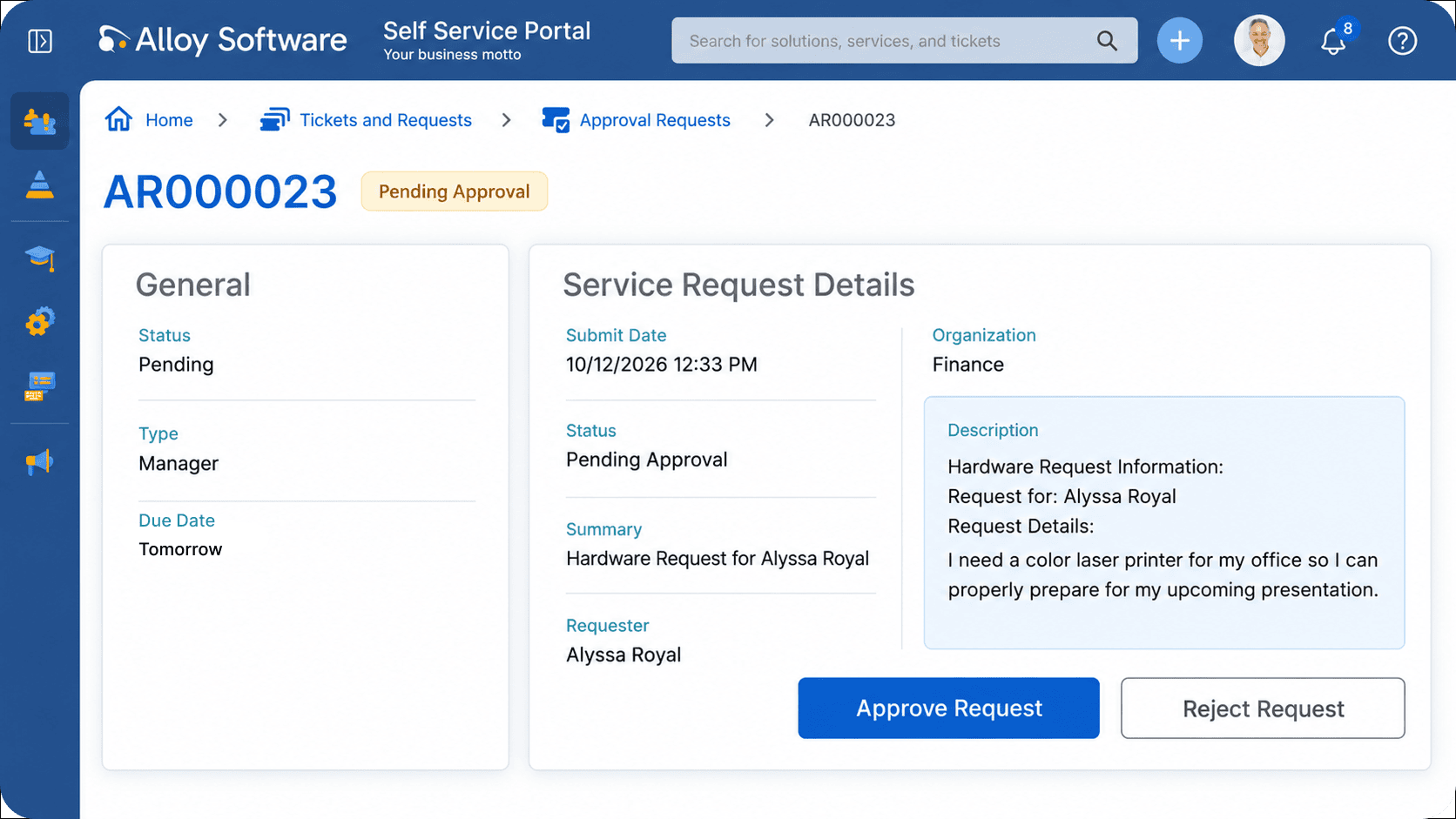
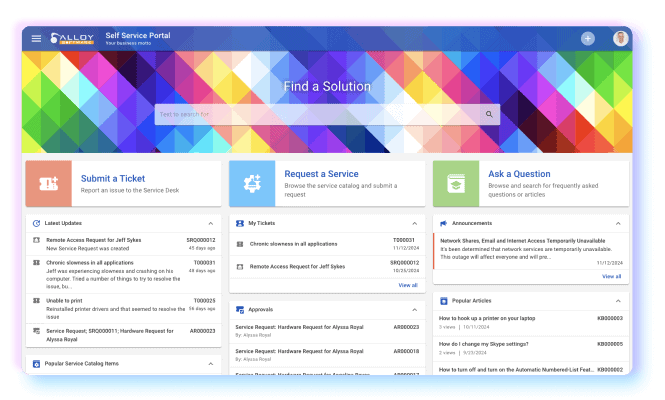
Bring as many people into the approval process as you need, at no extra cost. With Alloy’s Self-Service Portal, managers and employees can review approval requests and make decisions without additional licenses. There’s no limit to the number of approvers!
Keep approvals moving automatically

Automated role-based routing
Send each request to the right approver automatically based on roles, request type, and workflow rules.

Alternate approvers
Redirect requests to a designated alternate whenever the assigned approver is unavailable.

Approval thresholds
Auto-approve routine requests and require additional authorization when value or risk exceeds your limits.
Mobile app
Keep approvals moving on the go
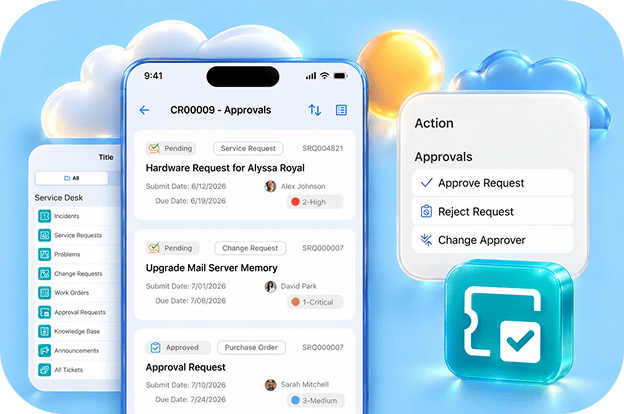
Request approval in the mobile app whenever you need formal sign-off.
Let stakeholders review requests and make decisions on their mobile devices, speeding up review and approval across the company.

Approve directly from email
Approvers can review requests and make decisions right from their inbox, with a single click on Approve or Reject. All they need is an email address – no additional apps or sign-ins required.

Keep decisions transparent
Everyone involved in the approval process – requesters, approvers, and managers – can track the status of approval requests in real time. Alloy also keeps a record of who approved or rejected each request, when the decision was made, and why, giving auditors a clear history of every approval.

Complex approval scenarios? No problem!
Need something beyond standard approval workflows? Alloy’s flexible approval engine and API integrations let you build more complex approval processes tailored to your organization’s needs, without writing code.
Explore related features
-

Self-Service Portal
Let users request services and find answers in a browser, anytime and anywhere.
-

IT equipment check out
Handle equipment reservations, check outs, and timely returns automatically.
-

Universal relationships
See how services, processes, and IT components depend on each other.
-

Performance analytics
Improve service delivery with flexible dashboards and customizable reports.



Start your trial with Alloy Software today
Start a free trial or book a personal demo to see how Alloy Navigator fits your IT team.
Transparent pricing
Clear pricing per technician and per device, in the cloud or on-premises.
Get to know us
Connect with our sales team, share your requirements, and we’ll find a solution for you.