ManageEngine ServiceDesk Plus and Freshservice are the two most-compared mid-market ITSM platforms — and for good reason. Both are mature, widely deployed, and genuinely capable of handling core help desk operations.
But if you’re evaluating them side by side right now, you’re probably already running into the edges of what each one does well. ManageEngine can feel heavyweight for teams that don’t have dedicated admin resources. Freshservice is clean and fast, but its asset management is thin and it has no on-premises option — which rules it out entirely for regulated industries.
Before you commit to either, it’s worth knowing that a third platform — Alloy Navigator — is what a meaningful number of IT teams in healthcare, government, education, and manufacturing end up choosing when they’ve outgrown both options. This comparison covers all three.
Freshservice vs ManageEngine vs Alloy Navigator: Quick feature comparison
If you’re scanning for a fast answer, the table below covers the key dimensions. We go deeper on each one in the sections that follow.
| Feature / Criteria |
ManageEngine ServiceDesk Plus |
Freshservice |
Alloy Navigator |
| Deployment |
On-prem + Cloud |
Cloud only |
On-prem + Cloud — both fully supported |
| ITSM (Incident, Problem, Change) |
Full ITIL suite |
Full ITSM, modern UI |
Full ITIL suite, included out-of-box |
| IT Asset Management (ITAM) |
Module-based; add-on cost |
Limited; basic module |
Fully integrated — no add-on required |
| Network Discovery & Audit |
Available (separate module) |
Limited / relies on third-party |
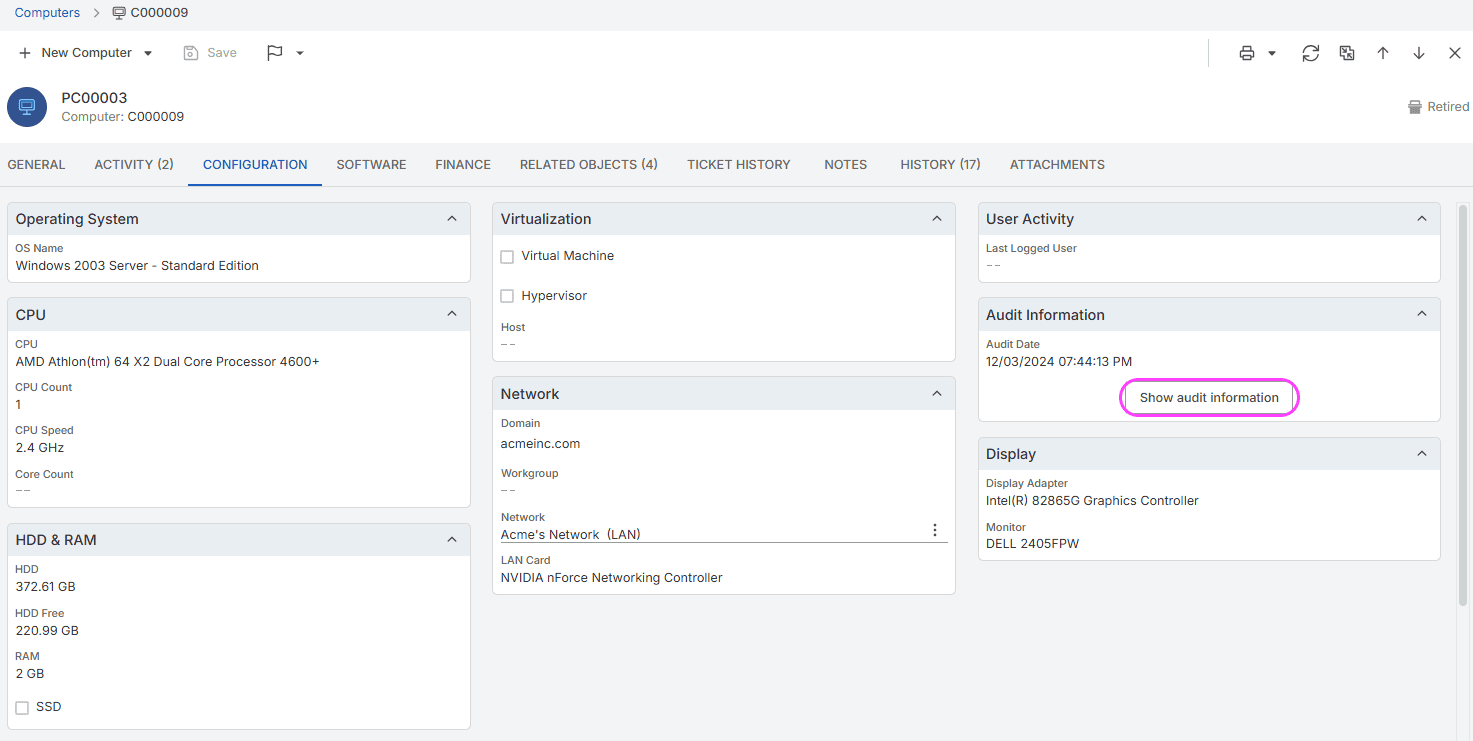
Deep native discovery: Windows, Linux, macOS, network devices, Chromebooks |
| Software License Management |
Available |
Limited |
Fully integrated, compliance-ready |
| Workflow Automation |
Configurable; steep setup |
Strong for simple workflows; ceiling on complexity |
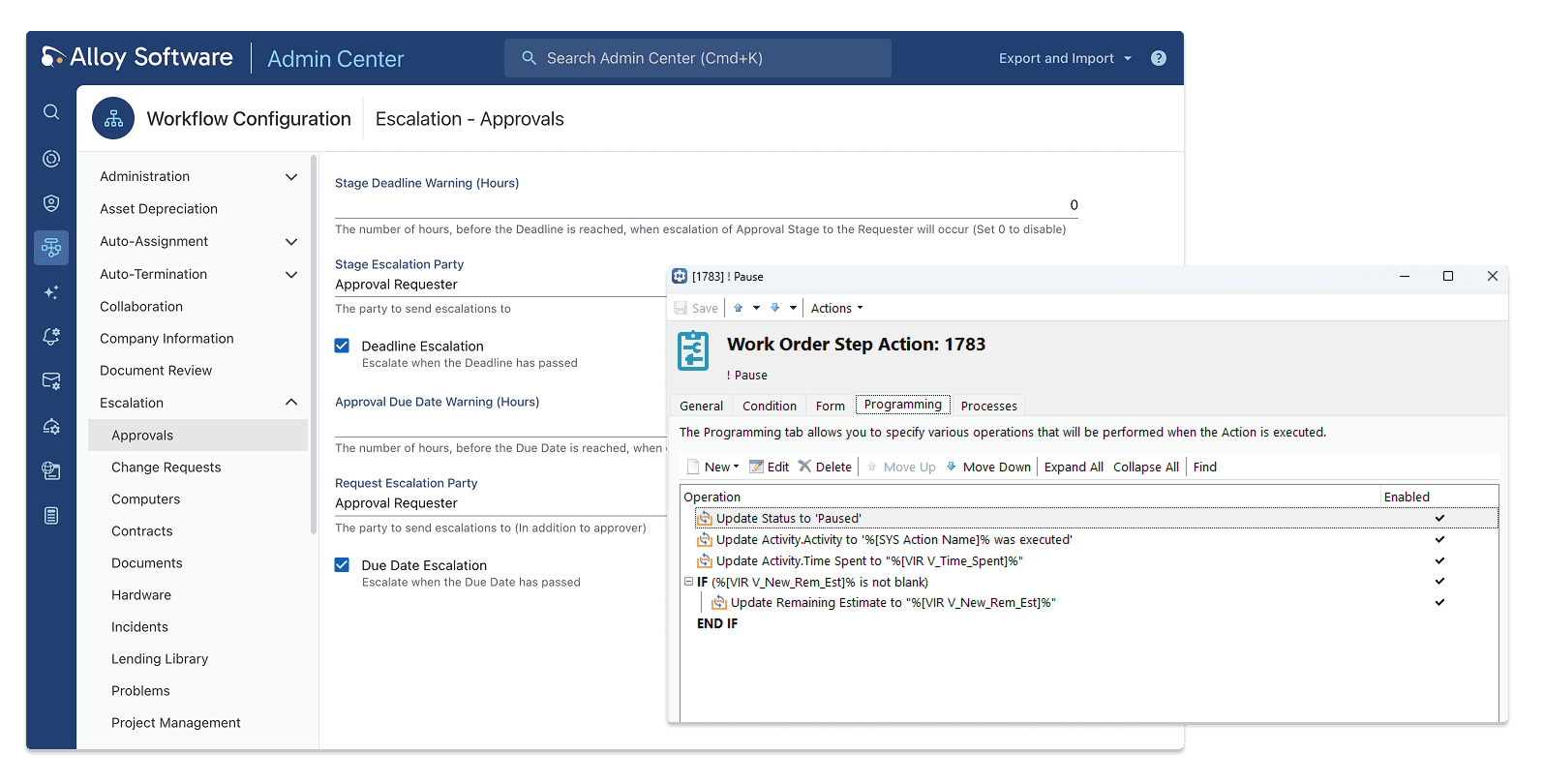
Pseudo-graphical editor + PowerShell / DB calls — complex processes fully supported |
| CMDB / Asset Relationships |
Available |
Limited |
Full: assets, users, locations, contracts, tickets |
| On-Prem for Regulated Industries |
Yes |
No |
Yes — confirmed in healthcare, public sector, aviation deployments |
| Reporting & Dashboards |
Strong; steep learning curve |
Good out-of-box |
Configurable, schedulable, leadership-ready |
| Self-Service Portal |
Yes |
Yes |
Yes |
| Pricing Model |
Per-technician + module add-ons |
Per-agent SaaS |
Asset-based — no per-agent trap |
| Typical Mid-Market Cost/Year |
Verify against current pricing page |
Verify against current pricing page |
~$3,500–$7,500 (5–10 techs, 500–1,500 assets) |
| Support Model |
Standard tiered support |
Standard tiered support |
Support treated as a product feature; consistently named in customer references |
| Best Fit |
Large ITIL-mature orgs already in ManageEngine/Zoho ecosystem |
Cloud-first teams prioritising agent UX and fast onboarding |
Mid-market ITSM + ITAM; regulated industries; 2–25 techs |
ManageEngine ServiceDesk Plus
ManageEngine ServiceDesk Plus is one of the most established service management platforms in the mid-market. It’sbeen around long enough to have a mature feature set, a wide module library, and solid on-premises deploymentsupport — a meaningful differentiator in sectors where cloud isn’t an option.
Its strengths are real. If you need deep ITIL compliance, a broad set of processes (Incident, Problem, Change, Release, Asset, CMDB), and the option to self-host, ManageEngine can deliver. Organizations already embedded in the Zoho/ManageEngine ecosystem often find the integration story compelling.
Where it tends to struggle at mid-market scale:
- Implementation complexity. Setup and configuration are time-consuming. Teams without a dedicated IT admin to manage the deployment often find the learning curve steeper than expected.
- Interface. The UI feels dated compared to newer SaaS tools. Usability complaints are consistent in buyer feedback — not a dealbreaker for technical teams, but notable for organizations trying to drive end-user adoption.
- Pricing opacity. The base product is affordable, but the module structure means costs can increase significantly as you add ITAM, Discovery, or advanced workflow capabilities. Verify the full cost against your requirements before assuming the listed price reflects your actual deployment.
- Support variability. Buyer feedback on support quality is inconsistent — responsive for some, slow for others. Worth testing during the evaluation period.
Best for: Large organizations (typically 25+ IT staff) that need comprehensive ITIL coverage, have the internal capacity to manage implementation complexity, and are already invested in the ManageEngine ecosystem.
Freshservice
Freshservice is the modern SaaS answer to the clunky ITSM tool problem. The agent experience is genuinely good — clean interface, fast onboarding, strong out-of-box ticket routing and automation. For teams that have been living in email inboxes and spreadsheets, the first week with Freshservice feels like a significant upgrade.
Its core service management functionality — Incident, Problem, Change, and Service Catalog — is solid and works well for organizations where ticketing is the primary use case. It’salso fast to deploy, which matters for teams that have neither the time nor the resources for a long implementation project.
Where it runs out of road for IT-heavy organizations:
- ITAM and network discovery. ITAM is available, but it’s a thinner offering than dedicated ITAM platforms. Network discovery relies on agents or third-party integrations rather than native agentless discovery. If asset tracking is a core requirement — not an afterthought — Freshservice will likely requiresupplementing with another tool. (Verify current capabilities against Freshservice’s live product documentation — this area has evolved.)
- No on-premises option. Freshservice is cloud-only. For organizations in healthcare, government, aviation, or any regulated environment with data residency requirements or air-gapped infrastructure, this is a hard disqualifier.
- Per-technician pricing model. Costs scale with the number of technicians who need access. For organizations where a large portion of IT staff need to use the platform, this model can become expensive relative to asset-based alternatives.
- Workflow ceiling. Out-of-box automation covers most standard scenarios well. But for complex, conditional processes that involve cross-system logic or custom scripts, you’ll hit limits that require workarounds or third-party tools.
Best for: Cloud-first organizations that prioritize agent UX and fast time-to-value, where help desk is the dominant use case and ITAM needs are basic.
Head-to-head: the dimensions that matter most
A meaningful number of IT teams evaluating ManageEngine and Freshservice end up also looking at Alloy Navigator — particularly once integrated asset management, on-prem deployment, or automation depth become requirements. The table above summarizes the key points; the sections below unpack the three areas where the differences are most significant.
Integration of the ITSM platform with ITAM
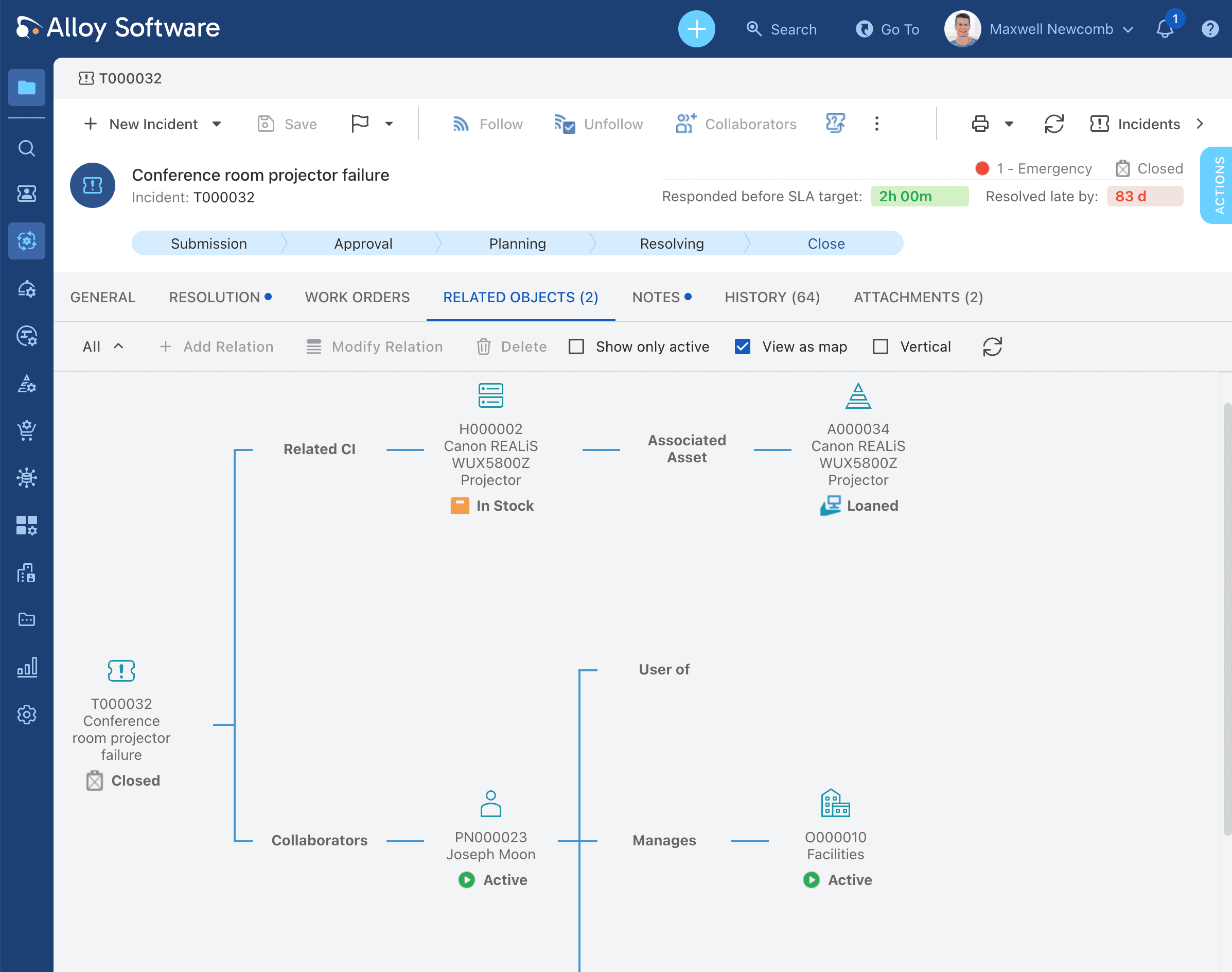
Both ManageEngine and Freshservice treat ITAM as a distinct part of the product or add-on — something you layer on after you’ve set up the core help desk. In practice, this means tickets and assets don’t share a common data layer unless you configure the integration deliberately, and that configuration adds both complexity and maintenance overhead.
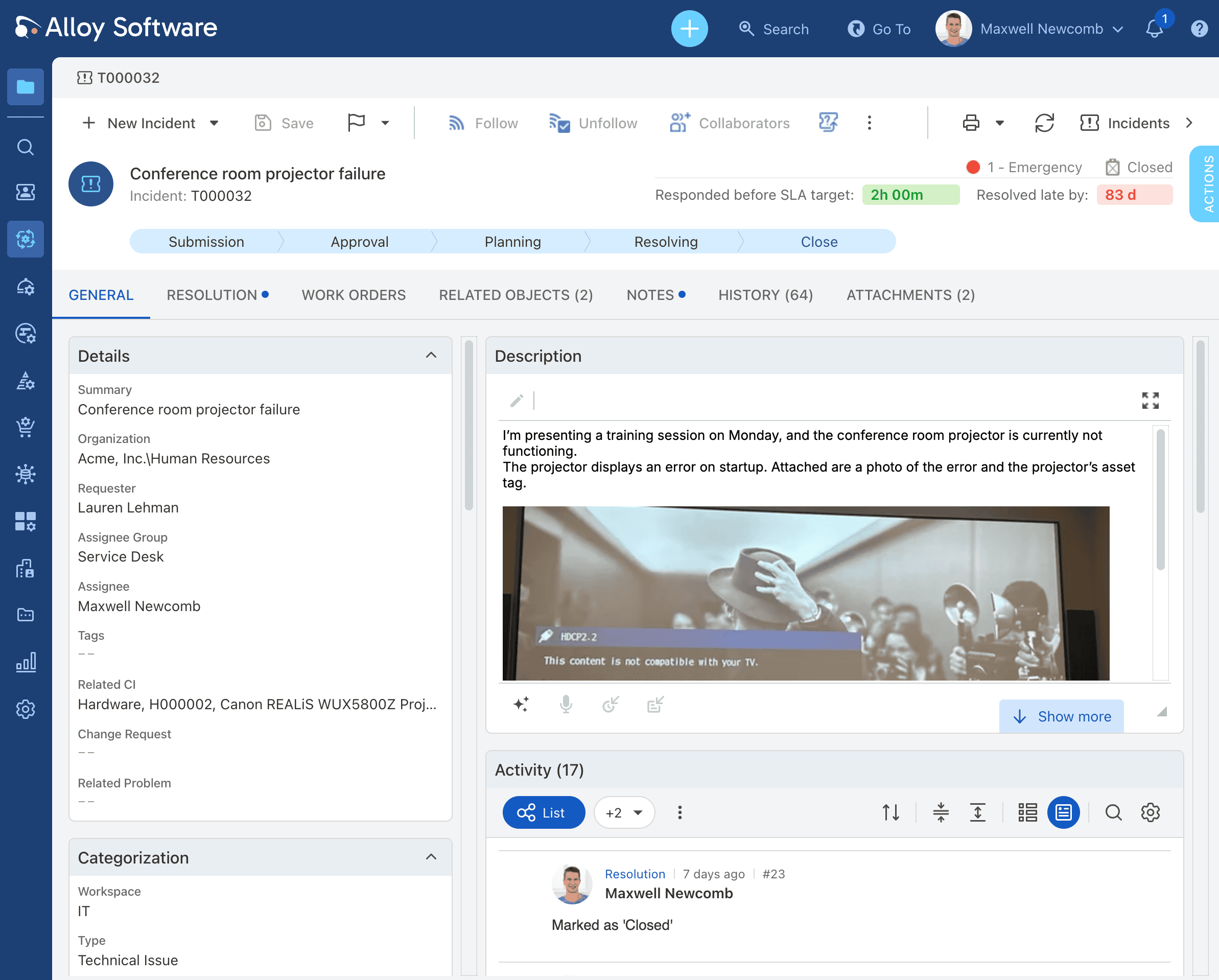
Alloy Navigator was built as a unified ITSM + ITAM platform from the start. User requests, assets, users, locations, and contracts exist in the same data model. When a technician opens an incident, the asset history, software inventory, and change log are already there — no separate tool to enable, no integration to maintain.