Best ITSM Tools for Small Businesses
A practical, real-world comparison of ITSM tools that actually work for small and growing IT teams.


A practical, real-world comparison of ITSM tools that actually work for small and growing IT teams.
Some small businesses avoid adopting an ITSM solution fearing a long implementation cycle, and enterprise-grade pricing.
But according to 2024 IT operations reports, companies without a centralized ITSM system lose an average of 15-20 hours per week to ticket tracking, duplicate work, and firefighting. For a five-person IT team, that’s nearly half a week spent on administrative overhead instead of solving real problems.
The irony? Modern ITSM platforms aren’t just for enterprises anymore. Cloud-based SaaS solutions and affordable on-prem options now exist for teams as small as two technicians. The platforms we’ll review today all offer free trials, so the barrier to entry is nearly zero.
The question isn’t “Does your small business need ITSM?”. It’s “Can you afford not to have it?”
Before we compare platforms, let’s define what matters for small businesses.
Price and total cost of ownership: Most SMBs have a limited IT budget. We’re looking at licensing per technician, optional features, and hidden costs like discovery scans or cloud hosting. A platform that starts at $19/tech but nickel-and-dimes you later is worse than one that charges $50/tech upfront.
Ease of implementation: Small teams rarely have a dedicated ITSM consultant on staff. Deployment time matters. Can you go live in two weeks, or does setup take three months?
Feature completeness out of the box: Enterprise platforms often require a dozen integrations to do what they should do natively. For small businesses, we’re asking: Does the platform handle ITSM and asset management and network discovery, or do you need to bolt on separate tools?
User experience: If your technicians hate the interface, they won’t use it. Self-service portals that are clunky kill adoption.
Support quality: When things break, especially during setup, does the vendor have your back?
Flexibility without complexity: Can you customize workflows and approvals without hiring a developer?
Scalability: You don’t want to rip out your platform when you hire your sixth technician. Does it grow with you?
With these criteria in mind, let’s look at the platforms.
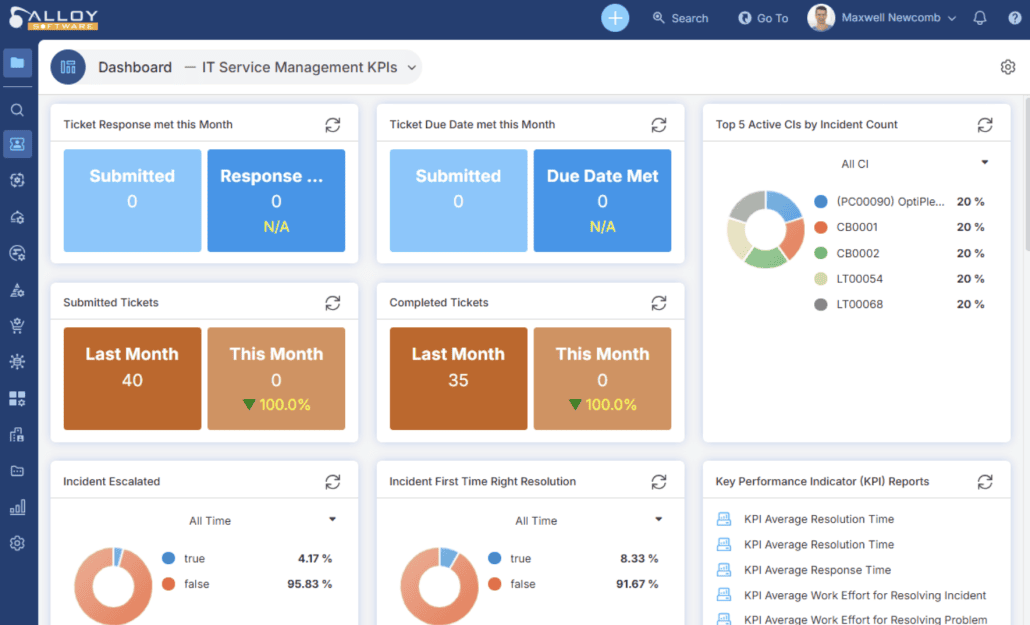
Quick take: Alloy Navigator combines ITSM, asset management, and network inventory into a single platform designed with small-to-mid-market teams in mind.
Alloy Navigator bundles everything SMBs typically scramble to connect:
Check Alloy Navigator’s pricing page for current rates:
 Important: Requesters (end-users) are unlimited across all tiers. You’re only paying for technicians. Additional costs: cloud hosting (depends on resource usage) and licensing audits for software discovery.
Alloy doesn’t publish an official SLA, but Salvage Direct’s rollout shows what “small-team speed” can look like. When the company outgrew email-and-spreadsheets, they evaluated multiple service desk tools and chose Alloy Navigator because it was cost-effective and flexible. Crucially, they were able to start with minimal configuration quickly and then expand process depth over time, rather than getting stuck in a long, consultant-heavy deployment.
Salvage Direct (fast-growing online auto-salvage business): Before Alloy, the help desk was overwhelmed—requests came in via email plus a shared spreadsheet, and customers often had to call repeatedly for updates. After implementation, Salvage Direct centralized tickets and pushed users to digital intake: they enabled the Mail Connector to auto-convert emails into tickets and rolled out a self-service portal where customers could submit requests, track status, and add information without calling.
The impact was dramatic: monthly support calls dropped about 80% (from nearly 2,000 to under 300), freeing the help desk to take on higher-value work and improving resolution speed and customer satisfaction.
They also used Alloy’s integrated Incident and Problem Management to identify recurring issues and drive permanent fixes instead of repeated workarounds—another key contributor to the call reduction. With Incident Management stabilized, their next step was to extend deeper into Change Management, illustrating the platform’s “start simple, scale up” path for SMBs.
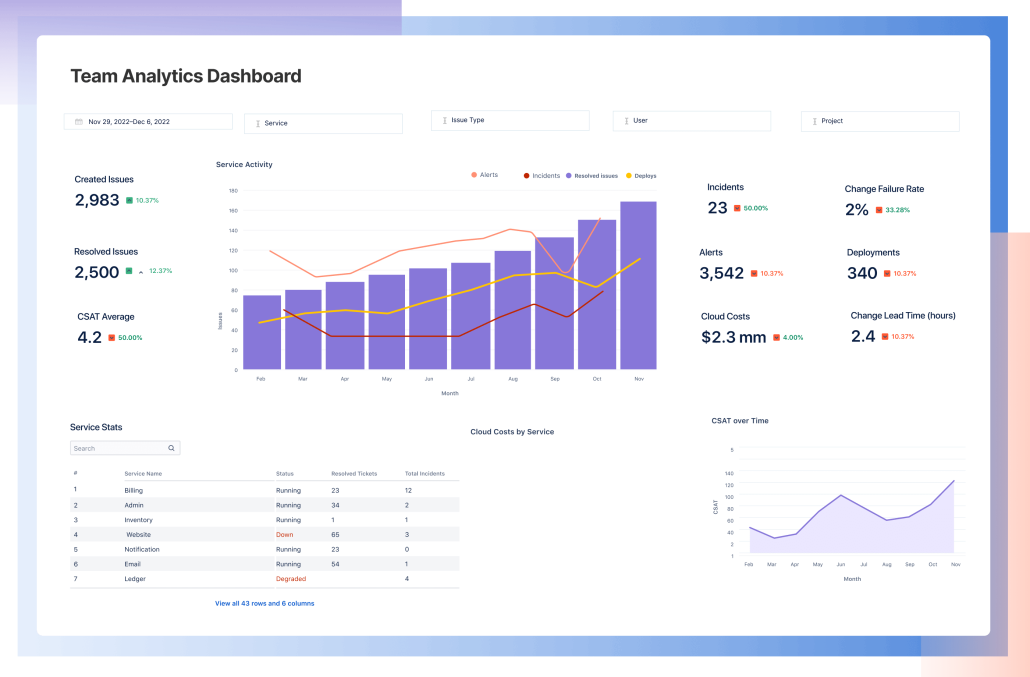
Quick take: If your developers live in Jira, and you want your IT team on the same platform, JSM is the obvious choice. But it’s over-engineered for most small teams.
Jira counts agents (people who handle tickets), so your 100 requesters will cost you if they need portal access.
For a five-person IT team, JSM works fine. For a team with 200 employees and only two IT staff? The all-in-one approach of Alloy (unlimited requesters) will feel cheaper. Jira is also best-in-class if you’re running other Atlassian tools (Confluence, Jira projects, Opsgenie). If you’re not, you’re paying for integration tax.
The missing piece: Jira Service Management doesn’t include asset management or network discovery out of the box. You’ll need separate tools or expensive add-ons.
Great if: You use Atlassian tools already, your team is comfortable with Jira’s interface, you don’t need asset tracking.
Skip if: You want all-in-one ITSM+ITAM, you have a small IT staff and hundreds of end users, or you prefer simpler interfaces.
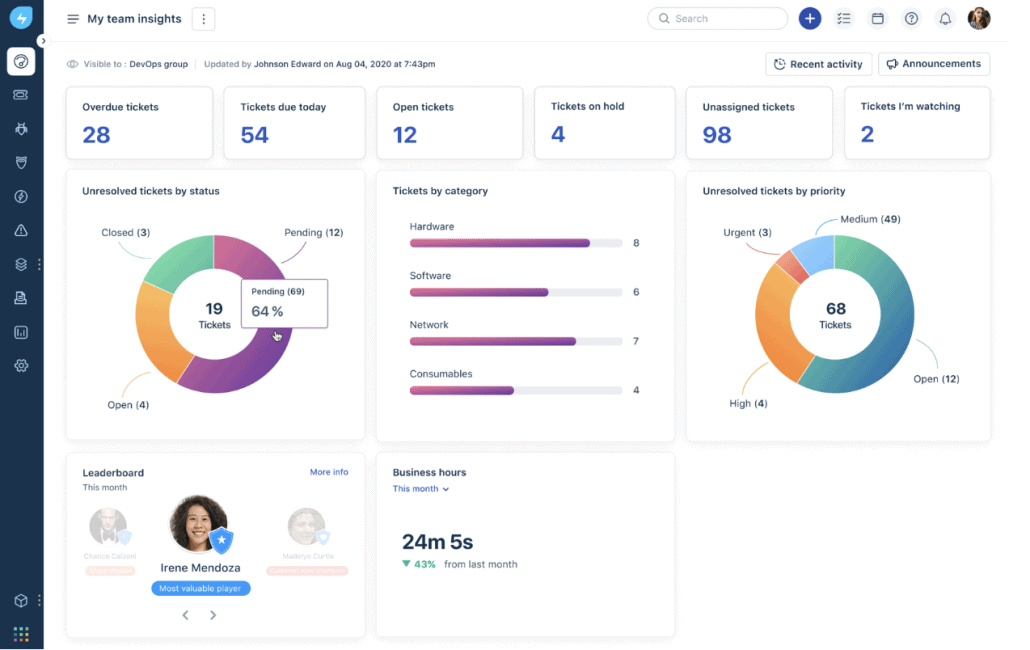
Quick take: Freshservice prioritizes ease of use and modern design. Your help desk team will adopt it quickly. The downside: feature simplicity and asset management take extra effort.
Like Jira, Freshservice charges per agent. Asset management is an add-on tier.
Freshservice is great if your priority is speed to value and adoption. The interface is intuitive. Technicians don’t face a learning curve. However:
Great if: Your team values UX over features, you want minimal onboarding friction, your team resists “old enterprise software.”
Skip if: You need robust asset tracking and network discovery in one platform, you have many requesters relative to IT staff.
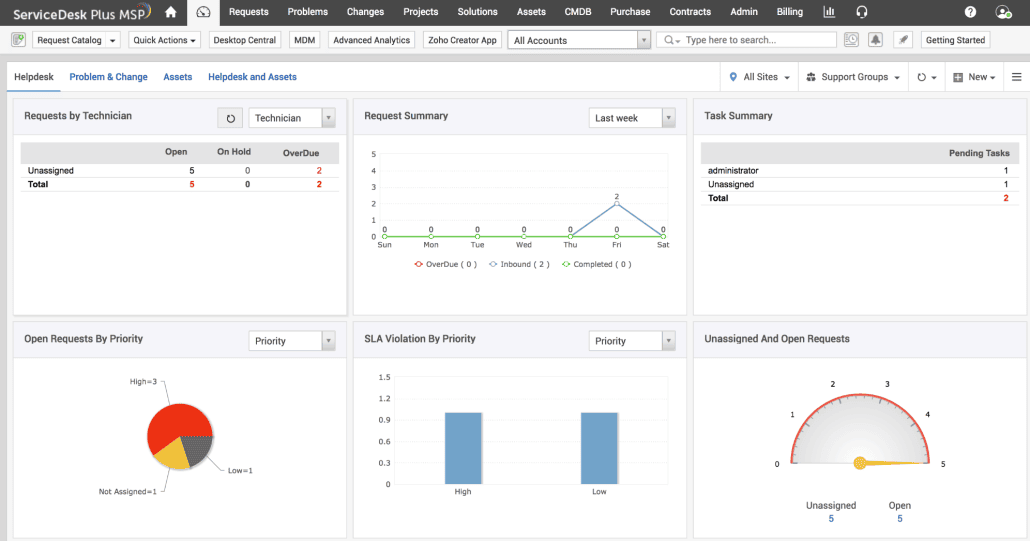
Quick take: ManageEngine is the Swiss Army knife of IT operations. Cheap, feature-rich, and dense. Your team will need documentation.
On-prem or cloud. Requesters are unlimited on higher tiers.
ManageEngine is powerful but complex. Its interface is functional, not beautiful. Admin setup is time-intensive. Support is inconsistent – some users praise it; others call it slow.
On the positive side: for $15/tech, it’s genuinely affordable.
Great if: Your team has ITSM experience, you want the cheapest all-in-one option, you’re comfortable with dense UIs and APIs.
Skip if: Ease of use and fast implementation matter more than price, you want enterprise-grade support.

Quick take: If you’re a nonprofit or educational institution, Atlassian offers free or heavily discounted Jira Service Management.
Not applicable to for-profit small businesses, but worth mentioning.
| Criteria | Alloy Navigator | Jira Service Management | Freshservice | ManageEngine ServiceDesk Plus |
| Starting price (per agent/tech/month) | $19 | $0 (3 agents free) | $20 | $15 |
| All-in-one (ITSM + ITAM + Discovery) | ✅ Yes | ❌ No | ⚠️ Partial (ITAM is add-on) | ✅ Yes |
| Implementation time | 2–4 weeks | 1–2 weeks | 1 week | 2–4 weeks |
| Unlimited requesters | ✅ Yes | ❌ Agent-based | ❌ Agent-based | ✅ (Higher tiers) |
| UI/UX quality | ✅ Clean | ✅ Clean | ✅ Modern | ❌ Dense/Complex |
| Network discovery | ✅ Included | ❌ No | ❌ No | ✅ Included |
| Custom workflows (no-code) | ✅ Yes | ✅ Yes | ✅ Yes | ✅ Yes |
| API & developer flexibility | ✅ Strong | ✅ Excellent | ✅ Good | ✅ Good |
| Support quality | ✅ 9.1/10 (G2) | ✅ 8.8/10 (G2) | ✅ 8.6/10 (G2) | ⚠️ 8.2/10 (G2) |
| Best for | SMBs wanting everything in one platform | Teams already using Atlassian tools | Teams prioritizing ease of use | Budget-conscious shops with ITSM experience |
Follow us on LinkedIn for the latest product insights, feature previews, and more exclusive updates.
Setup: 3 IT staff, 17 developers and designers, 100% cloud.
Problem: Support requests come via Slack, email, and a shared Google Doc. Nobody knows which servers are where. The founder keeps asking “Why is onboarding new hires taking so long?”
Our recommendation: Alloy Navigator (Explorer → Express tier)
Why? You start with Explorer ($19 × 3 = $57/month). As you grow and add approval workflows for purchases and onboarding, you upgrade to Express ($49 × 3 = $147/month). Network discovery tells you exactly which servers and devices you’re managing. Unlimited requesters means your 100 team members can all submit requests. And since you’re 100% cloud, Alloy’s SaaS option is a natural fit.
Cost: ~$60–150/month. Jira would cost $93/month just for three agents, and you’d still need a separate asset tracking tool.
Setup: 1 IT generalist, ~600 students + staff, mixed laptops/tablets, some legacy on-prem (AD/files/SIS).
Problem: Support requests arrive through email and hallway taps → no prioritization, no audit trail. Devices aren’t tracked consistently. IT lead is overloaded, especially during back-to-school and testing windows.
Our recommendation: Jira Service Management (nonprofit discount/community licensing) or ManageEngine ServiceDesk Plus (1-tech per-technician pricing, strong on-prem).
Why: Both support hundreds of requesters, add a self-service portal, SLAs, and basic asset tracking. Jira is great if they qualify for nonprofit discounts and are okay with cloud; ManageEngine is cost-predictable and on-prem-friendly.
Cost: Free or steeply discounted (Jira, if eligible); otherwise low per-technician monthly cost (ManageEngine), scaling with edition.
Setup: 2 IT staff, 23 accountants and admin, security compliance requirements (SOC2, etc.)
Problem: Compliance audits require documented change management and asset tracking. Your current system (QuickBooks + email) doesn’t cut it.
Our Recommendation: Alloy Navigator (Express tier)
Why? Express includes change management with multi-stage approvals – critical for compliance. Network discovery gives you a CMDB for audits. Custom workflows let you document approval chains. Unlimited requesters for your 25 people. And Alloy’s integration with Azure AD handles SSO for security.
Cost: ~$100/month (2 technicians × $49). Jira would cost $62/month just for licensing, and you’d still need asset management and compliance reporting tools.
Setup: 8 IT staff, ~200 internal users / customers, mixed infrastructure, service requests tracked through email and shared spreadsheets.
Problem: Requests are scattered across inboxes and ad-hoc trackers. Users call repeatedly because they can’t see status. The help desk spends more time triaging than fixing, and recurring issues keep resurfacing.
Real example (and our recommendation): Alloy Navigator (Enterprise tier)
This is essentially what Salvage Direct faced before adopting Alloy Navigator. As the company grew rapidly, their help desk was flooded with requests coming through email and spreadsheets, leading to inconsistent tracking and a high volume of repeat calls. Alloy let them centralize everything quickly without a long, consultant-heavy rollout: they could start with minimal configuration and scale processes over time.
They enabled two high-leverage channels out of the gate:
Result: support calls dropped from nearly 2,000 per month to fewer than 300 (about an 80% reduction), because users weren’t chasing updates and the team could finally focus on resolving issues and preventing repeats via Problem Management.
Cost: ~$700/month (8 technicians × $86). But they traded scattered tools and manual tracking for a single system that cut call volume massively and freed the team for higher-value work.
Choosing the right platform is half the battle. Implementation and adoption are the other half.
Start small, build big: Don’t configure every workflow in week one. Get ticketing working. Let technicians use it for two weeks. Then add change management, then asset tracking. Each step builds muscle memory.
Get your users trained, not just your admins: The best ITSM platform fails if technicians don’t know how to use it. Budget time for training and, more importantly, for teams to adjust to new workflows.
Measure what matters: From day one, track key metrics: mean time to resolution (MTTR), ticket backlog, SLA compliance. After three months, these numbers will justify your investment (or show where you need to improve).
Build your knowledge base first: Before going live, document your common issues and solutions. The self-service portal only works if there’s actually content in it.
Automate ruthlessly: Use workflows to route tickets automatically, send notifications, update CMDBs, and trigger approvals. The more automated, the fewer manual steps your team takes.
Read our related blog articles:
If we had to pick one: Alloy Navigator.
Here’s why:
But, Alloy Navigator isn’t perfect. The admin interface is complex. Setup takes elbow grease. If ease-of-use and rapid onboarding are paramount, Freshservice edges ahead. If you’re already all-in on Atlassian, Jira Service Management makes sense. If your budget is razor-thin, ManageEngine costs less upfront.
Choose based on your priorities:
Q: How long does implementation really take?
A: Ticketing? One week. Full ITSM with approvals, asset tracking, and integrations? 2–4 weeks for straightforward setups, 2–3 months if you have complex workflows or legacy data migration. Budget conservatively.
Q: Do I need ITSM if I only have five employees?
A: Not immediately. Once you hit about 8–10 IT staff members or 50+ total employees, it becomes worth the complexity. Smaller than that, shared spreadsheets and email might suffice (though they’ll get painful quickly).
Q: Can I migrate from my old system without losing ticket history?
A: Yes, but it takes work. Most platforms can import historical data from competitors. Expect some manual mapping and data cleaning. Budget a week.
Q: What’s the typical ROI?
A: Small businesses report saving 10–15 hours per week in administrative overhead within three months. If your IT staff costs $75/hour, that’s $37,500–56,000 annually in recovered time. Against $15,000–30,000 in platform costs, payback is typically 3–6 months.
Q: Do I really need the “Enterprise” tier?
A: Probably not at first. Most small businesses start at “Standard” or “Express” and upgrade once they add more IT staff or users. Revisit this question annually.
Define your baseline: How many IT staff do you have? How many end users? What’s your current process for handling requests? Write it down.
Set up free trials: Every platform above offers a 14–30 day trial. Use them. Load sample data. Have your team actually use it for a week. Don’t read a demo – experience friction firsthand.
Ask the vendor about on-prem vs. cloud: If you have legacy infrastructure, confirm the deployment option works for you. Alloy and ManageEngine both offer both; Jira and Freshservice are primarily cloud.
Budget for implementation: Factor in not just licensing but staff time to configure, train, and migrate existing data from your old system.
Plan your rollout: Go live with basic ticketing first. Add features incrementally. Real change happens over three months, not three weeks.