Finding Rogue Devices: Seeing the Unseen
Learn what rogue devices are, why they’re risky, and how continuous discovery plus CMDB workflows shut them down.


Learn what rogue devices are, why they’re risky, and how continuous discovery plus CMDB workflows shut them down.
Rogue devices are one of those security problems that seem simple on paper—“just block unknown devices”—but get messy fast in real environments. Between remote work, IoT sprawl, shadow IT, and clever adversaries, unauthorized hardware can appear anywhere, and often stays invisible until it causes damage. This article breaks down what rogue devices are, why they’re dangerous, the most common types you’ll encounter, and a practical playbook for detecting and stopping them—with a closer look at how Alloy Navigator and AlloyScan work together to solve the challenge.
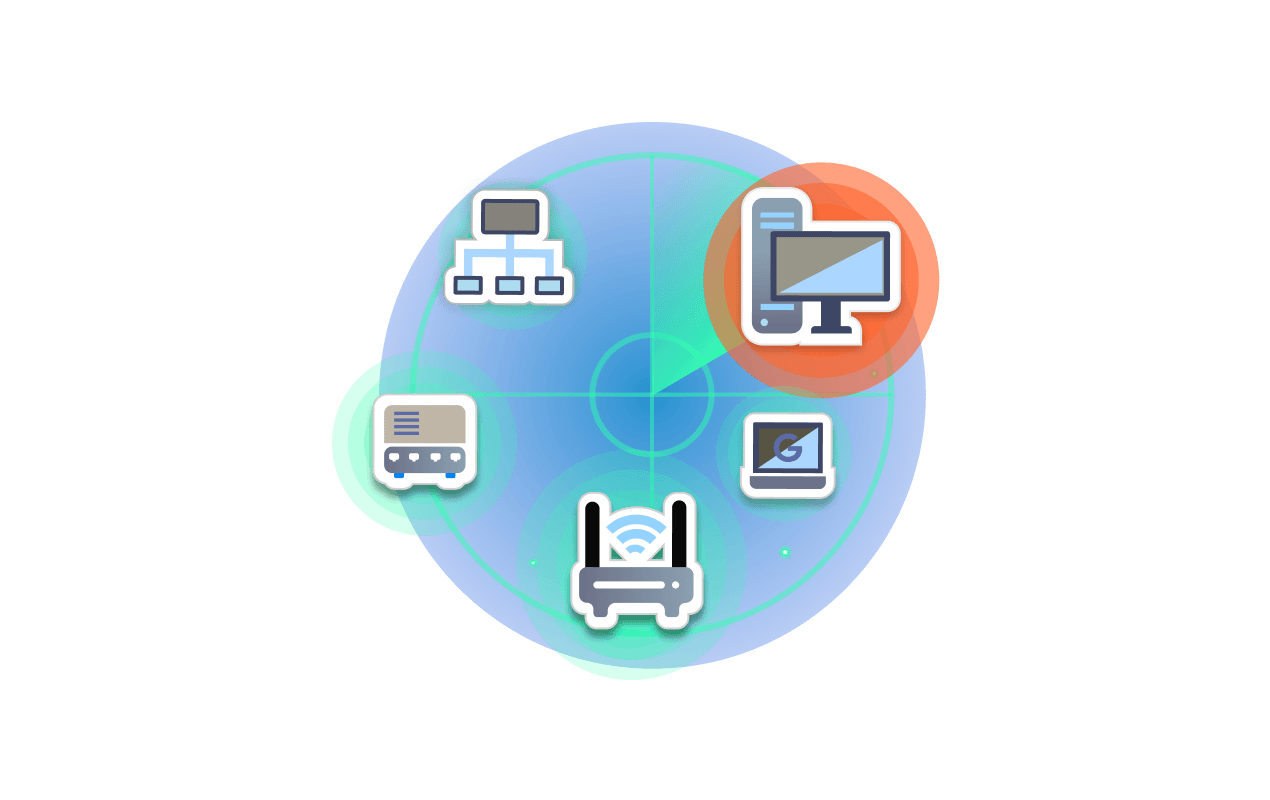
A rogue device is any hardware that connects to your environment without being approved, known, or properly managed. That could be something benign (an employee’s personal laptop) or malicious (an attacker’s planted implant). Either way, it creates a blind spot in your asset inventory and a potential entry point into your network.
The important part: “rogue” doesn’t require bad intent. A device can be rogue simply because IT doesn’t know about it or can’t control it.
Rogue devices matter because security and operations both rely on accurate visibility into what’s connected. When visibility breaks, everything downstream breaks too.
Key risks include:
In short: if you don’t know it’s there, you can’t secure it.
Rogue devices show up in a few predictable flavors:
Personal laptops, phones, tablets, home printers, or unmanaged BYOD devices that employees plug in “just for a minute.” Often harmless—but still unpatched, unencrypted, and outside policy.
An employee installs a cheap Wi-Fi router, or an attacker sets up an “evil twin” AP to lure victims. These can silently route traffic to the wrong place.
Smart TVs, cameras, badge readers, building sensors, lab equipment, or factory controllers. They’re frequently deployed without IT involvement and rarely monitored.
Purpose-built devices planted by an adversary—e.g., a covert Ethernet bridge, a modified peripheral, or a device hidden in a conference room jack.
Keyboards, USB storage, barcode scanners, or “helpful” dongles that can act as attack tools (think BadUSB-style behaviors). Traditional EDR/XDR can miss these because they look like normal peripherals.
If rogue devices are so risky, why are they still common?
Detection isn’t a single tool—it’s layered visibility plus fast response. Here’s a blueprint that works in most enterprises.
You can’t catch rogue devices with quarterly audits. You need ongoing discovery that notices new MAC addresses, IPs, hostnames, or wireless radios the moment they appear.
Best practices:
Discovery data only helps if it lands in a place where IT and security can act.
Bring discovered devices into a single source of truth—your CMDB or asset inventory—then automatically flag anything outside policy. This is where ITIL-aligned IT Asset Management and Service Management become powerful, because they turn “unknowns” into trackable exceptions.
Not every rogue device deserves the same response. Create tiers:
That classification can be automated with rules like:
Discovery tells you a rogue device exists; Network Access Control (NAC) and Zero Trust controls determine what it can do next.
Minimum safeguards:
High-security environments should assume attackers may use hardware implants or rogue peripherals.
To close that gap:
Rogue device handling shouldn’t live in spreadsheets or chat threads.
A clean ITSM loop looks like:
At Alloy Software, we position Alloy Navigator as our ITIL-aligned ITSM/ITAM platform that unifies service desk operations with a living CMDB. AlloyScan is our lightweight, cloud-based discovery and audit solution that automatically finds on-prem and remote devices and inventories their hardware/software.
Together, they help customers detect and eliminate rogue devices at two layers:
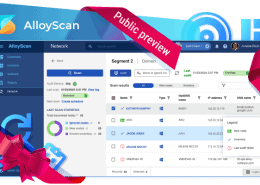
AlloyScan continuously scans the IP ranges or domains you define and reveals any device that connects—even temporarily. As soon as it is found, AlloyScan identifies it and collects configuration data (hardware and installed software) for rapid risk assessment.
Alloy Navigator pulls those findings into the CMDB via AlloyScan Integration, creating or updating asset records so unknown devices immediately become managed exceptions. Instead of living outside your process, rogue devices are converted into trackable CMDB items linked to incidents, changes, and policies.
Technician effort stays minimal:
This combination delivers exactly what rogue-device defense requires: continuous discovery plus structured, ITIL-based remediation.
To see this workflow in action, we invite you to contact our sales team and request a personalized demo of Alloy Navigator with AlloyScan.
Detection is vital, but prevention lowers the volume.
A rogue device program is working if you can answer these questions quickly:
– How many new devices appeared this week?
– How many were unauthorized?
– Mean time to detect (MTTD)? Mean time to contain (MTTC)?
– Do we know the owner and purpose of every connected device?
– Are discovery and CMDB in sync?
If any of those require manual digging, your visibility loop isn’t tight enough yet.
Follow us on LinkedIn for the latest product insights, feature previews, and more exclusive updates.
Rogue devices are unavoidable in modern networks—but blind spots aren’t. The winning approach is continuous discovery, solid asset governance, Zero Trust access controls, and automated ITSM response. When those pieces work together, rogue hardware turns from a lurking threat into just another manageable exception in your asset lifecycle.
With AlloyScan uncovering every connected device and Alloy Navigator converting discoveries into governed CMDB records and workflows, organizations can detect rogue devices early, assess risk fast, and eliminate them before they become a breach.






































Considering our ITSM solution?
Talk to our sales team to find out if we’re a match


