AlloyScan 2026: Adaptive UI for Any Screen
AlloyScan enters 2026 with a fully redesigned interface and meaningful enhancements that improve clarity, visibility, and control across your IT environment.
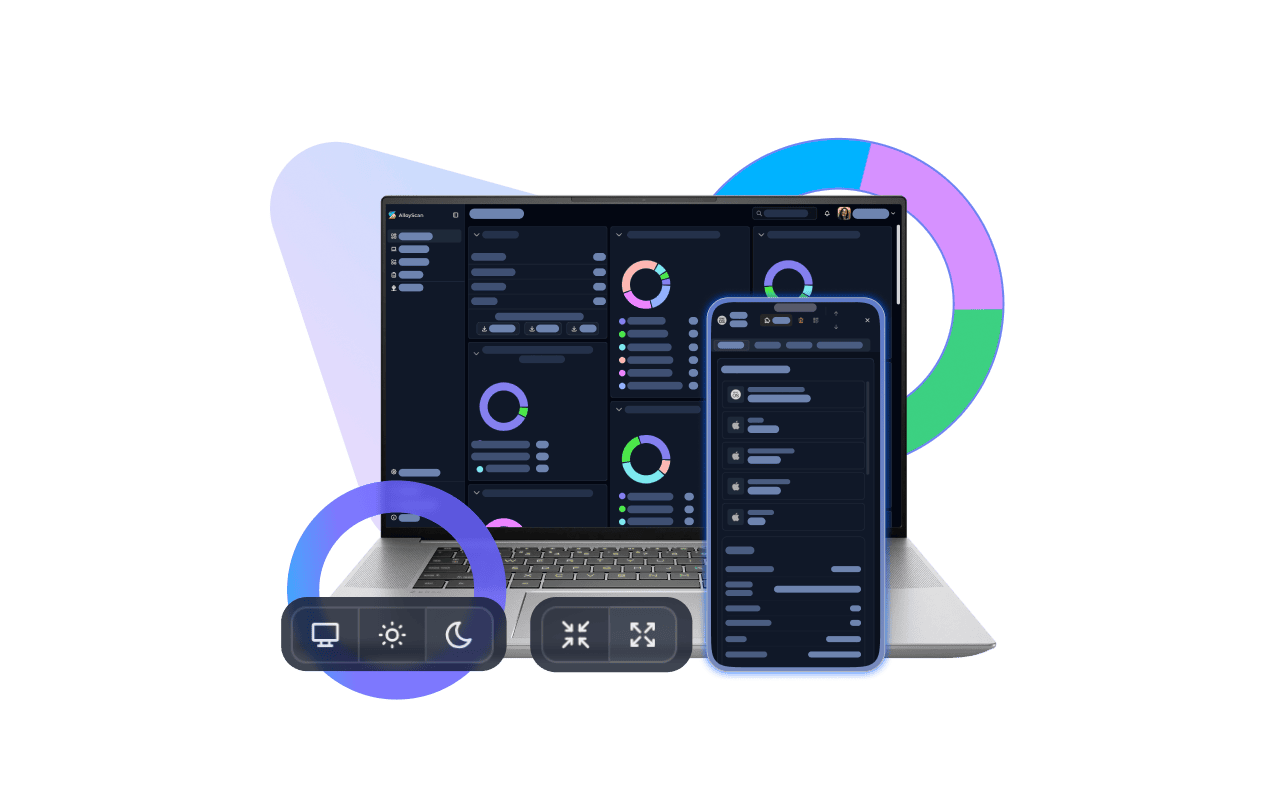


AlloyScan enters 2026 with a fully redesigned interface and meaningful enhancements that improve clarity, visibility, and control across your IT environment.
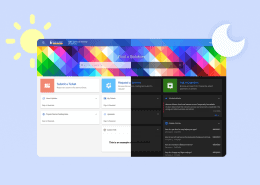
AlloyScan 26.1 introduces a responsive, adaptive UI and additional features designed to help you work more efficiently. Let’s take a closer look at what’s new.
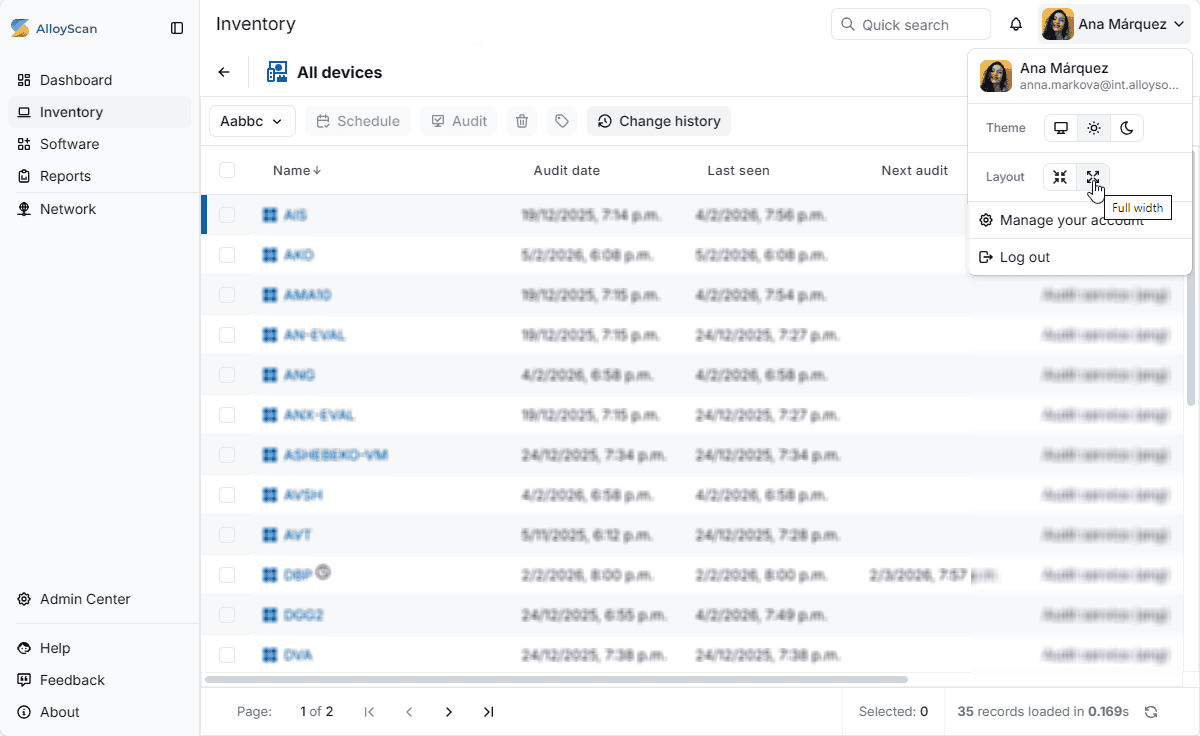
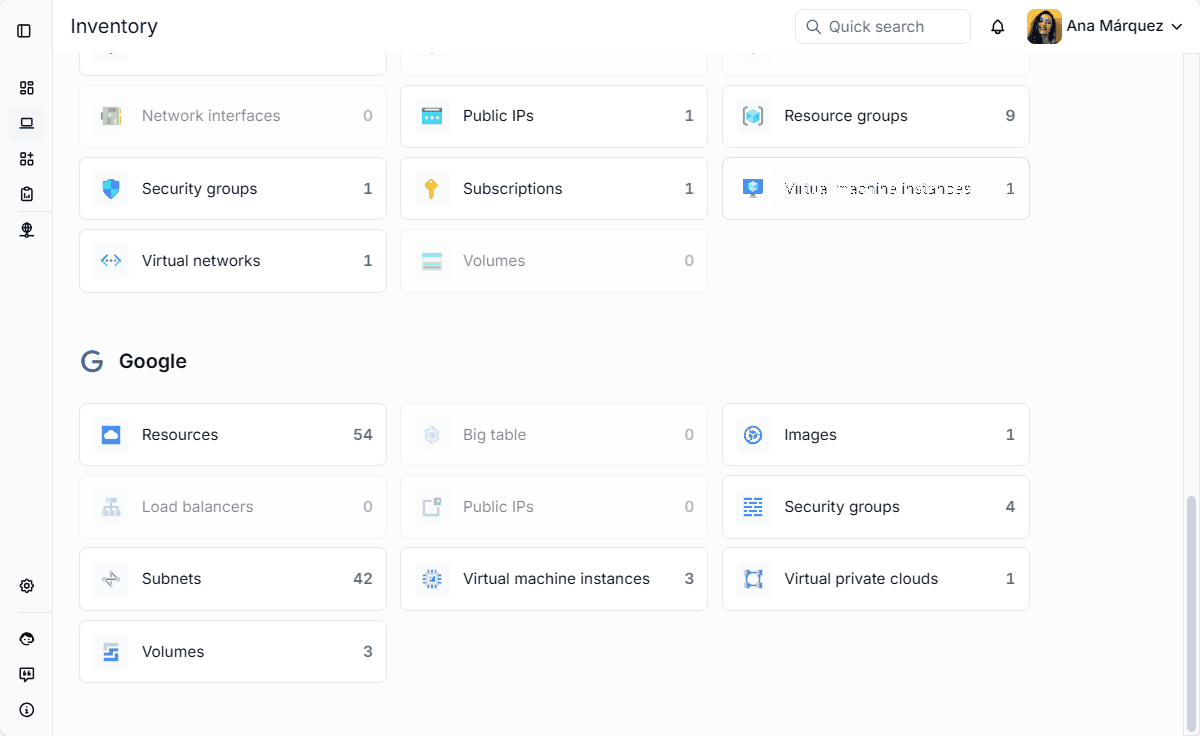
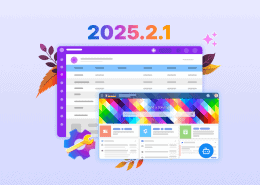
The updated UI makes smarter use of available screen space, presenting information in a clear, structured, and well-balanced layout. Tables, panels, and forms automatically adapt to large monitors, laptops, and mobile devices, delivering a consistent experience wherever you access AlloyScan.
You can switch between two layout modes—Centered and Full width—to match your screen size and workflow, whether you prefer a focused view or need to see more data at once.
The interface is designed to be intuitive and efficient. Controls, navigation, and data presentation follow a unified design language aligned with modern industry standards, helping you quickly find the information you need and stay productive.
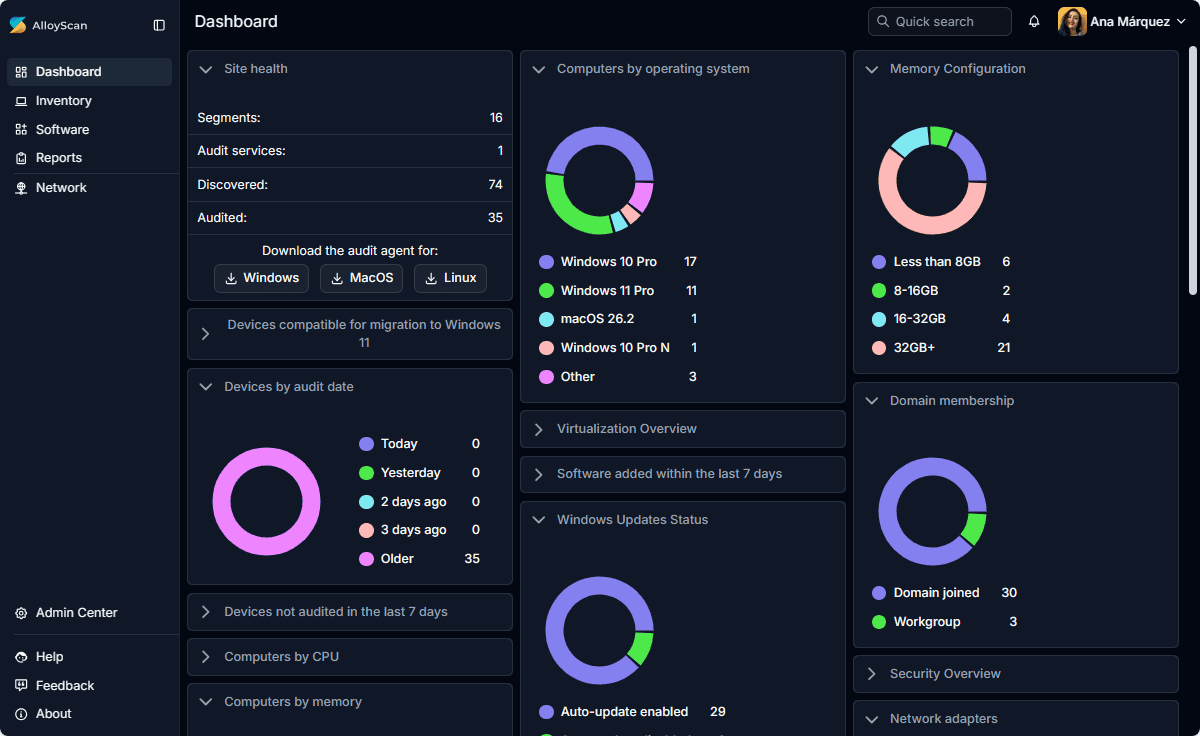
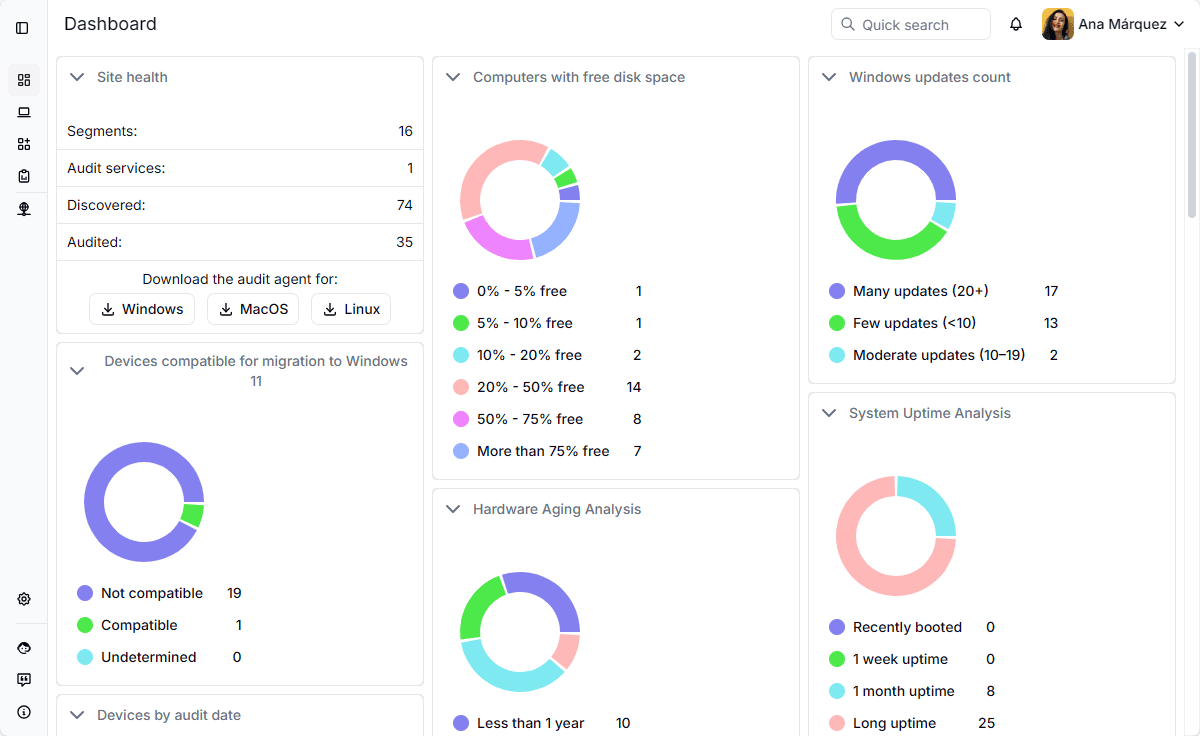
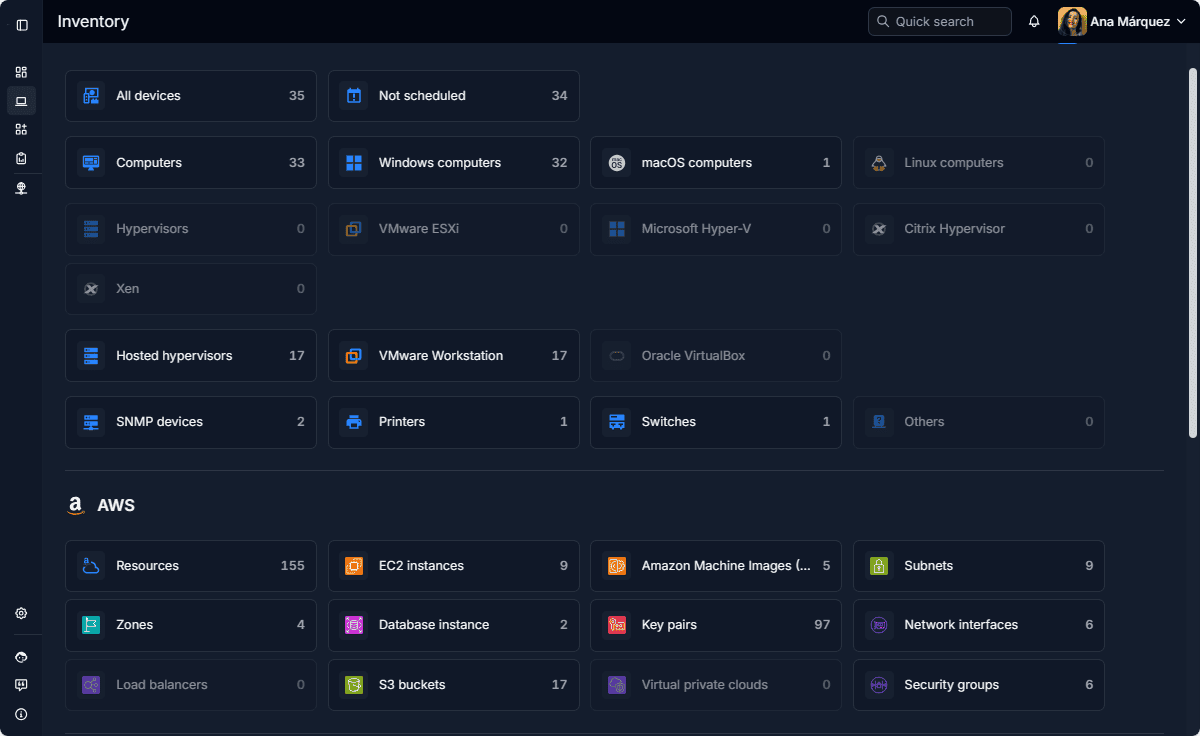
See AlloyScan 26.1 in action and explore the new interface and other features in our short video.
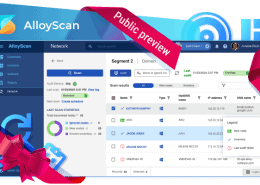
AlloyScan is a light, cloud‑native platform for IT inventory and asset discovery. It automatically audits software and cloud resources, keeping your inventory continuously up to date. AlloyScan is fully integrated with Alloy Navigator, delivering fresh, accurate data for CMDB, ITSM, and ITAM workflows.
Tabular views now support conditional formatting, allowing you to apply rules that adjust colors and text styles for rows, columns, or cells. This helps highlight critical information, detect trends, and identify anomalies more efficiently, adding clarity to your data management workflows.
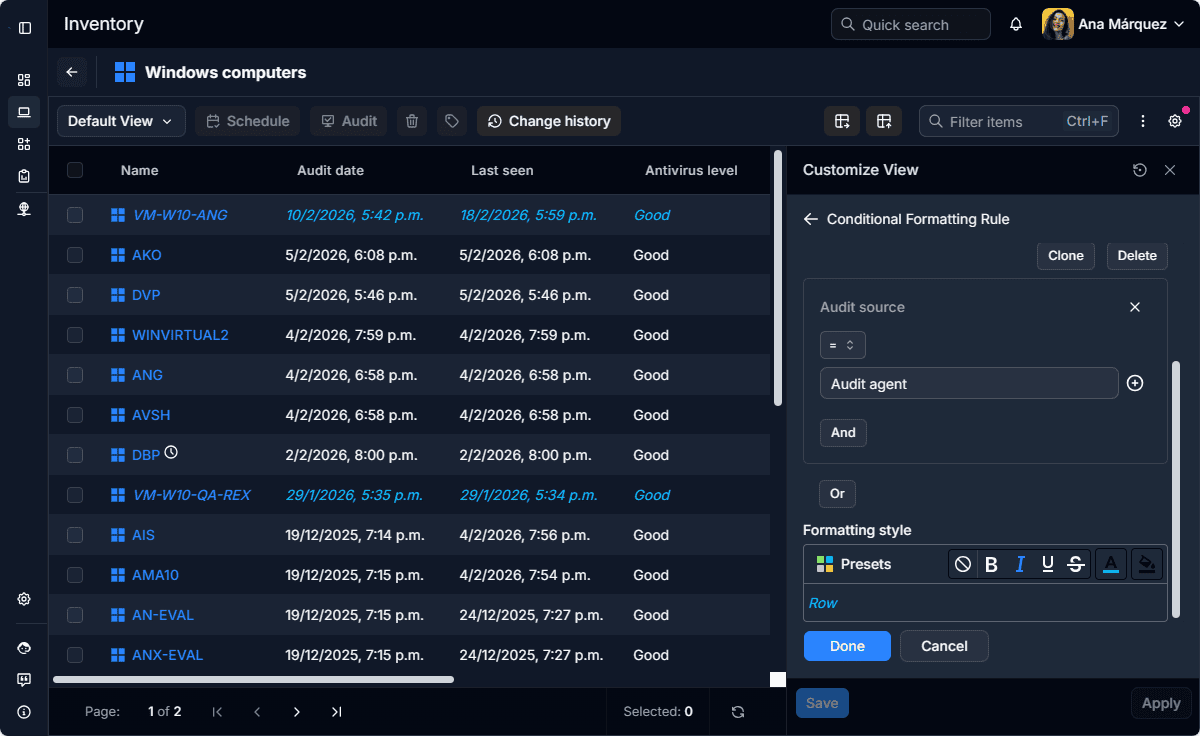
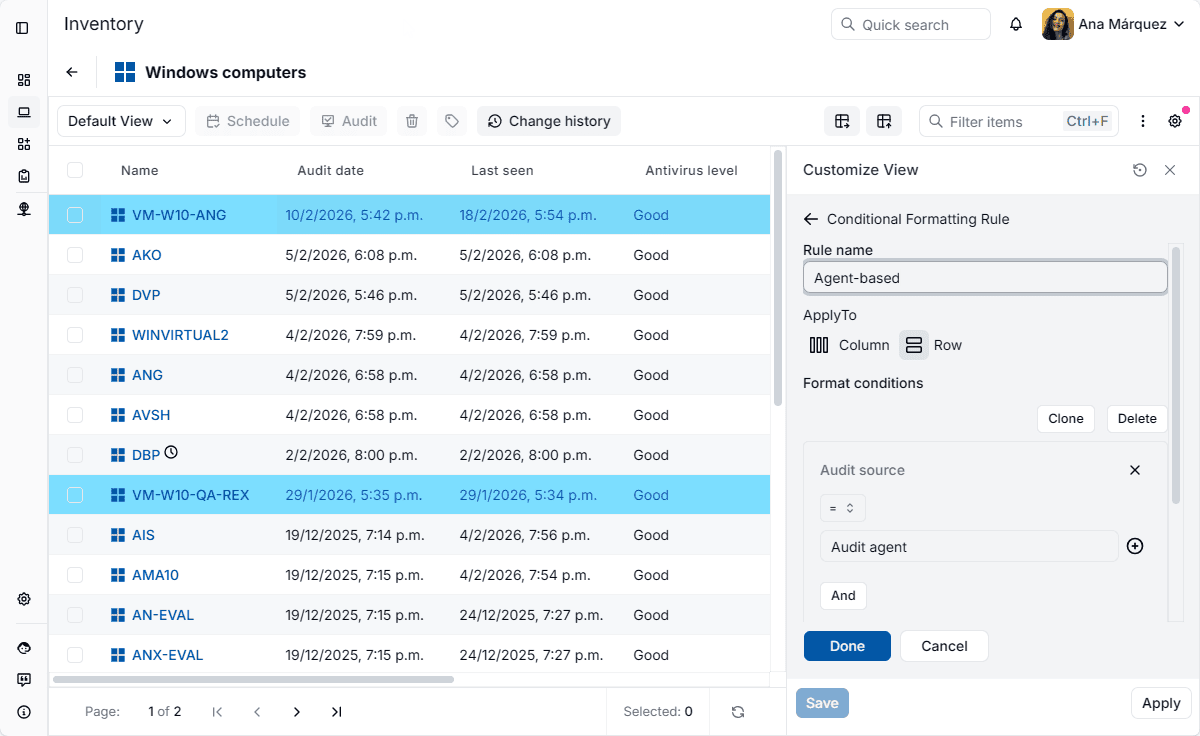
Conditional formatting in AlloyScan follows the same design principles as Alloy Navigator, providing a consistent and unified trusted experience across the Alloy ecosystem.
Follow us on LinkedIn for the latest product insights, feature previews, and more exclusive updates.
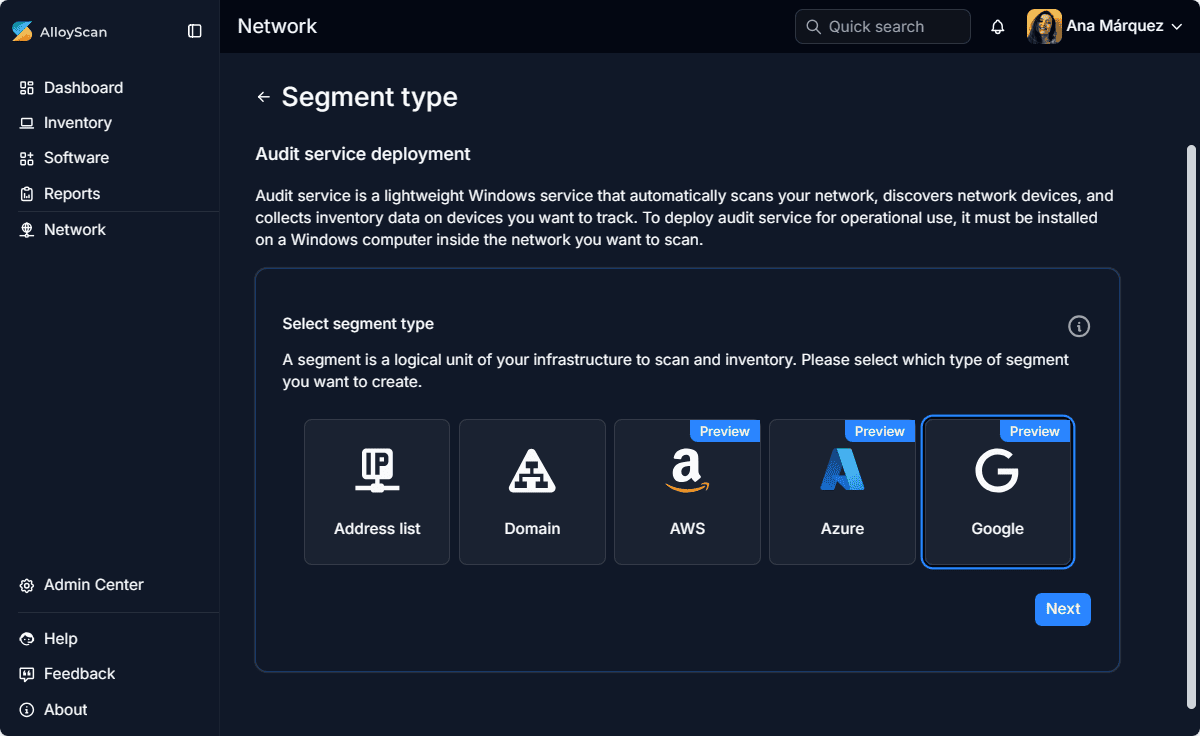
Google Cloud Platform (GCP) is now available as an audit source alongside AWS and Azure. Organizations using GCP can discover and audit their cloud resources directly in AlloyScan, with all resources appearing in Inventory alongside other assets for a unified view across your environment.
Cloud data collection follows AlloyScan’s standard Scan / Audit model: basic identification data can be gathered for free, while a licensed audit collects full details and counts audited cloud resources as audit nodes.
AlloyScan now includes broader manufacturer logo recognition for faster device identification, a new Security Log that provides a structured view of user and API access activity, and additional features designed to streamline day-to-day workflows.
Explore the full list of updates in the Release Notes.
We’d love to hear your thoughts on the new UI and other features of this release! Share your feedback on LinkedIn and help shape the future of AlloyScan.















Considering our ITSM solution?
Talk to our sales team to find out if we’re a match


